STEP-BY-STEP 3 min
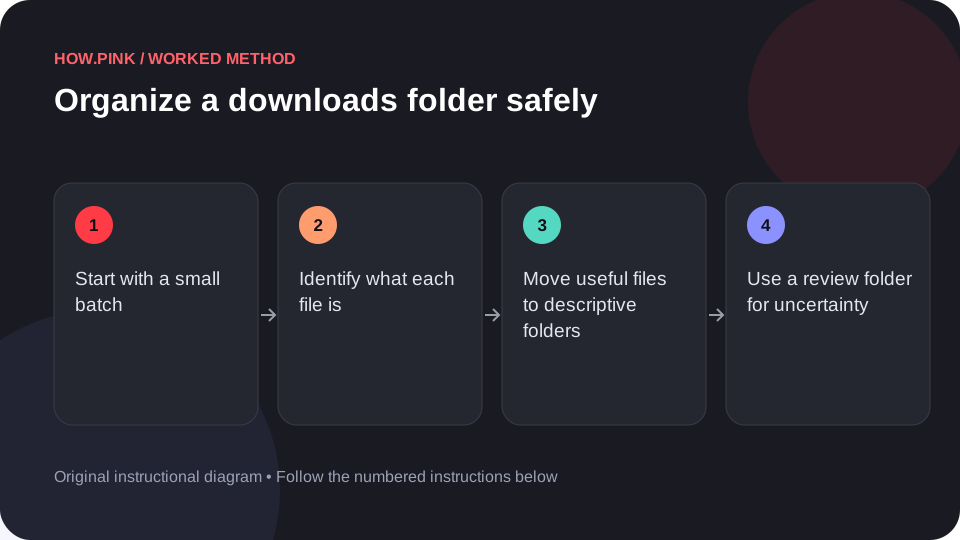
How to organize a downloads folder safely
Sort a small batch while preserving files you may still need.
How Pink Editorial
Small questions, big projects, and everything in between. Pick a guide and take the first step.
Sort a small batch while preserving files you may still need.
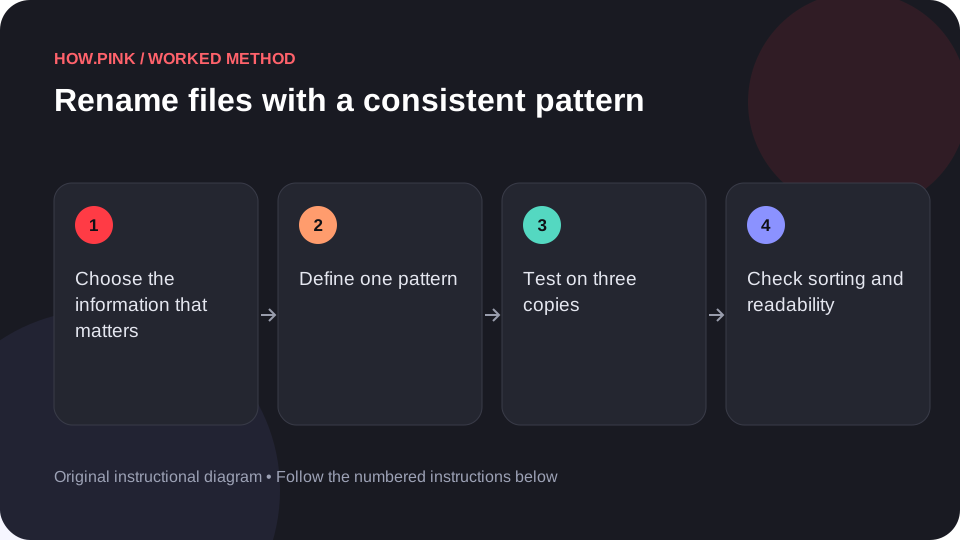
Create filenames that explain the content and sort predictably.
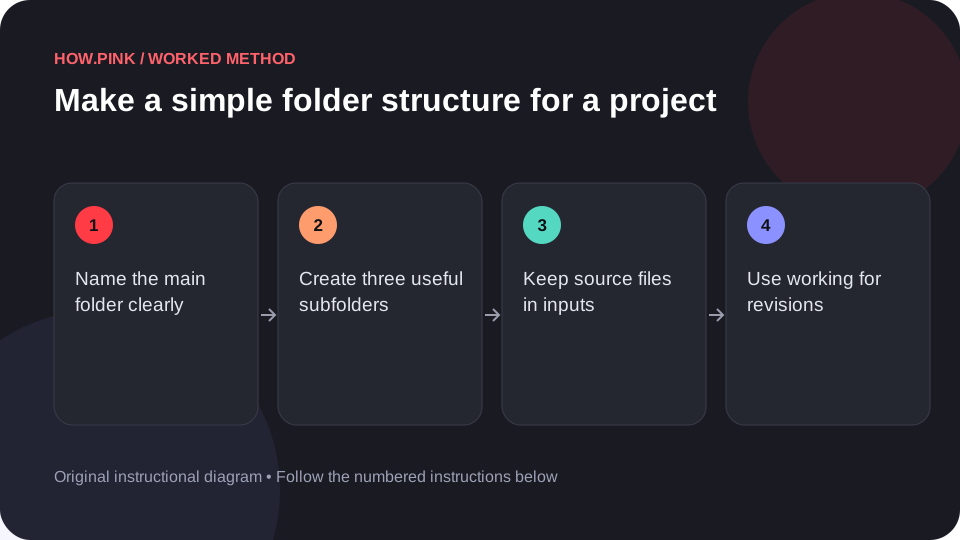
Separate source material, working files and final outputs.
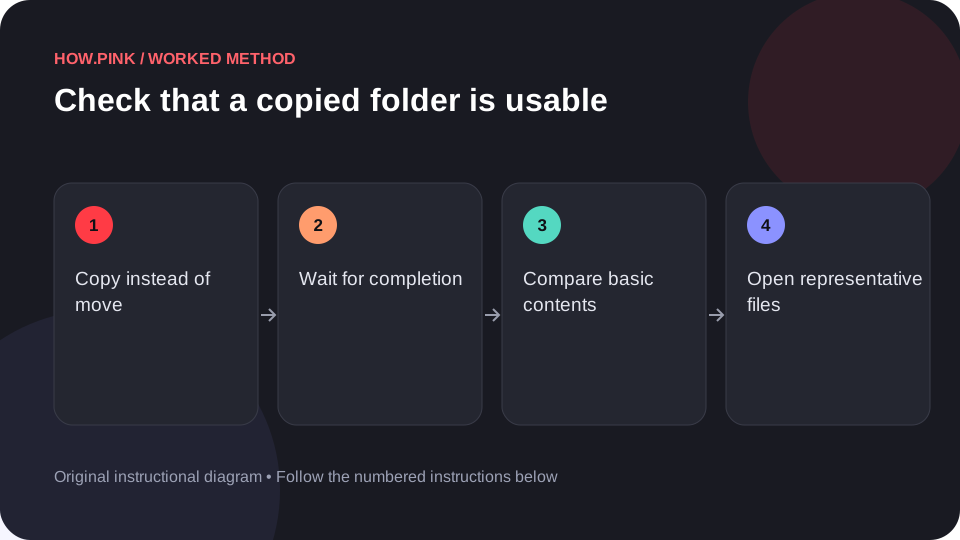
Verify a copy with counts, sample opens and a destination check.
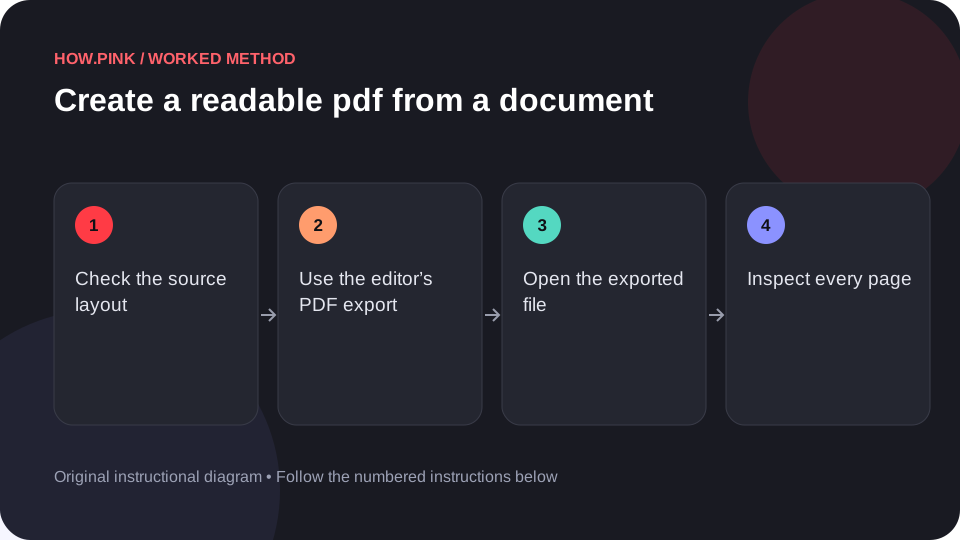
Export a document and inspect the actual PDF before sharing it.
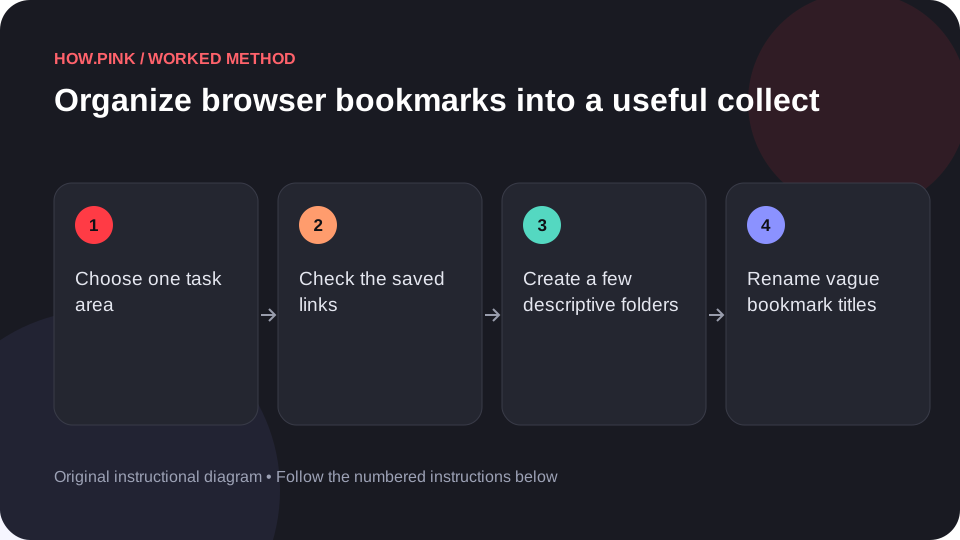
Keep a small set of links based on the tasks you actually revisit.
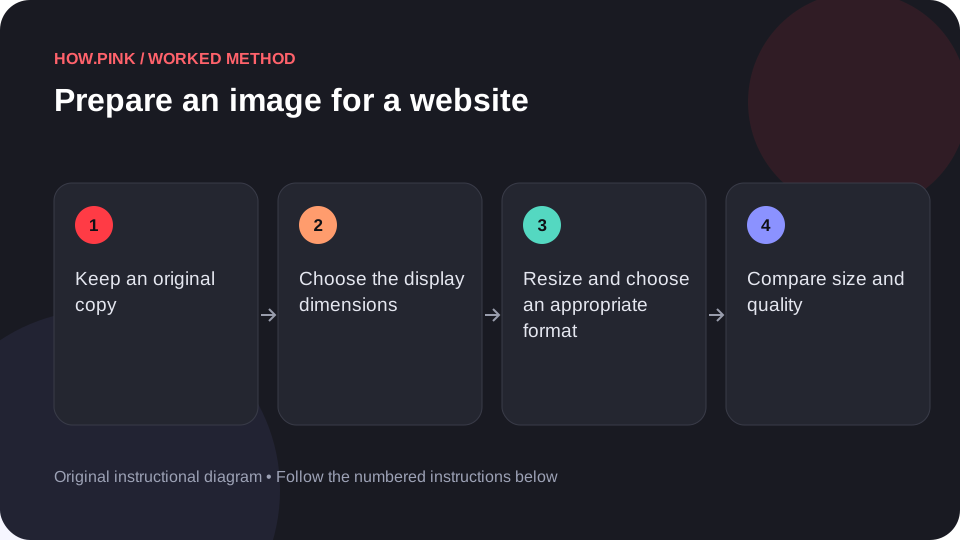
Resize a copy to the display need and inspect the exported result.
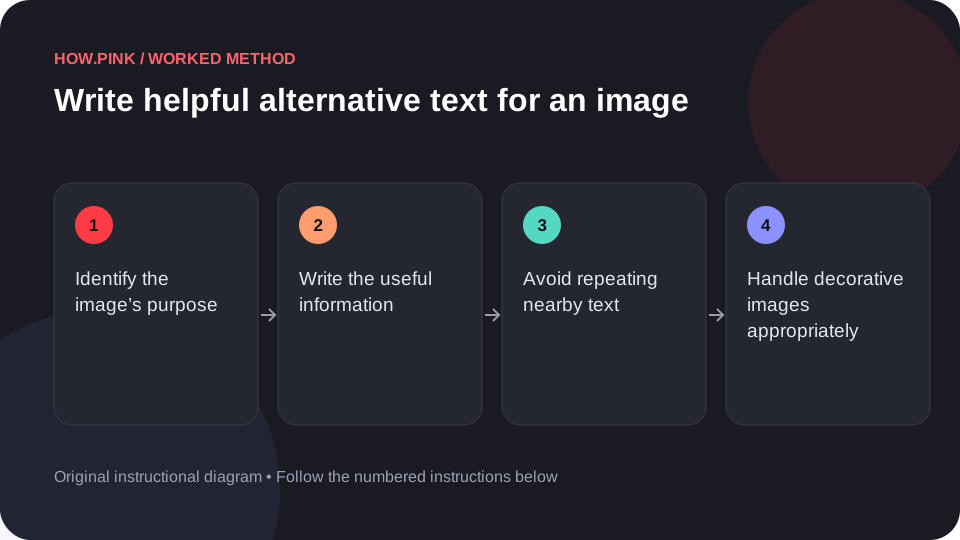
Describe the information the image contributes in its actual context.
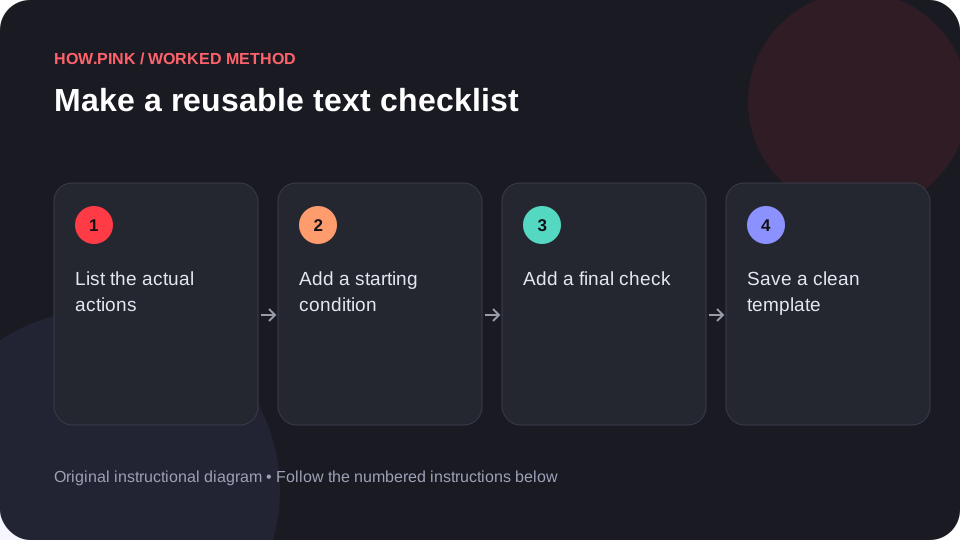
Create a short checklist that can be copied without losing the original.
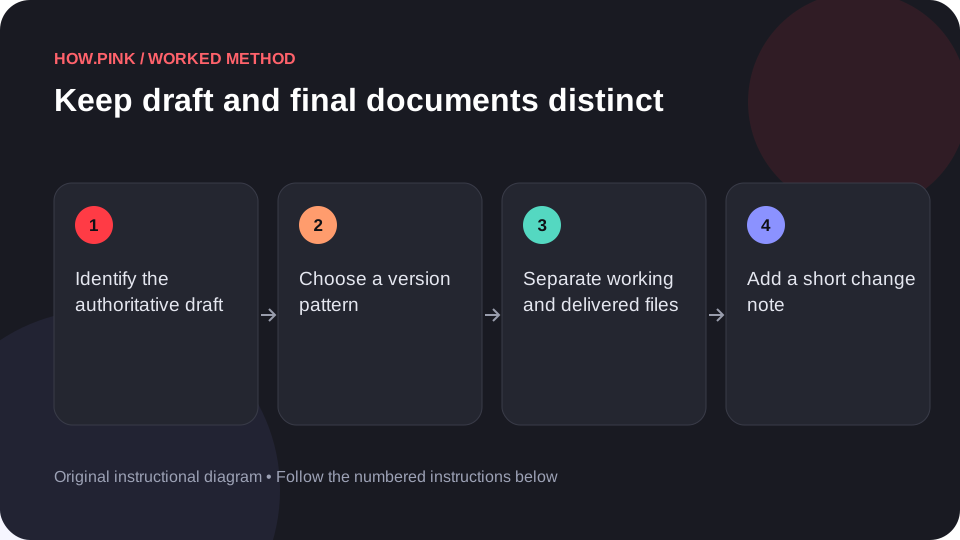
Use clear names and locations to reduce version confusion.