A HOW.PINK COLLECTION Web design & CSS starter path A checked sequence of small worked examples. Choose a method and verify it before adapting the pattern.
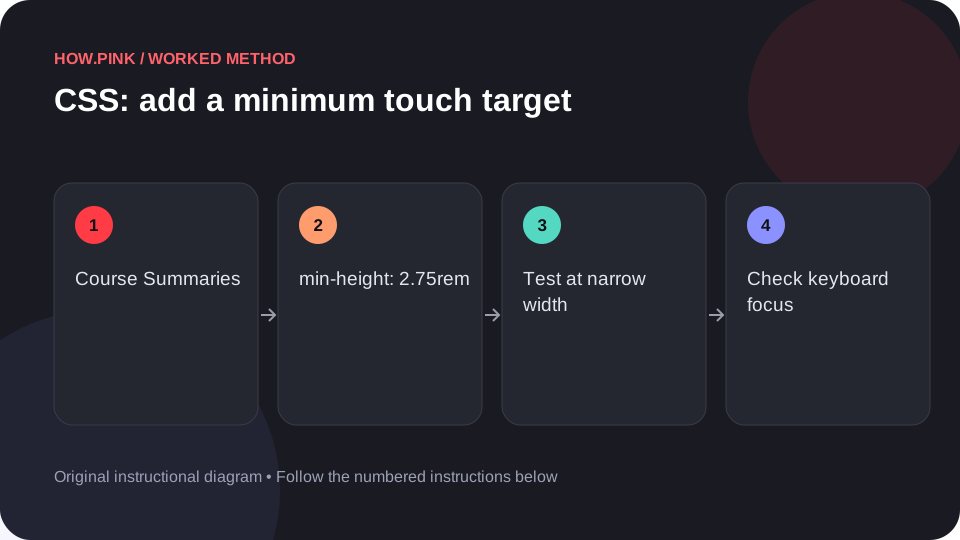
1,000 guides · One step at a time Web design & CSS Build a small standalone HTML example to add a minimum touch target for course summaries, then check the behavior at narrow and wide viewport sizes.
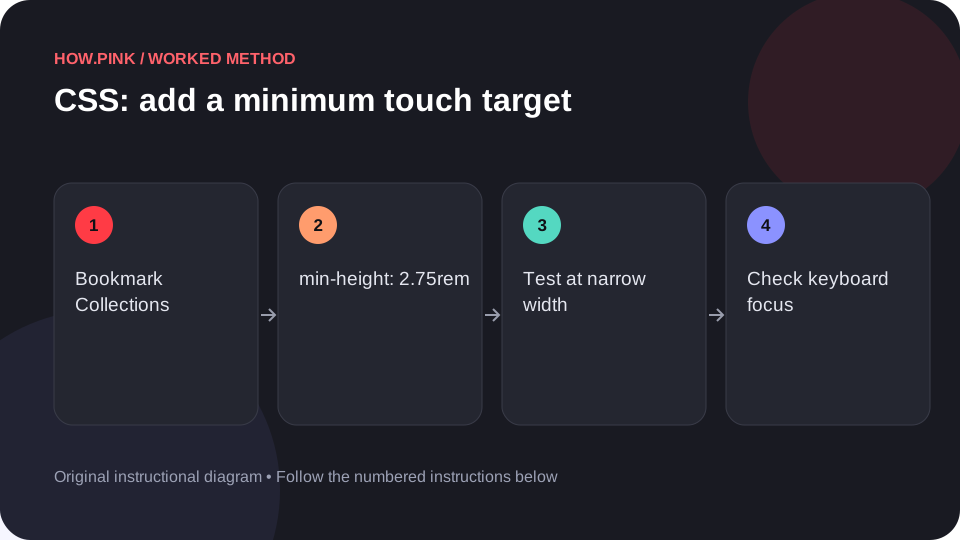
Web design & CSS Build a small standalone HTML example to add a minimum touch target for bookmark collections, then check the behavior at narrow and wide viewport sizes.
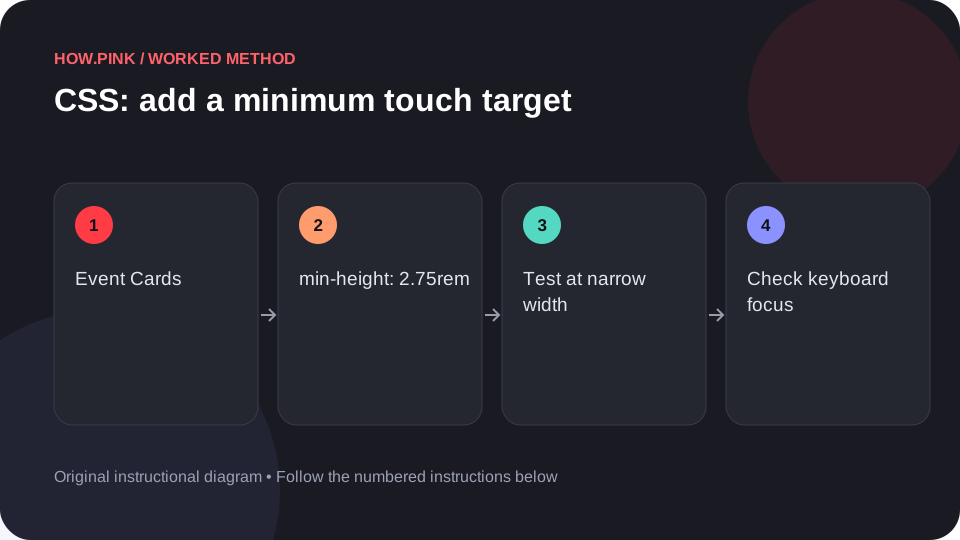
Web design & CSS Build a small standalone HTML example to add a minimum touch target for event cards, then check the behavior at narrow and wide viewport sizes.
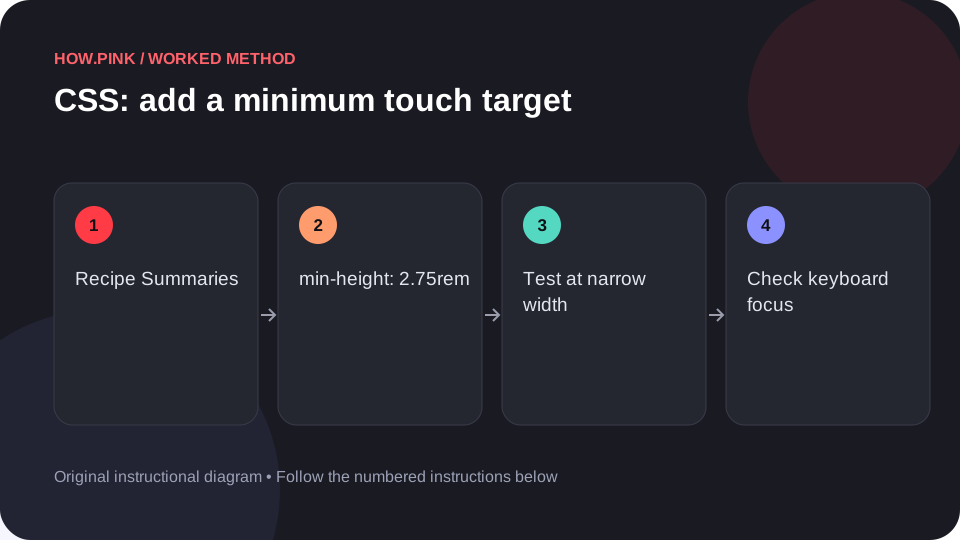
Web design & CSS Build a small standalone HTML example to add a minimum touch target for recipe summaries, then check the behavior at narrow and wide viewport sizes.
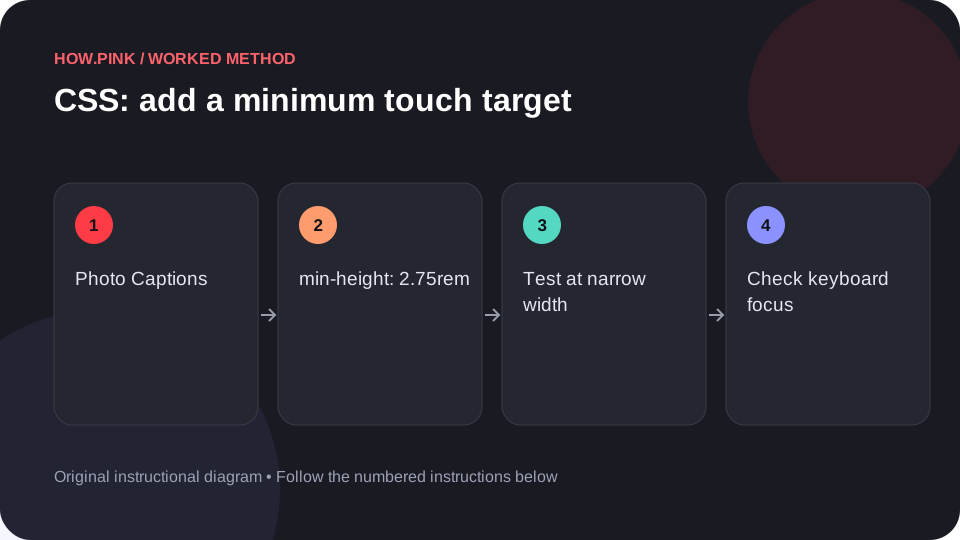
Web design & CSS Build a small standalone HTML example to add a minimum touch target for photo captions, then check the behavior at narrow and wide viewport sizes.
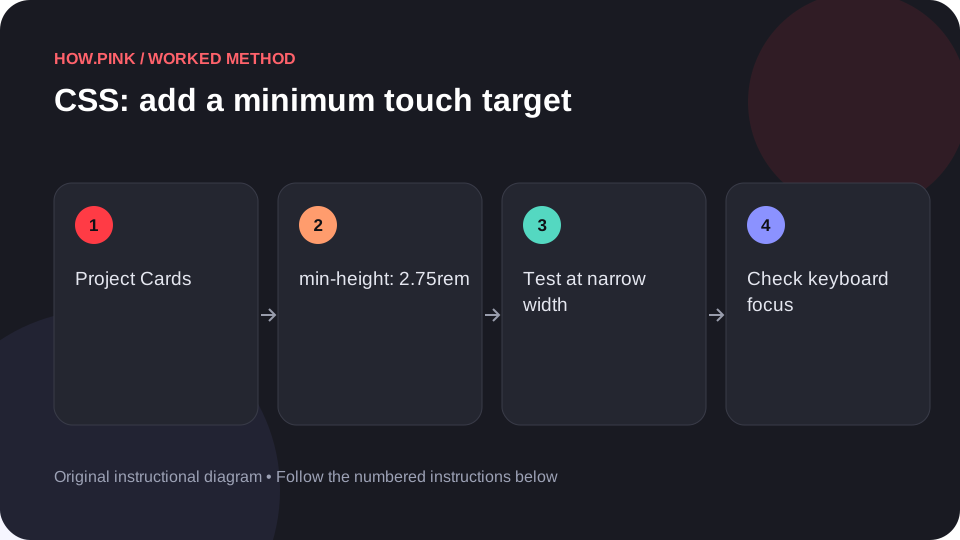
Web design & CSS Build a small standalone HTML example to add a minimum touch target for project cards, then check the behavior at narrow and wide viewport sizes.
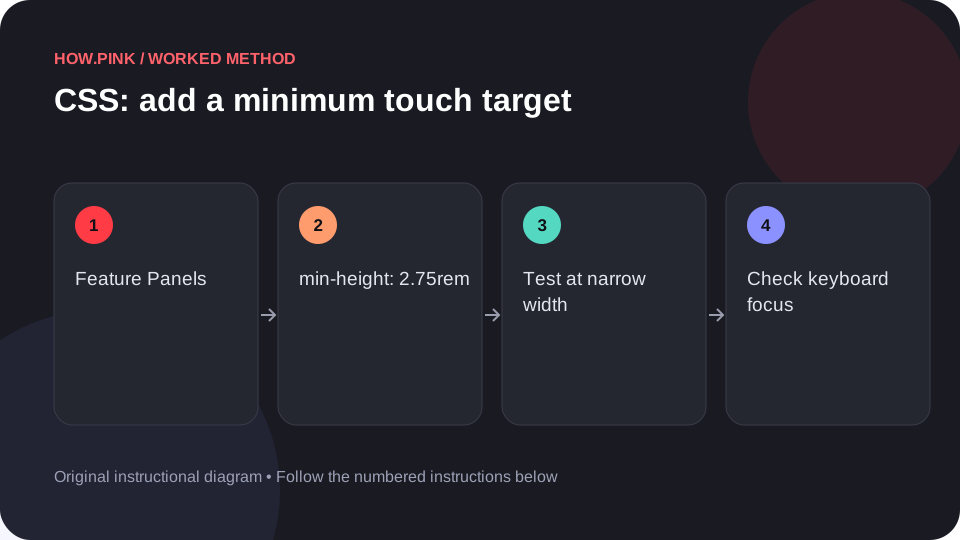
Web design & CSS Build a small standalone HTML example to add a minimum touch target for feature panels, then check the behavior at narrow and wide viewport sizes.
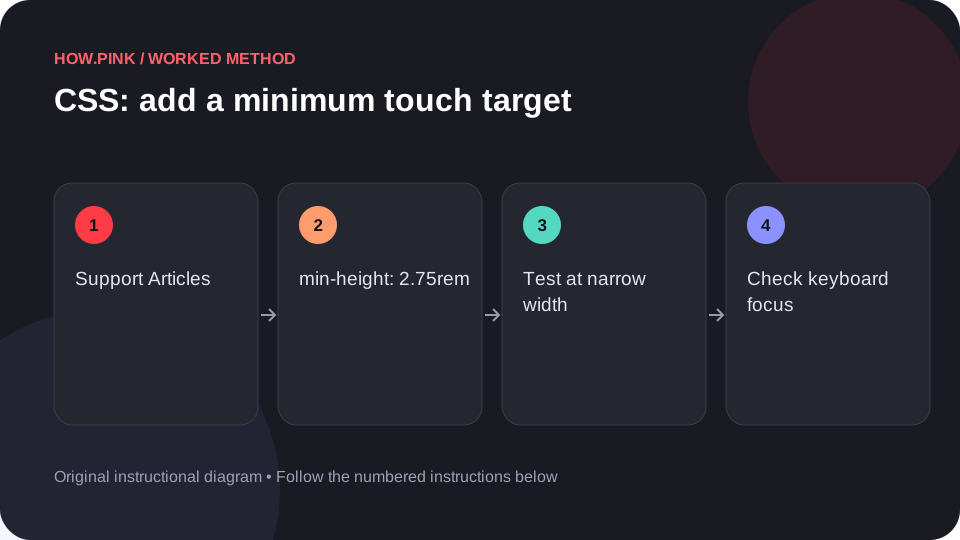
Web design & CSS Build a small standalone HTML example to add a minimum touch target for support articles, then check the behavior at narrow and wide viewport sizes.
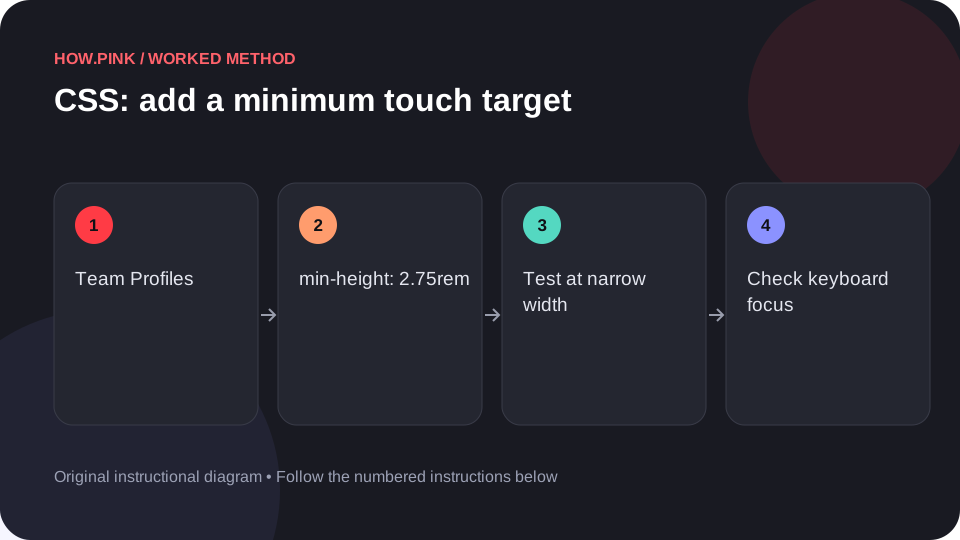
Web design & CSS Build a small standalone HTML example to add a minimum touch target for team profiles, then check the behavior at narrow and wide viewport sizes.
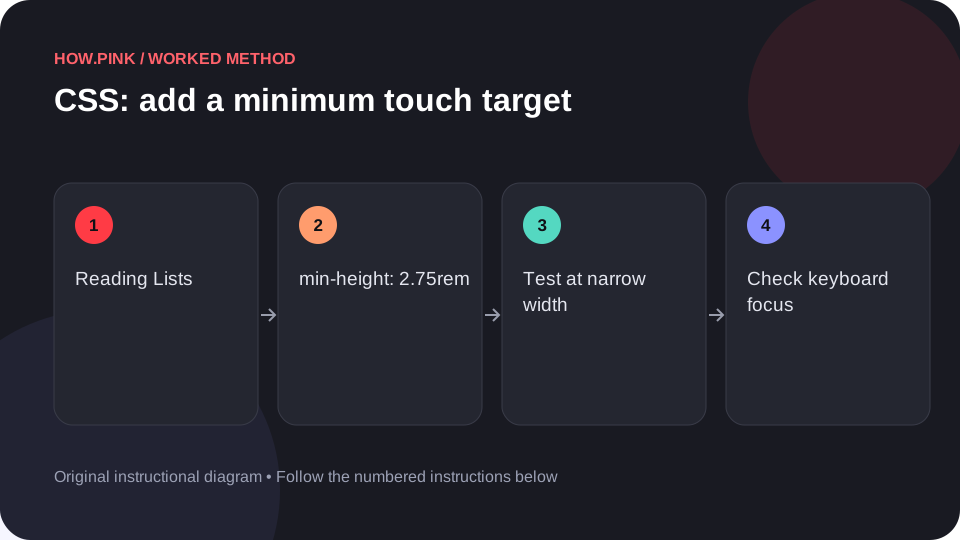
Web design & CSS Build a small standalone HTML example to add a minimum touch target for reading lists, then check the behavior at narrow and wide viewport sizes.
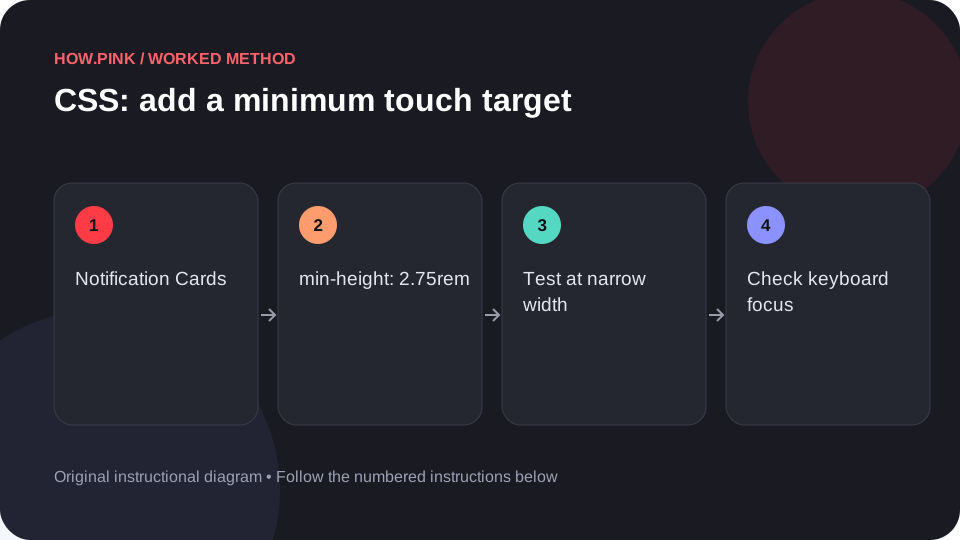
Web design & CSS Build a small standalone HTML example to add a minimum touch target for notification cards, then check the behavior at narrow and wide viewport sizes.
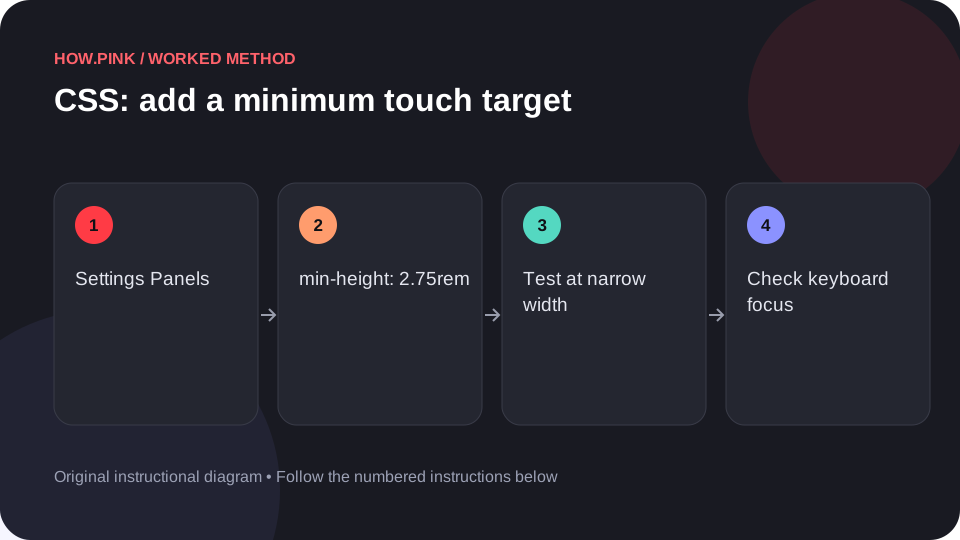
Web design & CSS Build a small standalone HTML example to add a minimum touch target for settings panels, then check the behavior at narrow and wide viewport sizes.
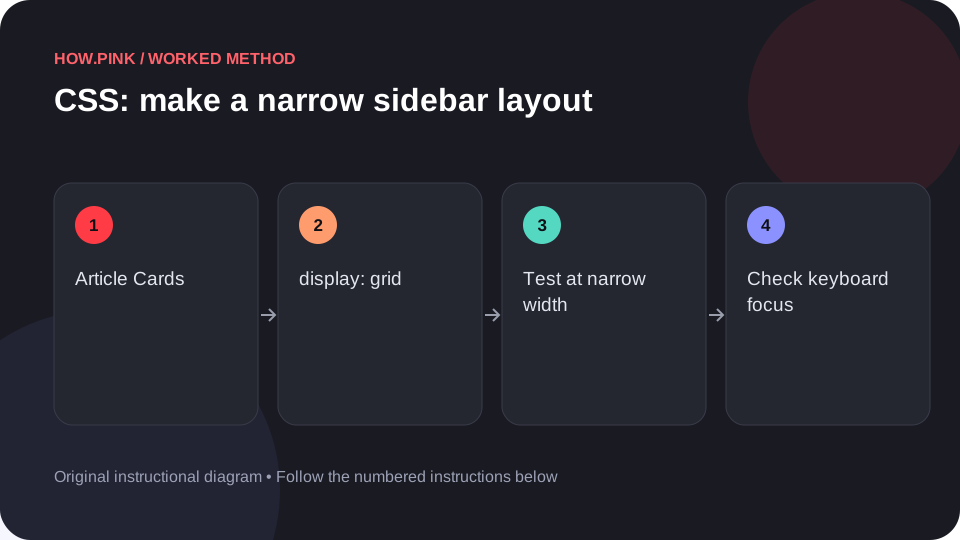
Web design & CSS Build a small standalone HTML example to make a narrow sidebar layout for article cards, then check the behavior at narrow and wide viewport sizes.
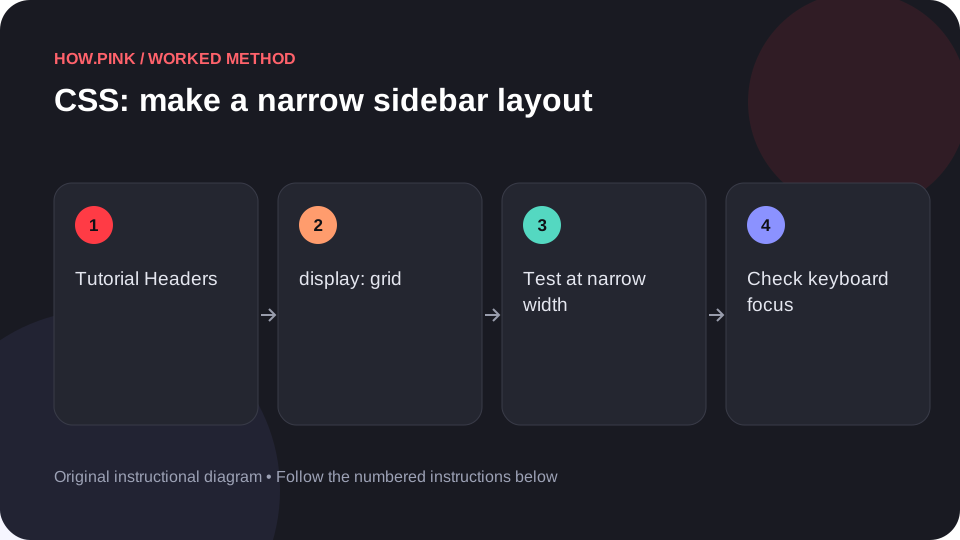
Web design & CSS Build a small standalone HTML example to make a narrow sidebar layout for tutorial headers, then check the behavior at narrow and wide viewport sizes.
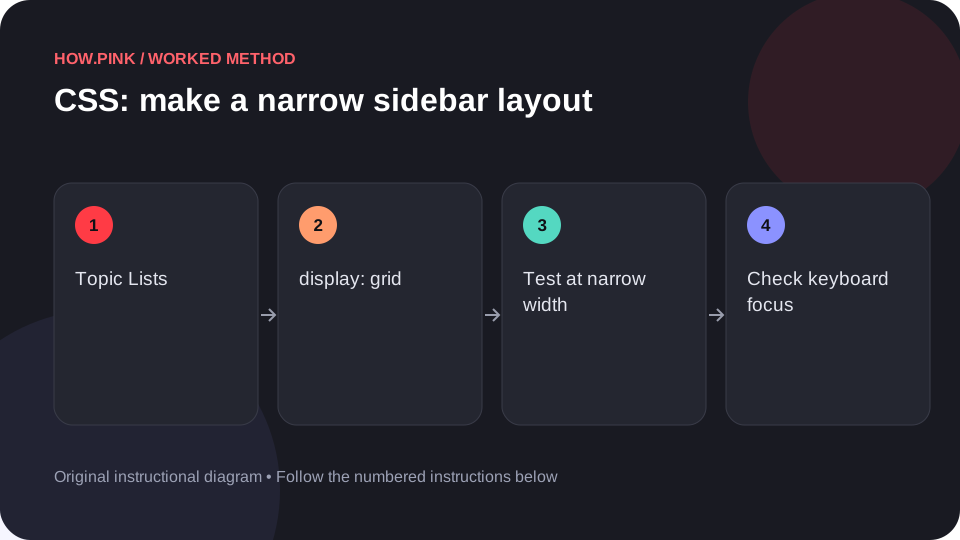
Web design & CSS Build a small standalone HTML example to make a narrow sidebar layout for topic lists, then check the behavior at narrow and wide viewport sizes.
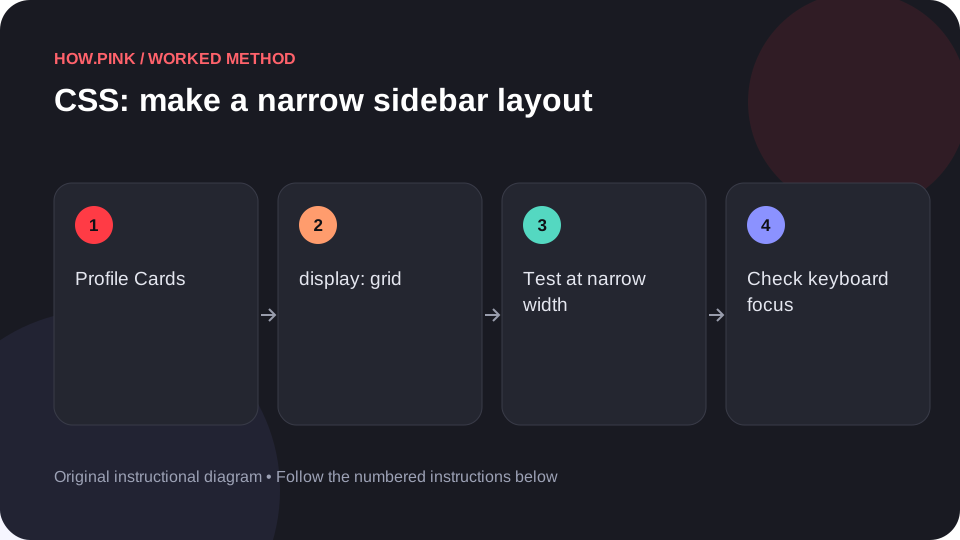
Web design & CSS Build a small standalone HTML example to make a narrow sidebar layout for profile cards, then check the behavior at narrow and wide viewport sizes.
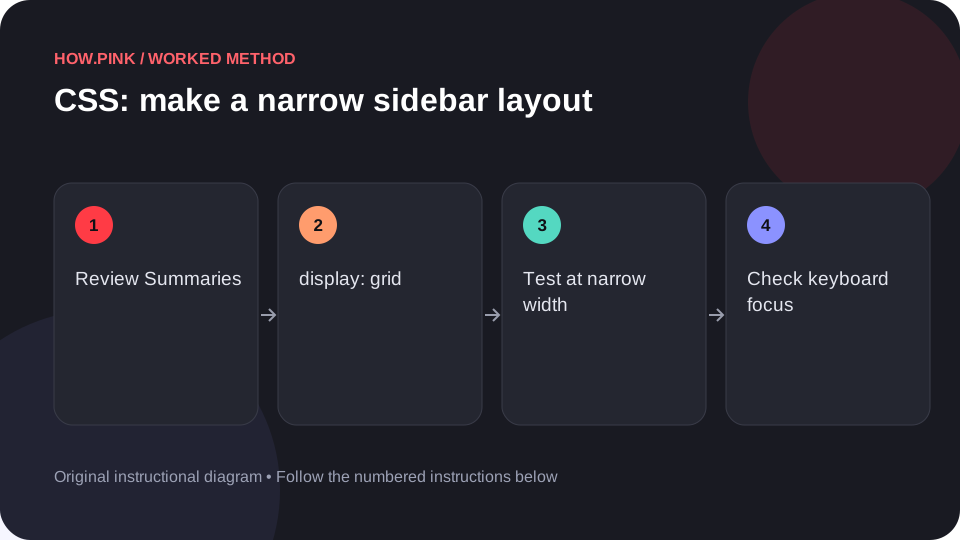
Web design & CSS Build a small standalone HTML example to make a narrow sidebar layout for review summaries, then check the behavior at narrow and wide viewport sizes.
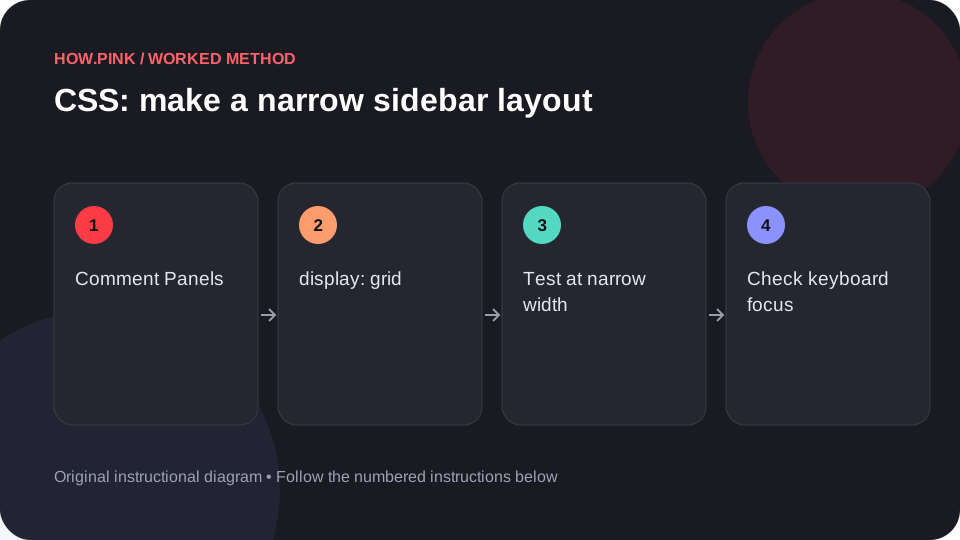
Web design & CSS Build a small standalone HTML example to make a narrow sidebar layout for comment panels, then check the behavior at narrow and wide viewport sizes.