STEP-BY-STEP 3 min
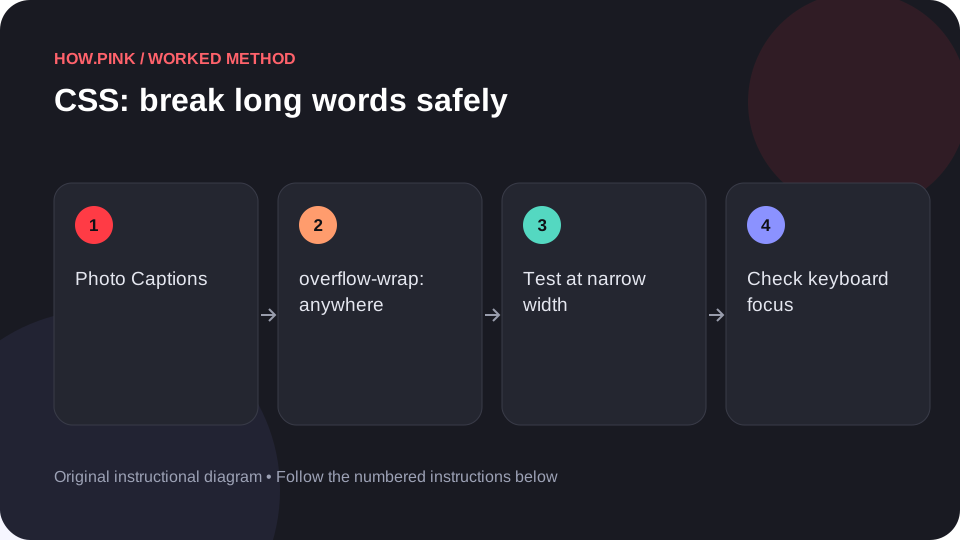
How to break long words safely for photo captions with CSS
Build a small standalone HTML example to break long words safely for photo captions, then check the behavior at narrow and wide viewport sizes.
How Pink Editorial
Small questions, big projects, and everything in between. Pick a guide and take the first step.
Build a small standalone HTML example to break long words safely for photo captions, then check the behavior at narrow and wide viewport sizes.
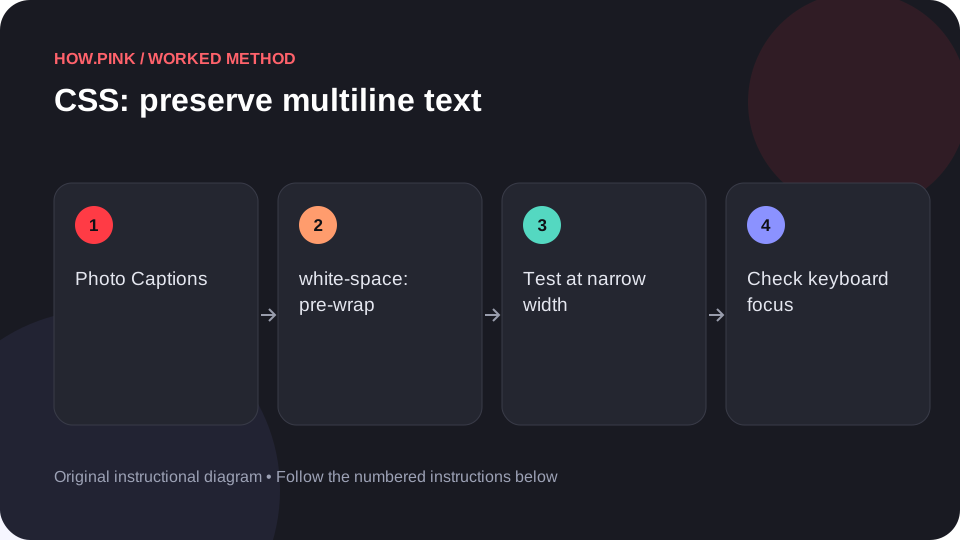
Build a small standalone HTML example to preserve multiline text for photo captions, then check the behavior at narrow and wide viewport sizes.
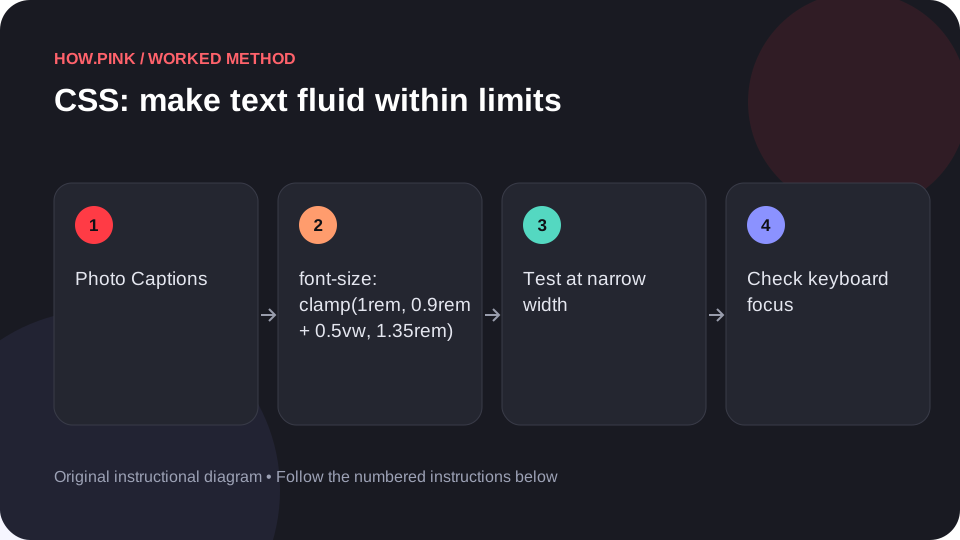
Build a small standalone HTML example to make text fluid within limits for photo captions, then check the behavior at narrow and wide viewport sizes.
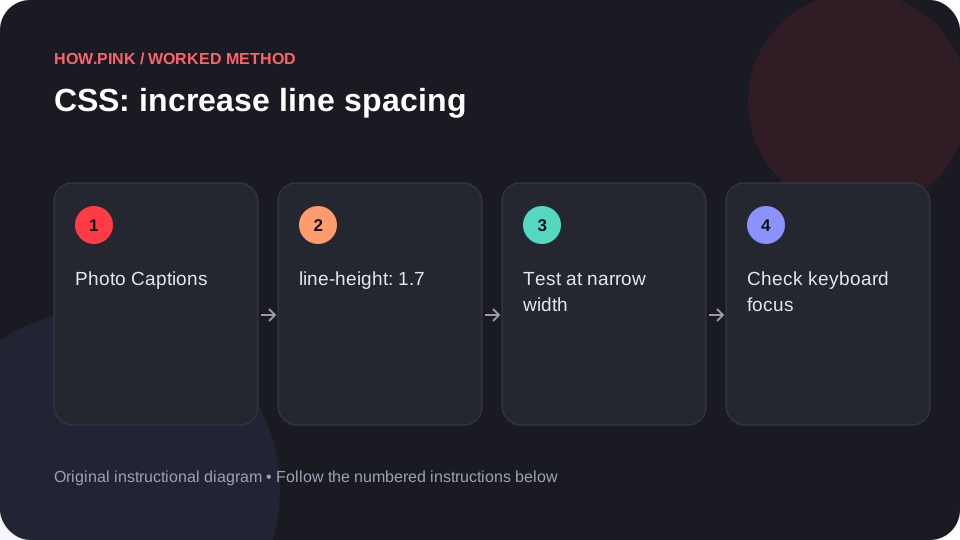
Build a small standalone HTML example to increase line spacing for photo captions, then check the behavior at narrow and wide viewport sizes.
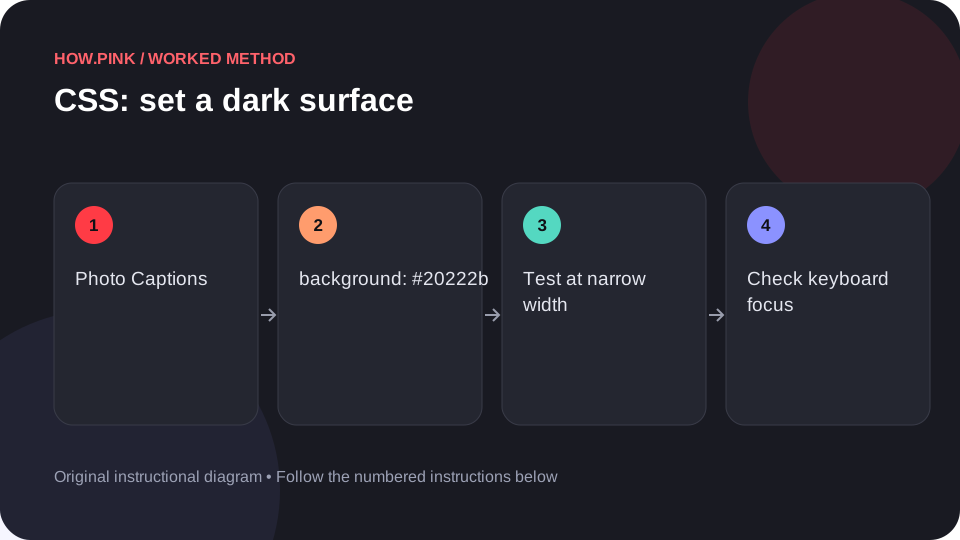
Build a small standalone HTML example to set a dark surface for photo captions, then check the behavior at narrow and wide viewport sizes.
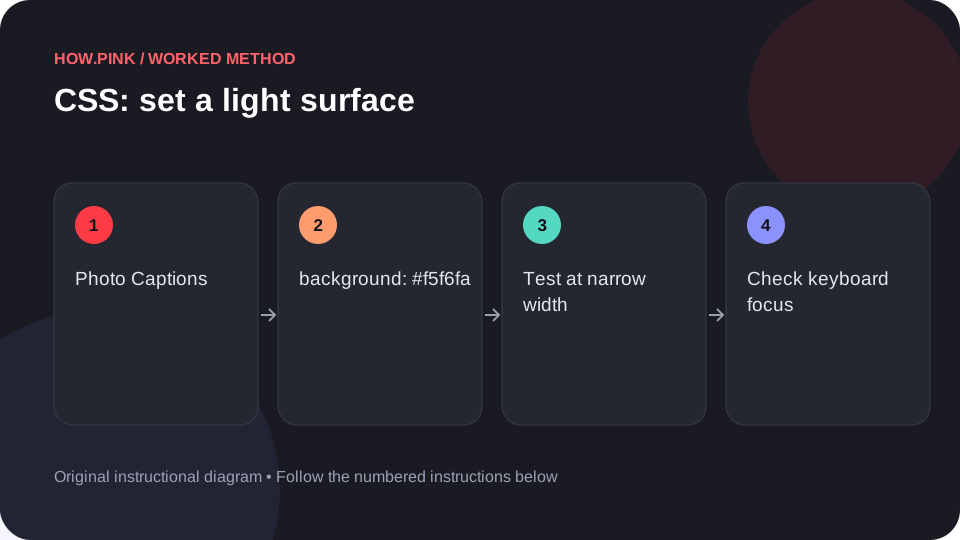
Build a small standalone HTML example to set a light surface for photo captions, then check the behavior at narrow and wide viewport sizes.
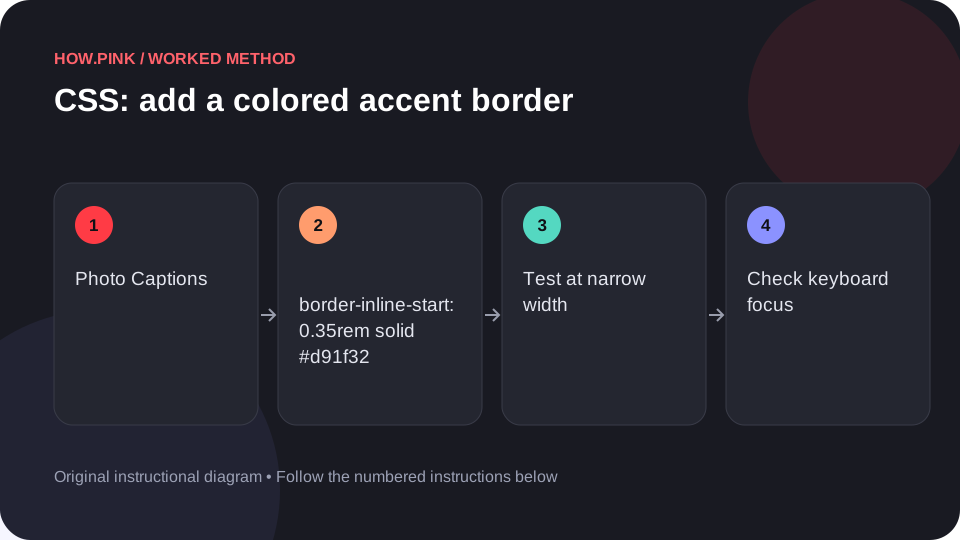
Build a small standalone HTML example to add a colored accent border for photo captions, then check the behavior at narrow and wide viewport sizes.
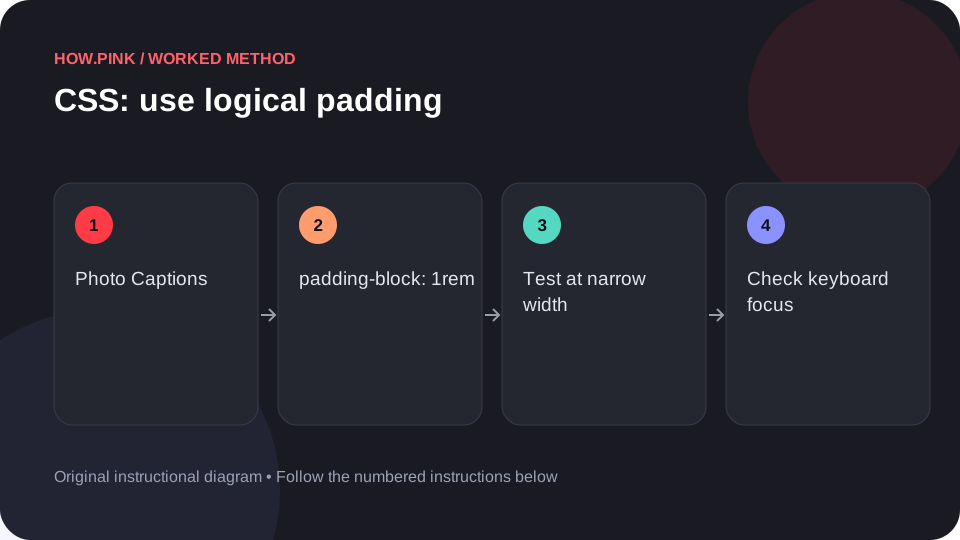
Build a small standalone HTML example to use logical padding for photo captions, then check the behavior at narrow and wide viewport sizes.
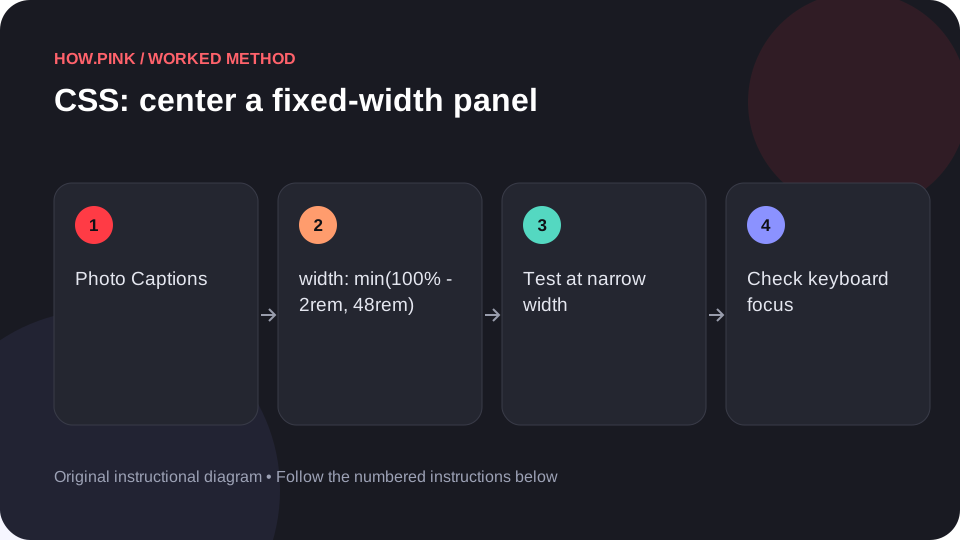
Build a small standalone HTML example to center a fixed-width panel for photo captions, then check the behavior at narrow and wide viewport sizes.
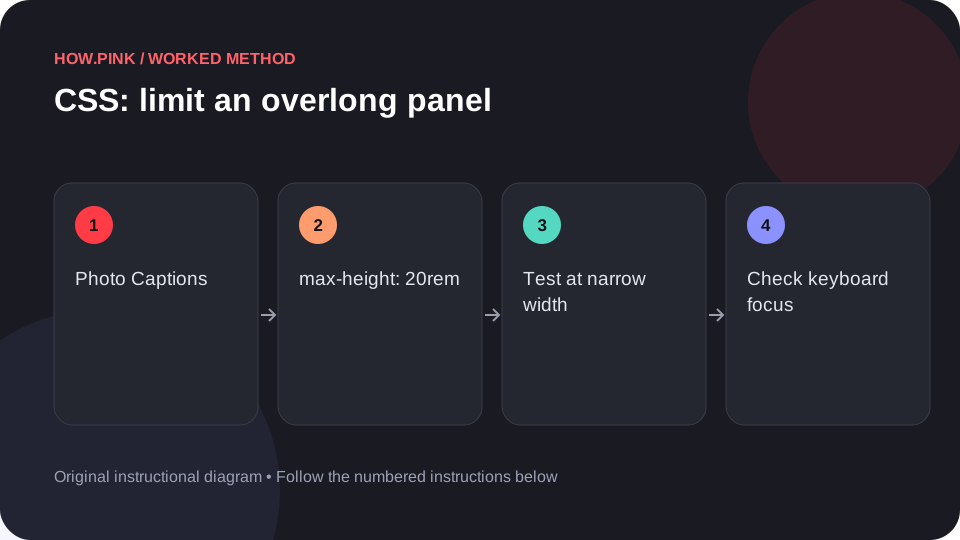
Build a small standalone HTML example to limit an overlong panel for photo captions, then check the behavior at narrow and wide viewport sizes.
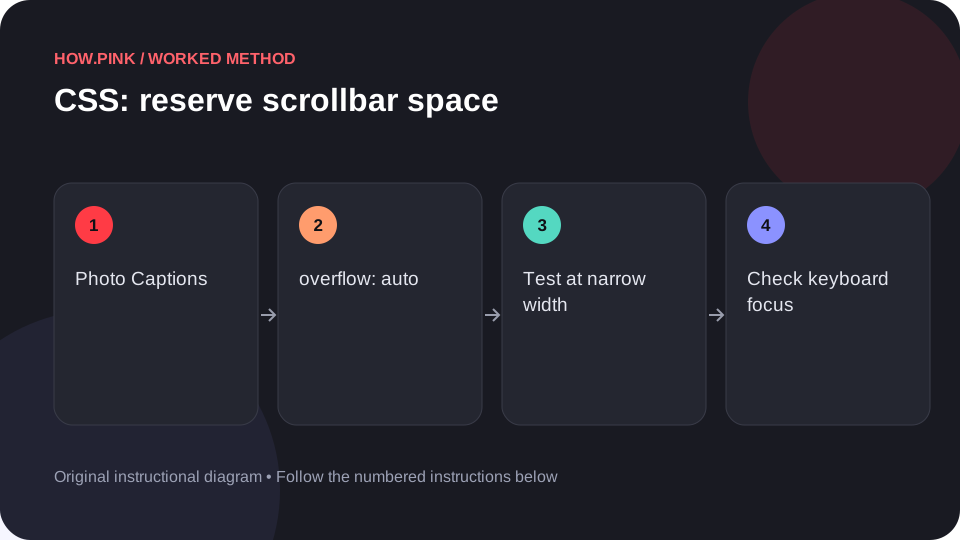
Build a small standalone HTML example to reserve scrollbar space for photo captions, then check the behavior at narrow and wide viewport sizes.
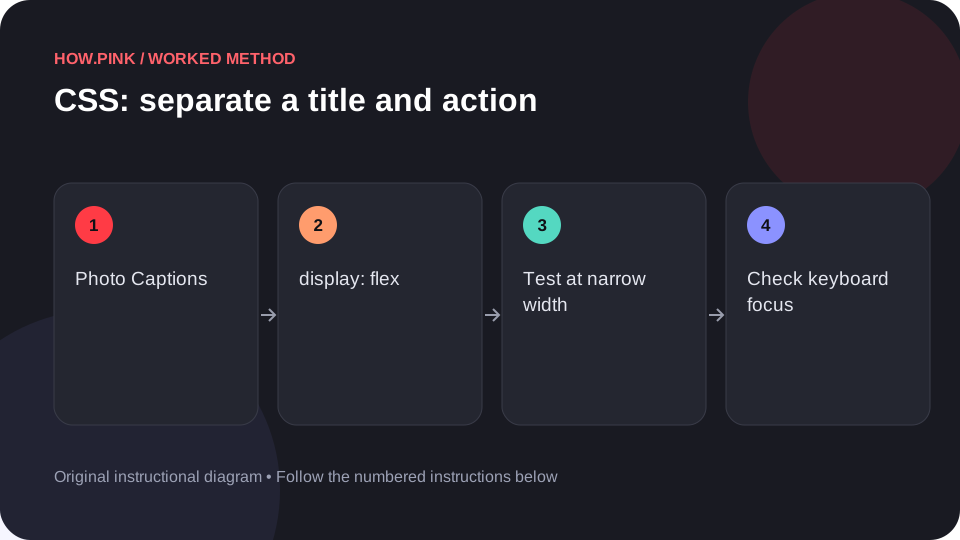
Build a small standalone HTML example to separate a title and action for photo captions, then check the behavior at narrow and wide viewport sizes.
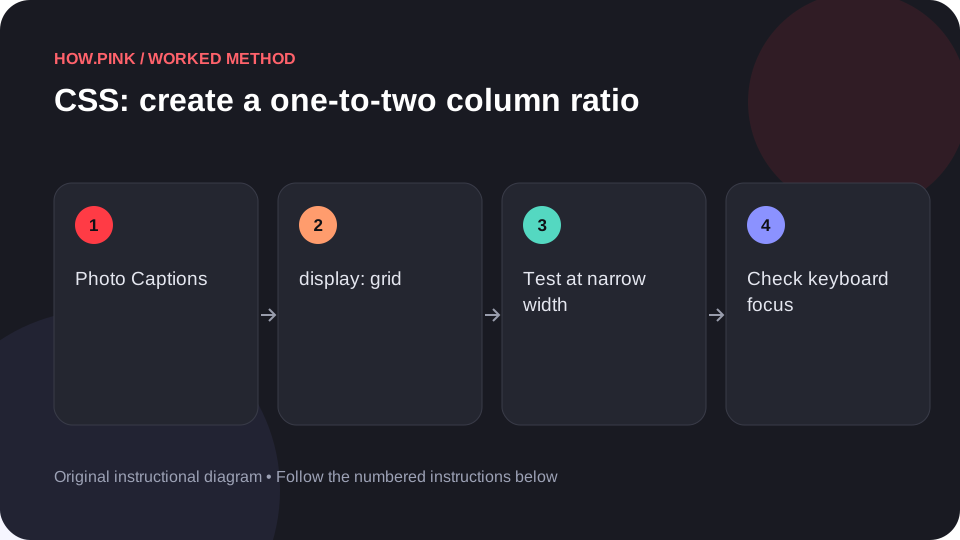
Build a small standalone HTML example to create a one-to-two column ratio for photo captions, then check the behavior at narrow and wide viewport sizes.
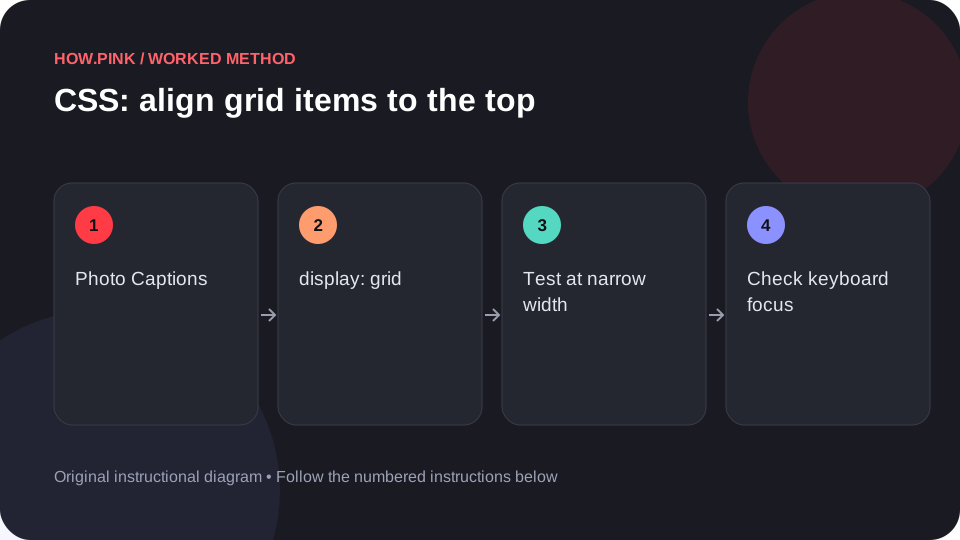
Build a small standalone HTML example to align grid items to the top for photo captions, then check the behavior at narrow and wide viewport sizes.
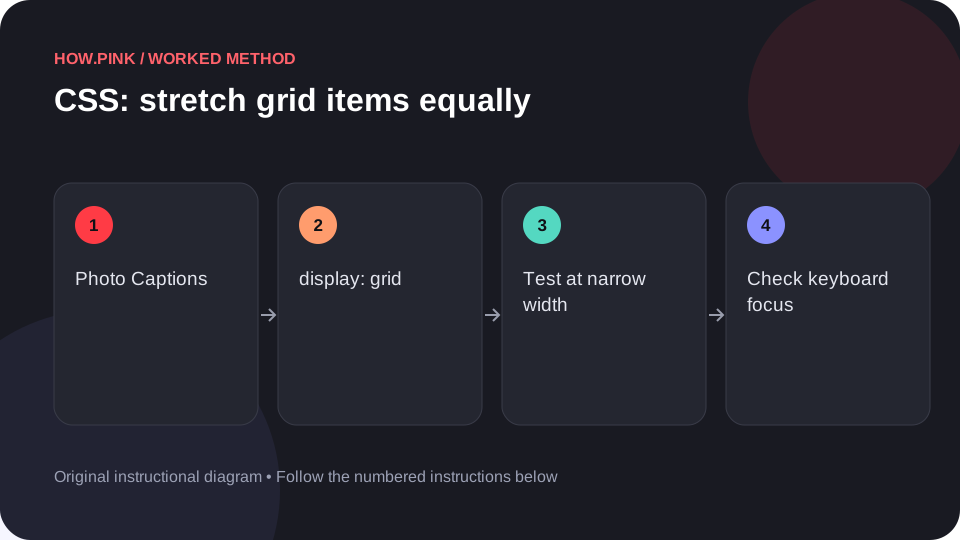
Build a small standalone HTML example to stretch grid items equally for photo captions, then check the behavior at narrow and wide viewport sizes.
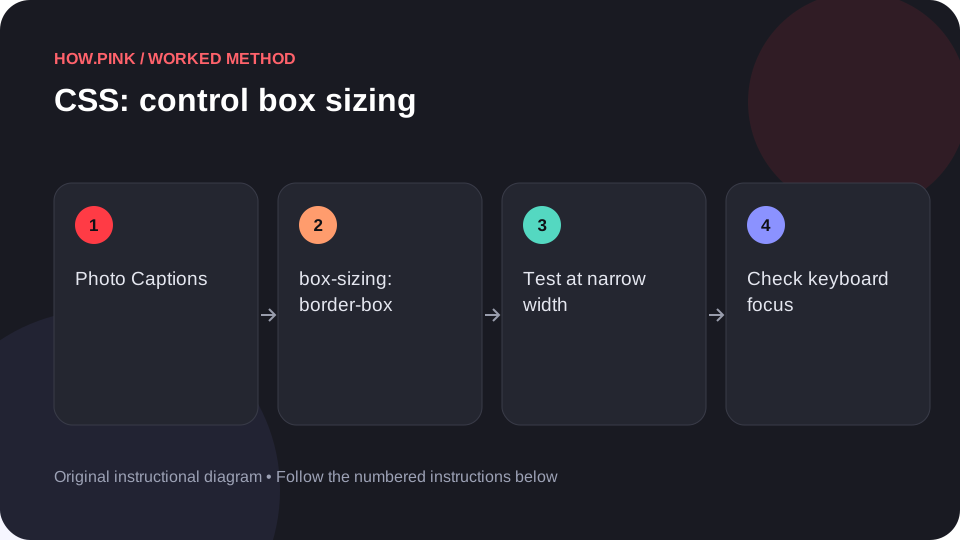
Build a small standalone HTML example to control box sizing for photo captions, then check the behavior at narrow and wide viewport sizes.
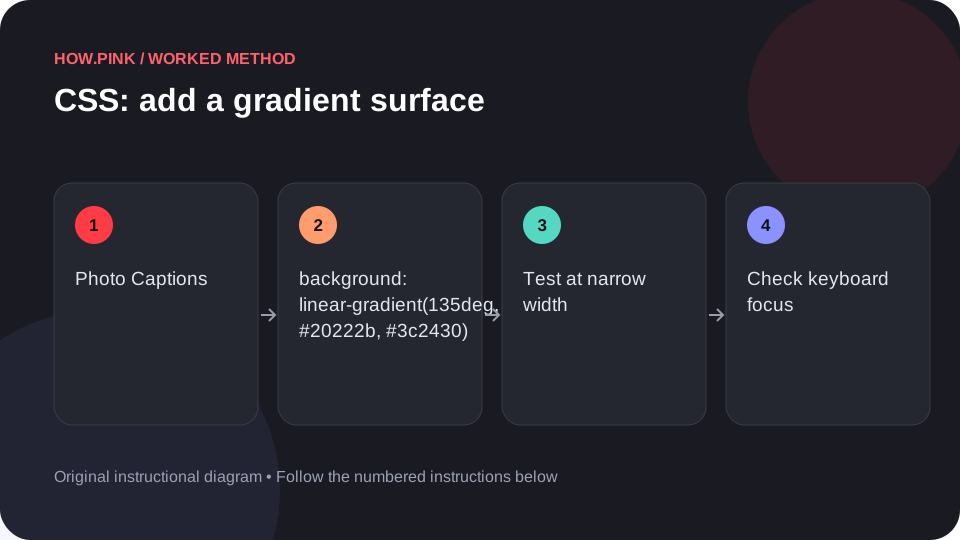
Build a small standalone HTML example to add a gradient surface for photo captions, then check the behavior at narrow and wide viewport sizes.
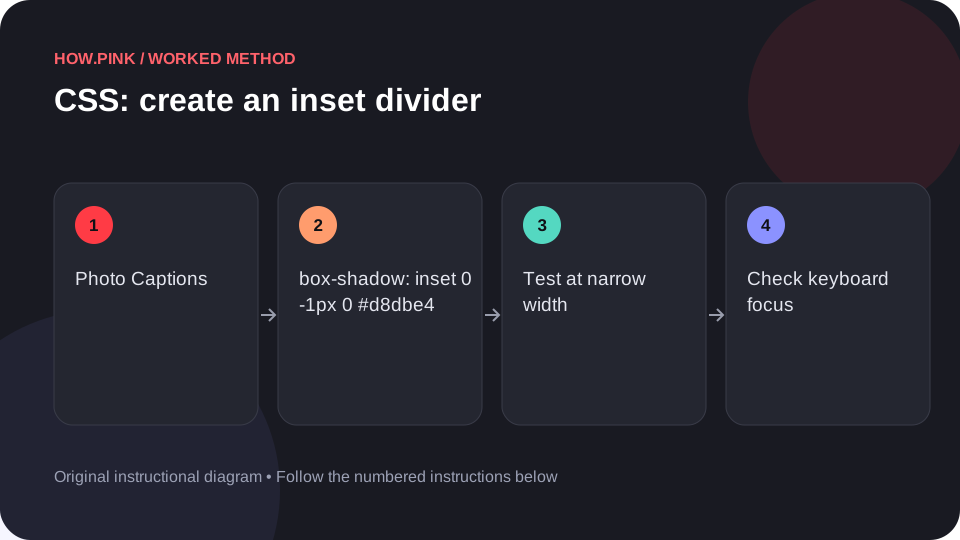
Build a small standalone HTML example to create an inset divider for photo captions, then check the behavior at narrow and wide viewport sizes.