# discoverSmall steps. Real progress.
Share a tutorial
BUYING GUIDE

Security camera selection: image quality, integration and privacy

Compare the complete camera system before requesting a quotation, including storage and account access.

Security camera selection: image quality, integration and privacyProduct reviews

Compare the complete camera system before requesting a quotation, including storage and account access.

Step-by-step guide

1

Describe the installation

Start with the scene rather than the resolution number. Specify indoor or outdoor placement, viewing distance, lighting, mounting position and whether identifying people or observing activity is the goal. This guide reviews purchasing criteria based on specifications; it does not present measured performance for the products in the catalog. Request footage from a representative scene before approving a model.

2

Check the whole signal path

Ask for the actual recording resolution, frame rate and compression settings together. Higher pixel counts do not automatically improve low-light identification. Confirm power requirements, network connection, cable length limits and any recorder compatibility. If a supplier claims interoperability, request the supported functions and test the intended camera-and-recorder combination instead of relying on a badge.

3

Make storage costs visible

Clarify local storage support, storage media requirements and the effect of recording schedules on retention. Ask whether cloud storage is optional, what subscriptions are required and what happens when a subscription ends. Confirm whether the camera continues recording during an internet outage and which functions remain available on the local network.

4

Assess account and data controls

Identify who operates the app and cloud service and where the privacy policy is available. Ask about unique credentials, password changes, access sharing, security updates and the supported lifetime. Confirm how recordings and accounts can be deleted. Agree on who controls the initial setup, then remove installer access after handover where appropriate. Consider the privacy requirements of the installation location.

5

Use a written acceptance plan

Approve samples using the intended network, recorder and storage. Check daylight and low-light scenes, timestamps, playback, motion alerts and recovery after a power interruption. Record firmware and settings so suppliers can reproduce issues. Include packaging, accessories, warranty response and replacement procedures in the quotation. Image specifications alone are not a complete purchasing decision.
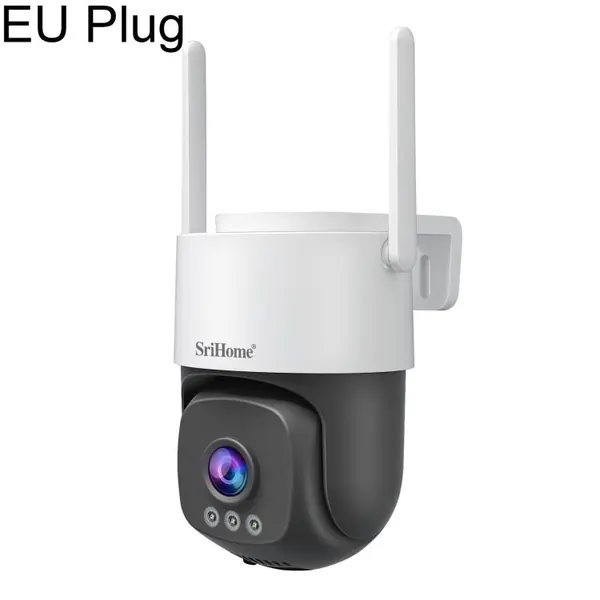
Products in this guide

Product information is provided for research. Check current specifications with the supplier.

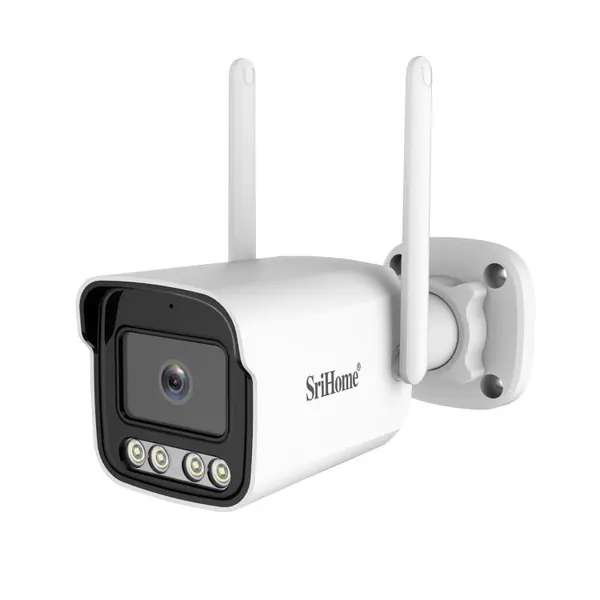
SriHome SH065 5MP Outdoor Security Camera

SriHome SH065 5MP Outdoor Security Camera

A five-megapixel security camera listing with two-way audio. Confirm app support, storage options and night-time image quality using a sample installation.

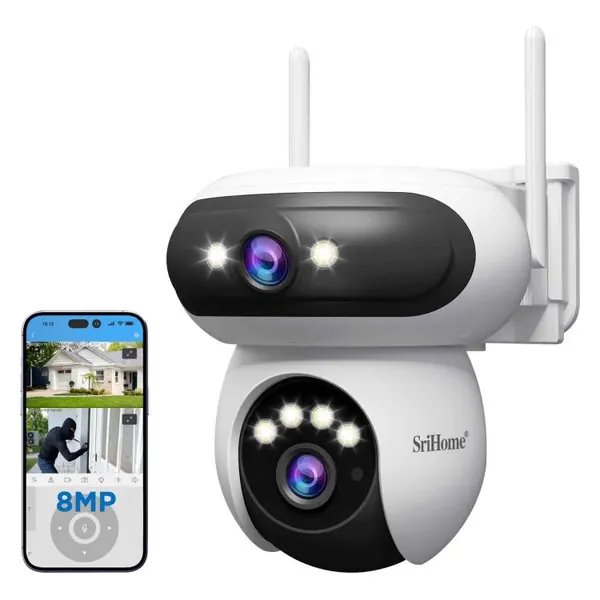
SriHome SH062 8MP Outdoor Tracking Camera

SriHome SH062 8MP Outdoor Tracking Camera

A binocular outdoor camera listed with tracking capability. Review sample footage, installation needs and app access controls before selecting a supplier.

SriHome SH056 3MP Outdoor Wi-Fi Camera

SriHome SH056 3MP Outdoor Wi-Fi Camera

Outdoor surveillance camera with tracking features. Evaluate Wi-Fi coverage, recording access and destination-market privacy requirements with your installer.

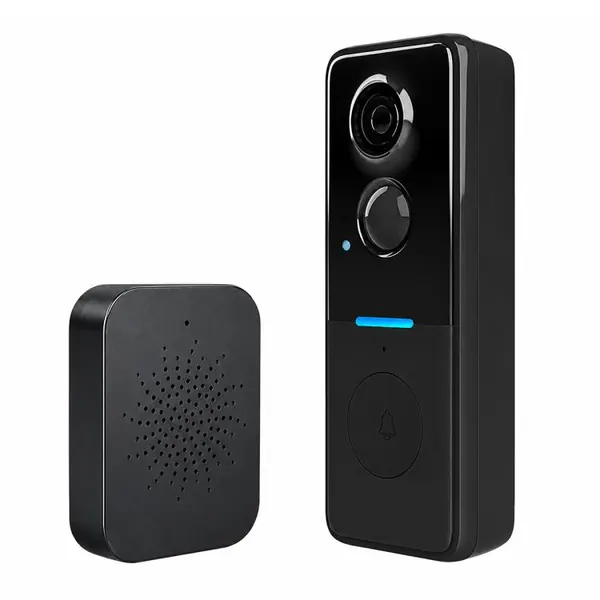
1MP HD Graffiti Smart Video Doorbell Camera Support PIR Motion Detection and Two-way Audio(Black)

1MP HD Graffiti Smart Video Doorbell Camera Support PIR Motion Detection and Two-way Audio(Black)

A supplier-listed security device or accessory for a procurement shortlist. Confirm the exact model, power supply, network or radio compatibility and package contents. Request a sample to check installation, alerts and the intended operating environment. Agree

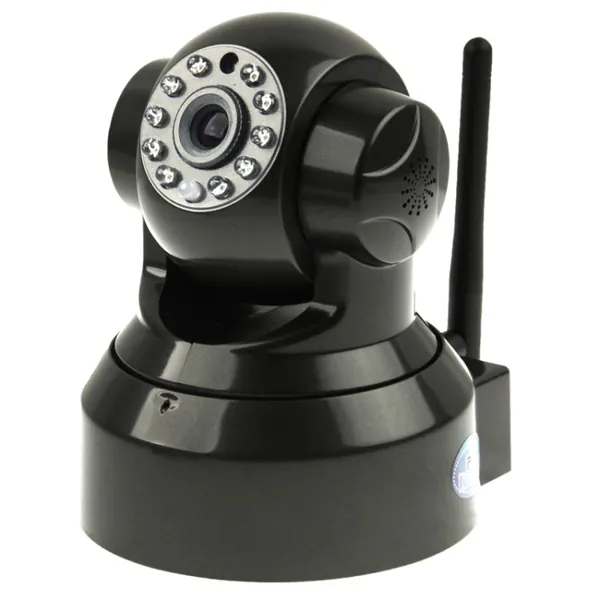
Wireless P/T Dome IP Camera, Support 2 Way Audio, WIFI and Motion Detection, IR Night Vision Function, Built-in

Wireless P/T Dome IP Camera, Support 2 Way Audio, WIFI and Motion Detection, IR Night Vision Function, Built-in

A supplier-listed security device or accessory for a procurement shortlist. Confirm the exact model, power supply, network or radio compatibility and package contents. Request a sample to check installation, alerts and the intended operating environment. Agree

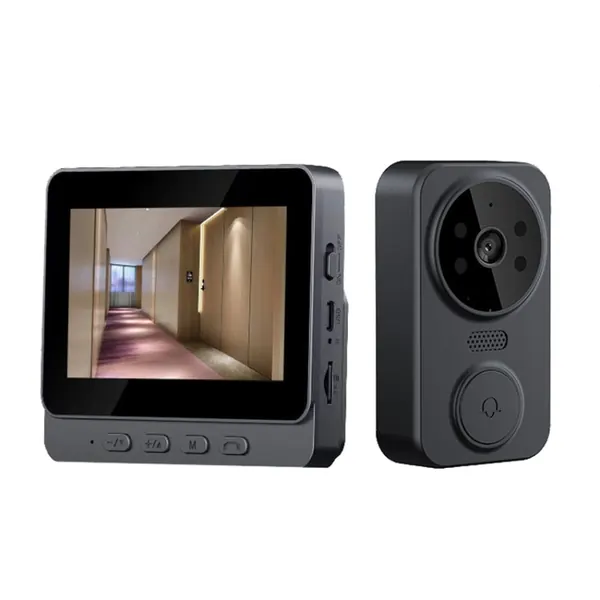
Wireless 2.4G Visual Intercom Doorbell 4.3 inch IPS Screen with Camera Monitor Night Vision

Wireless 2.4G Visual Intercom Doorbell 4.3 inch IPS Screen with Camera Monitor Night Vision

A supplier-listed security device or accessory for a procurement shortlist. Confirm the exact model, power supply, network or radio compatibility and package contents. Request a sample to check installation, alerts and the intended operating environment. Agree

One step closer?

Let us know if this guide helped.

LEARN TOGETHER

Keep the conversation going.

0
Contributions are reviewed before appearing.
KEEP YOUR CURIOSITY GOING

Your next useful thing.

View all