THE KNOW-HOW COLLECTIONAnswers for “photo”
Small questions, big projects, and everything in between. Pick a guide and take the first step.
261 tutorialsSomething useful is just a step away.
 Web design & CSS
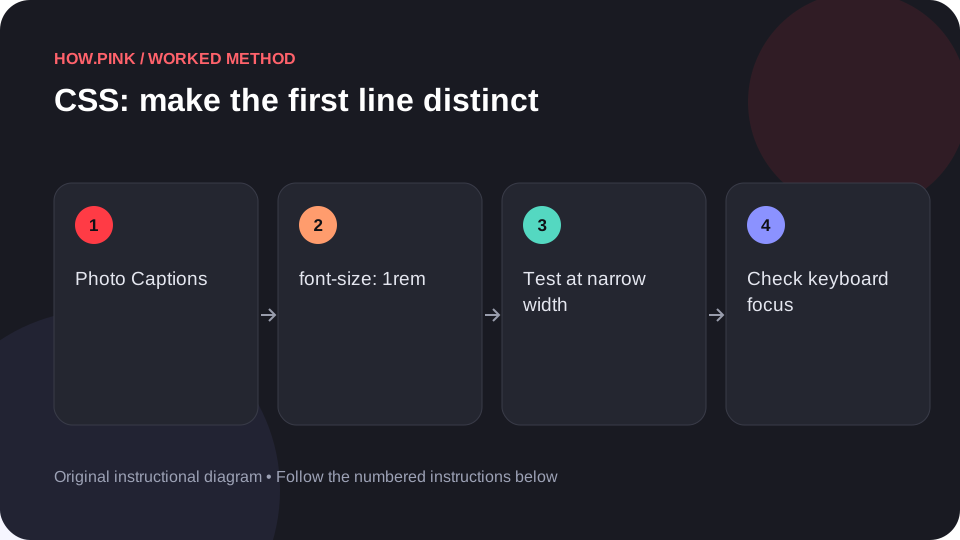
Build a small standalone HTML example to make the first line distinct for photo captions, then check the behavior at narrow and wide viewport sizes.
 Web design & CSS
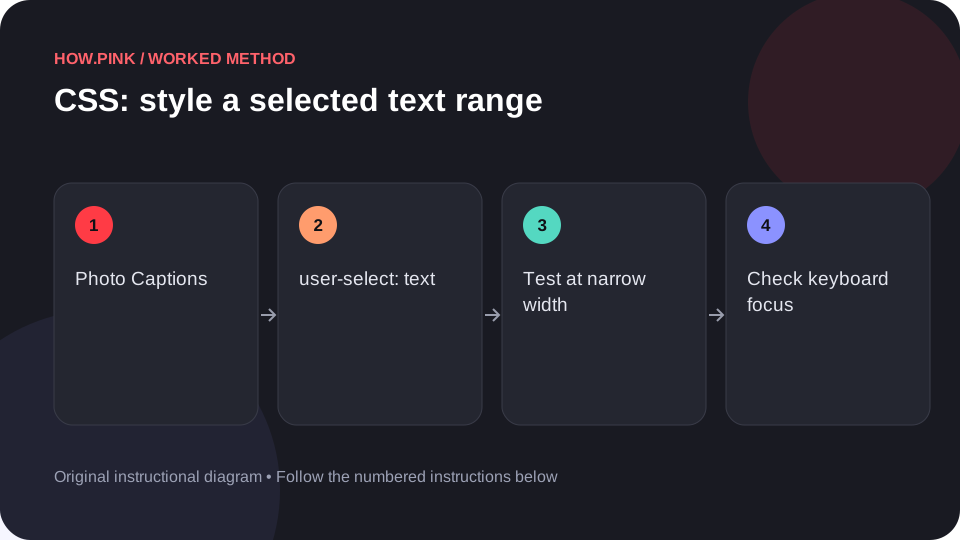
Build a small standalone HTML example to style a selected text range for photo captions, then check the behavior at narrow and wide viewport sizes.
 Web design & CSS
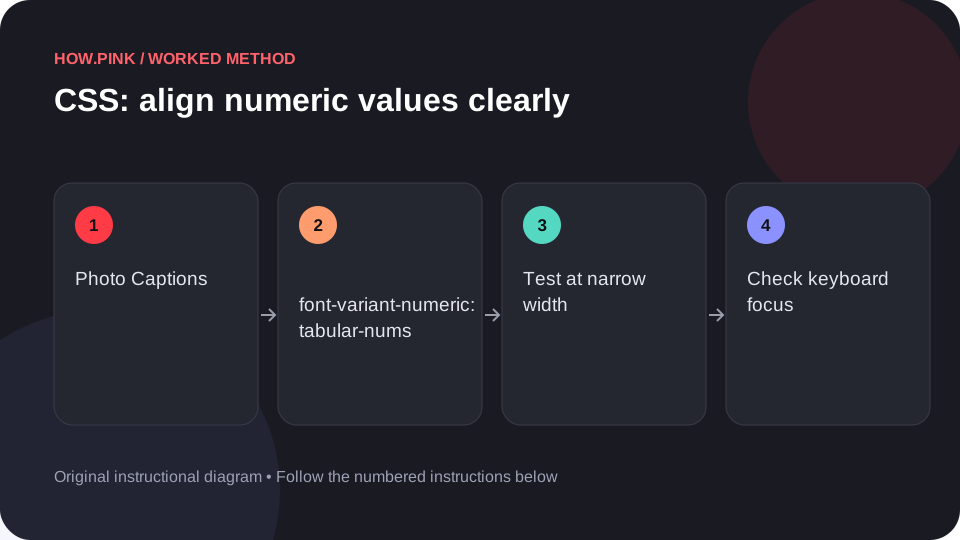
Build a small standalone HTML example to align numeric values clearly for photo captions, then check the behavior at narrow and wide viewport sizes.
 Web design & CSS
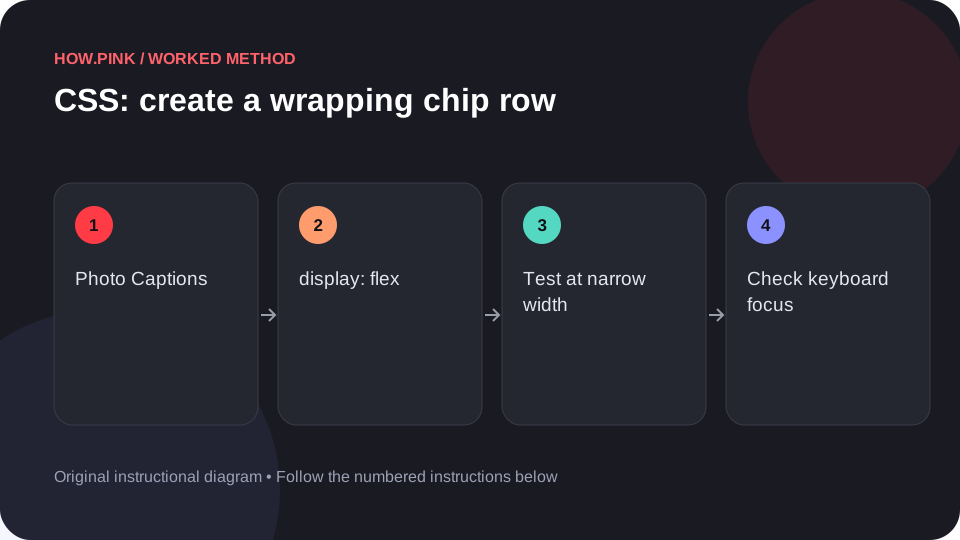
Build a small standalone HTML example to create a wrapping chip row for photo captions, then check the behavior at narrow and wide viewport sizes.
 Web design & CSS
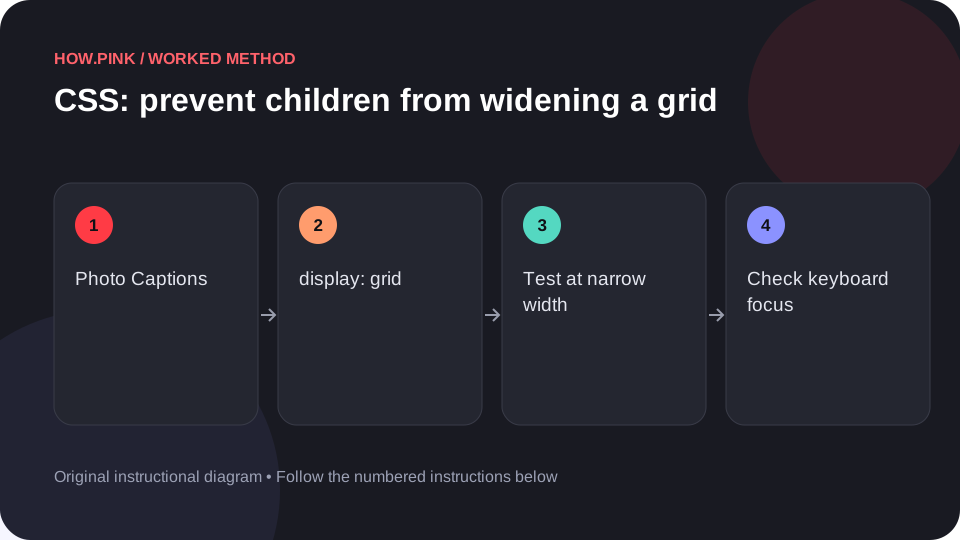
Build a small standalone HTML example to prevent children from widening a grid for photo captions, then check the behavior at narrow and wide viewport sizes.
 Web design & CSS
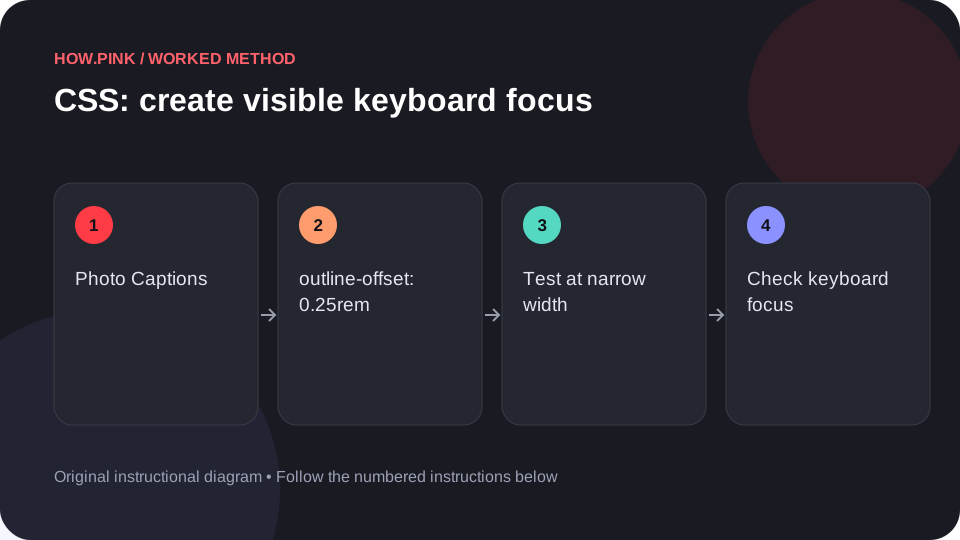
Build a small standalone HTML example to create visible keyboard focus for photo captions, then check the behavior at narrow and wide viewport sizes.
 Web design & CSS
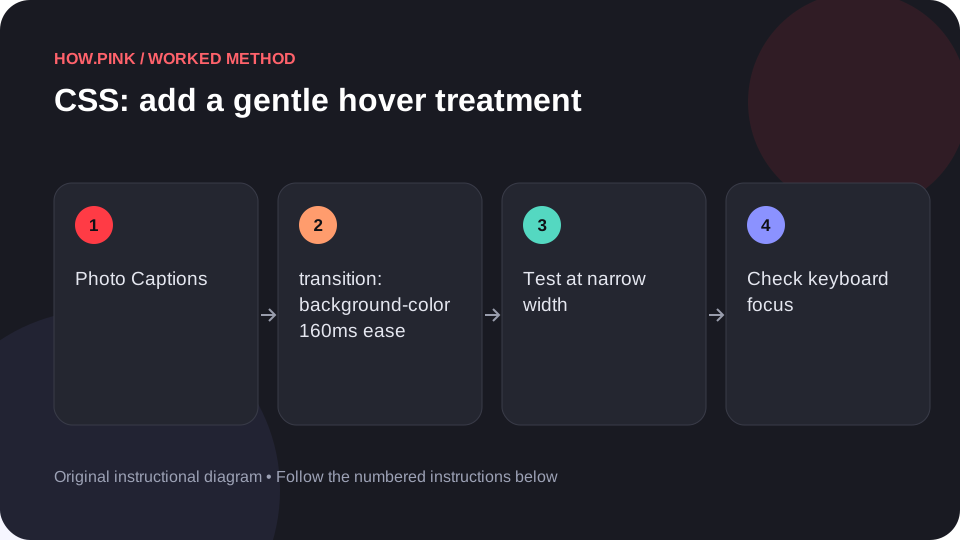
Build a small standalone HTML example to add a gentle hover treatment for photo captions, then check the behavior at narrow and wide viewport sizes.
 Web design & CSS
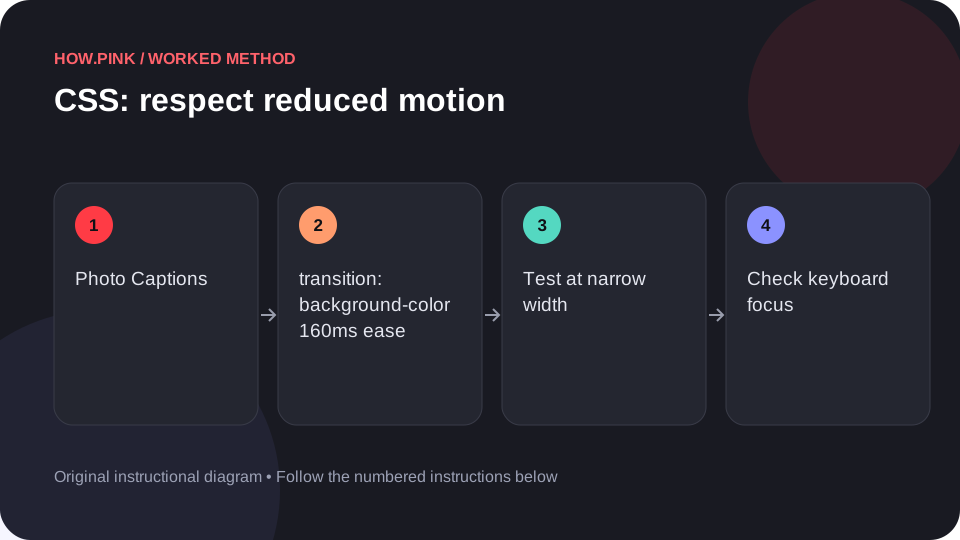
Build a small standalone HTML example to respect reduced motion for photo captions, then check the behavior at narrow and wide viewport sizes.
 Web design & CSS
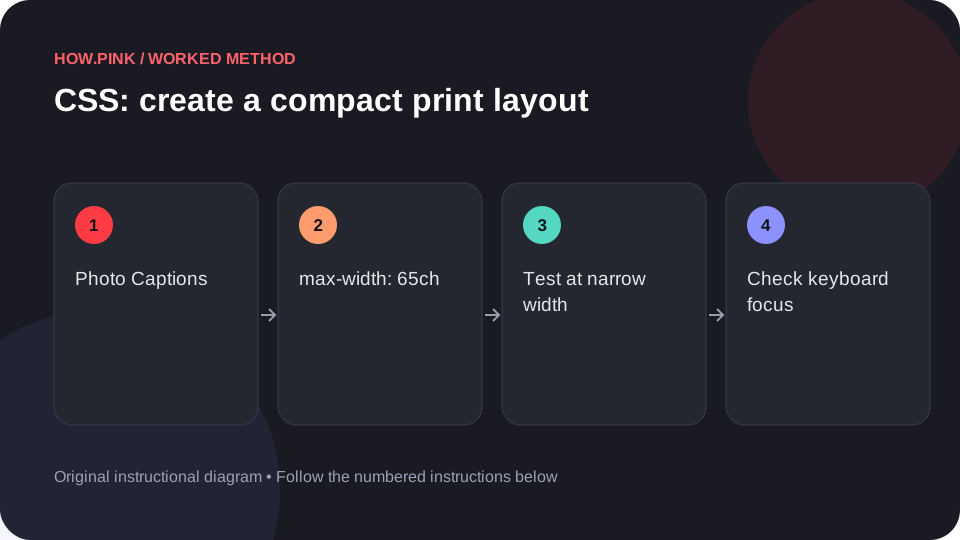
Build a small standalone HTML example to create a compact print layout for photo captions, then check the behavior at narrow and wide viewport sizes.
 Web design & CSS
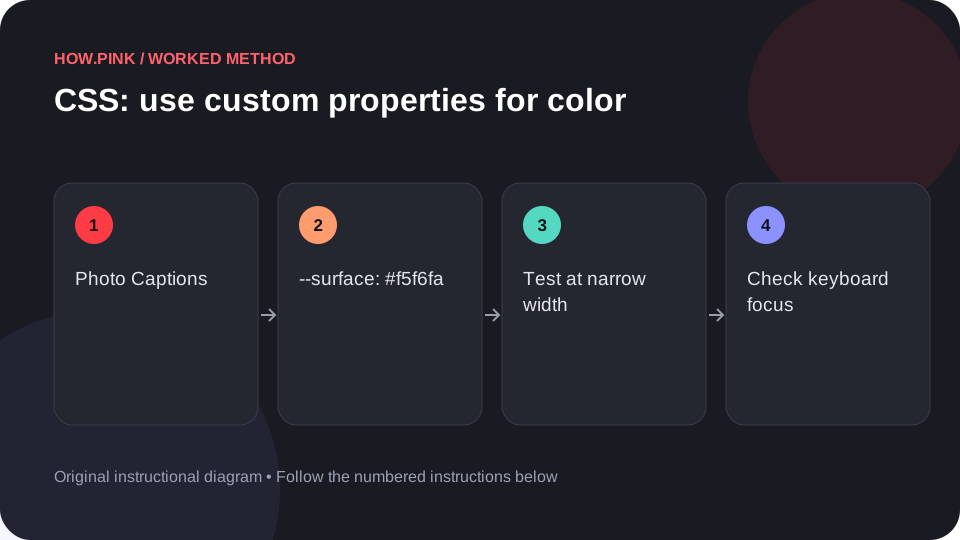
Build a small standalone HTML example to use custom properties for color for photo captions, then check the behavior at narrow and wide viewport sizes.
 Web design & CSS
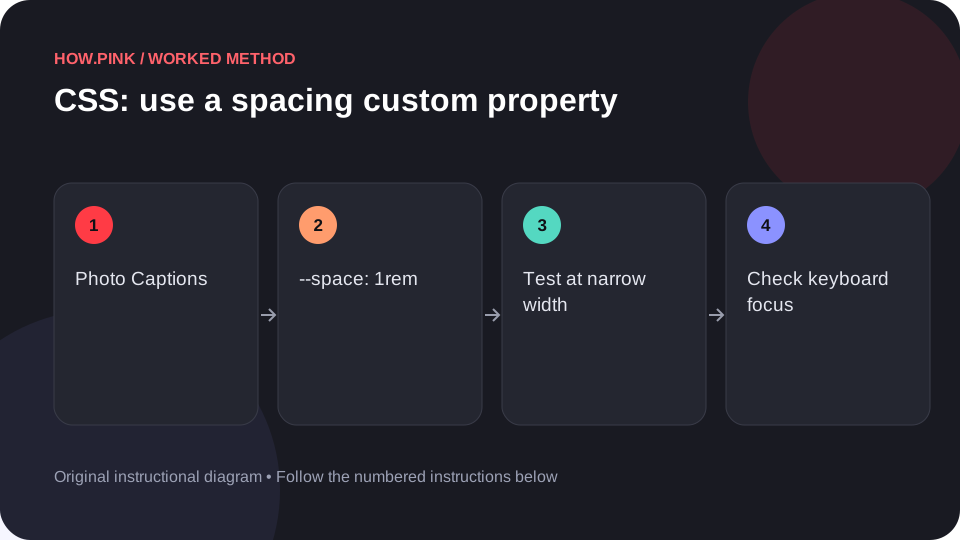
Build a small standalone HTML example to use a spacing custom property for photo captions, then check the behavior at narrow and wide viewport sizes.
 Web design & CSS
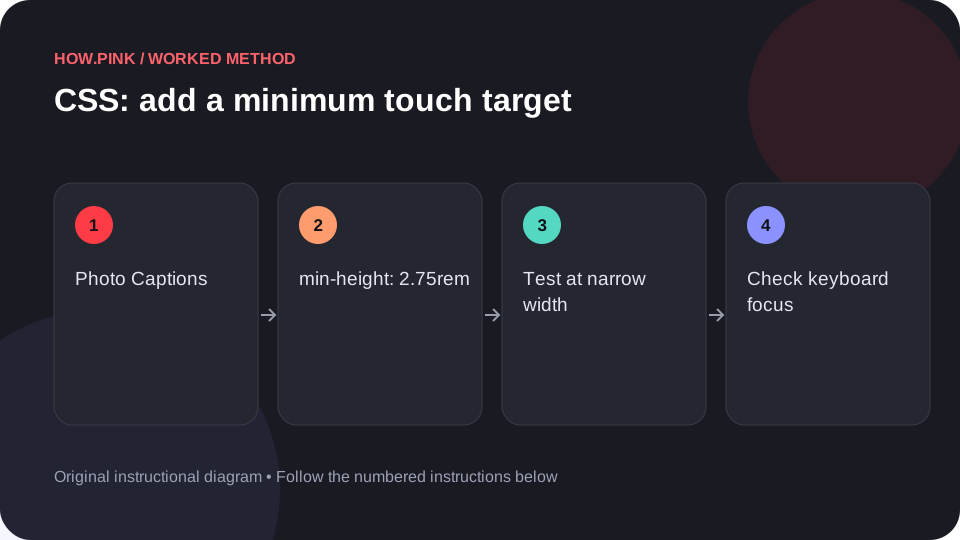
Build a small standalone HTML example to add a minimum touch target for photo captions, then check the behavior at narrow and wide viewport sizes.
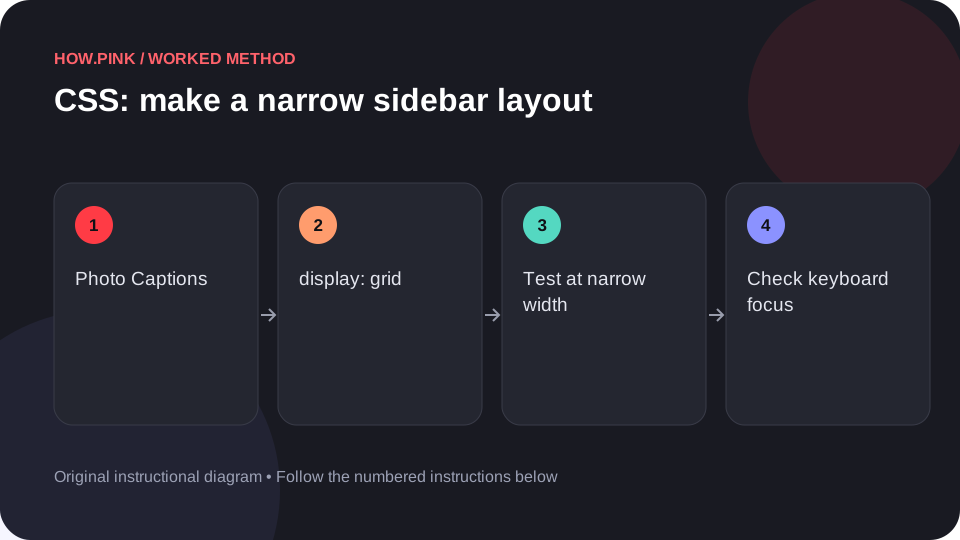 Web design & CSS
Build a small standalone HTML example to make a narrow sidebar layout for photo captions, then check the behavior at narrow and wide viewport sizes.
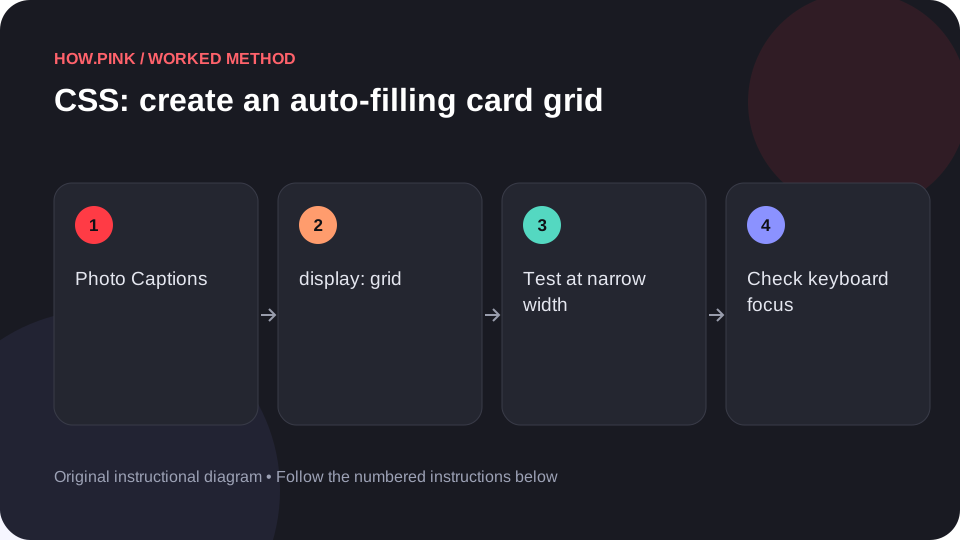 Web design & CSS
Build a small standalone HTML example to create an auto-filling card grid for photo captions, then check the behavior at narrow and wide viewport sizes.
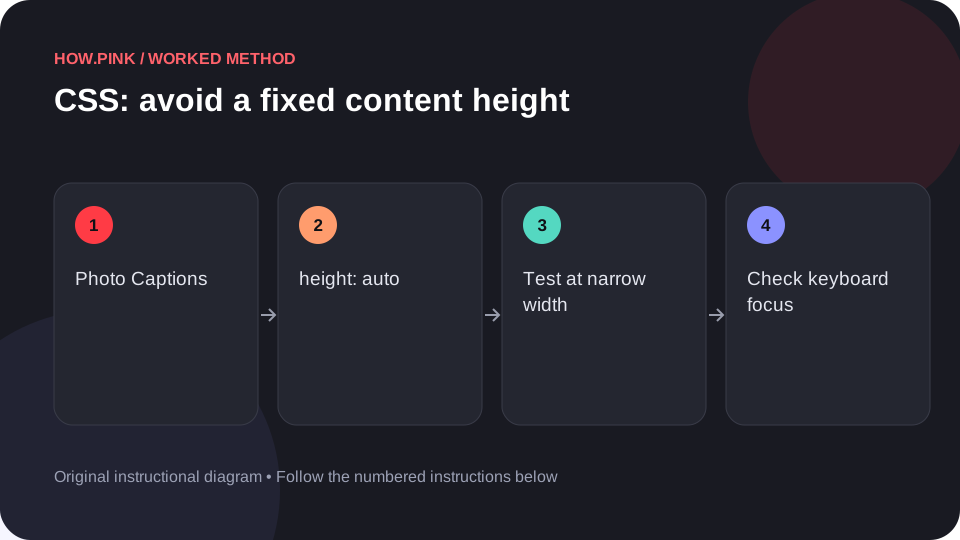 Web design & CSS
Build a small standalone HTML example to avoid a fixed content height for photo captions, then check the behavior at narrow and wide viewport sizes.
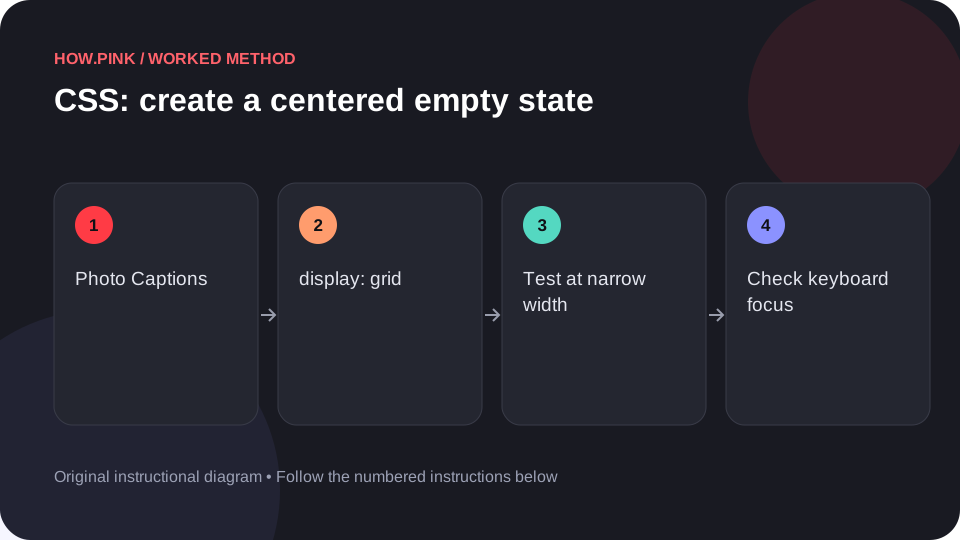 Web design & CSS
Build a small standalone HTML example to create a centered empty state for photo captions, then check the behavior at narrow and wide viewport sizes.
 Web design & CSS
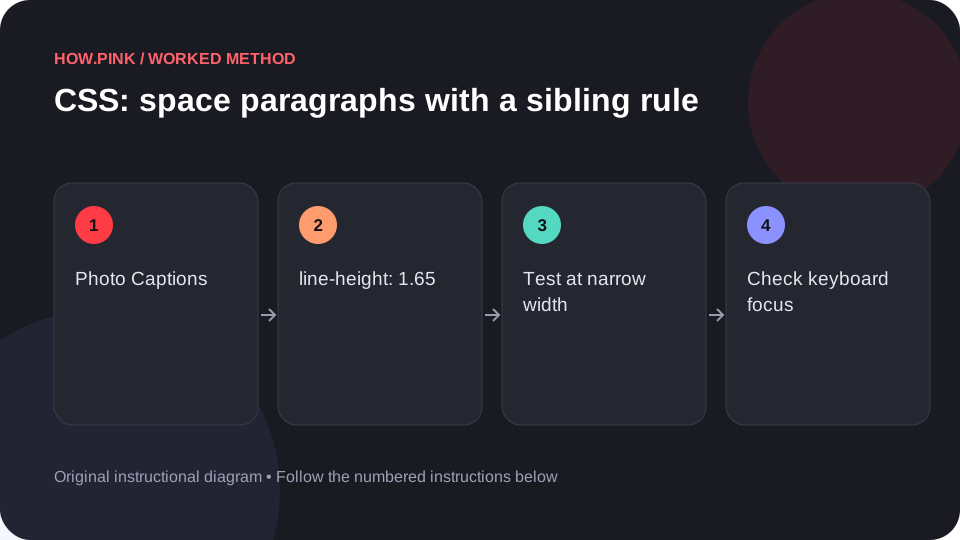
Build a small standalone HTML example to space paragraphs with a sibling rule for photo captions, then check the behavior at narrow and wide viewport sizes.
 Web design & CSS
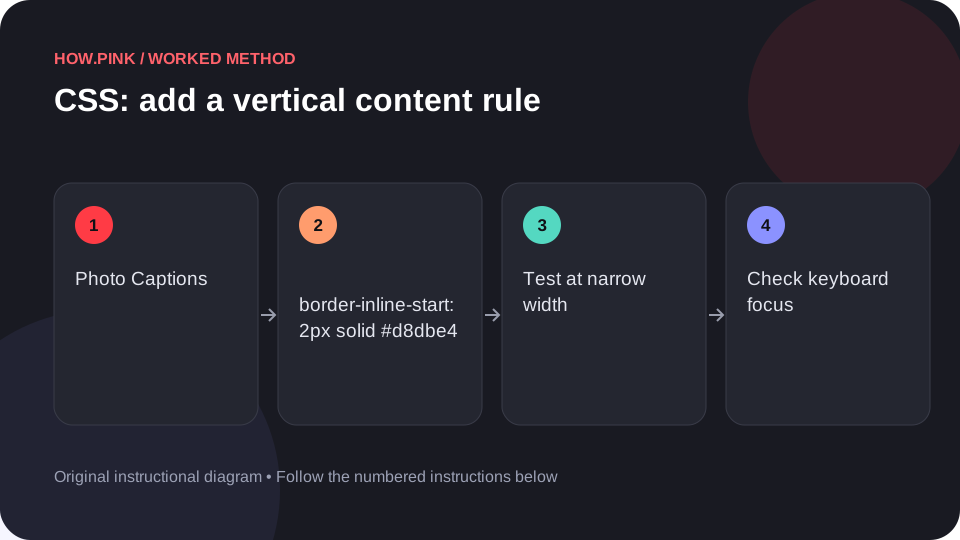
Build a small standalone HTML example to add a vertical content rule for photo captions, then check the behavior at narrow and wide viewport sizes.