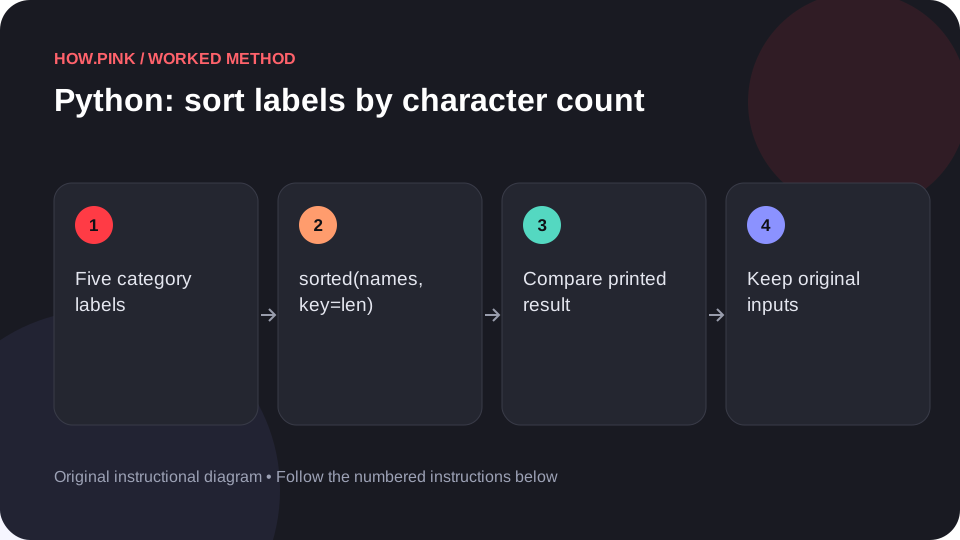
Use Python’s standard library to sort labels by character count in a small library lending dataset, with runnable code and an exact output check. This worked guide uses a small reproducible example so you can check the result before adapting it to your own task.
Antes de começar
- Python 3
- A plain-text code editor
- A terminal; no third-party dependencies
Guia passo a passo
Start with a separate practice file
Open a text editor and create example.py in a new empty folder. This recipe uses Python 3 and does not install packages or access the network. Keep the sample independent from original files.

Inspect the sample inputs
The names list contains five category labels. The numbers list contains their matching loans values in the same order. There must be one numeric value for every label.
names = ['Fiction', 'History', 'Science', 'Travel', 'Art']
numbers = [35, 20, 45, 15, 25]
Add and run the complete example
Paste this complete program into example.py. Save it, open a terminal in that folder, and run python3 example.py (or py example.py on a Windows installation using the Python launcher).
import json
import statistics
import collections
import itertools

names = ['Fiction', 'History', 'Science', 'Travel', 'Art']
numbers = [35, 20, 45, 15, 25]

result = sorted(names, key=len)
print(result)Compare the output
The printed result should be the following. Python may display quotation marks around strings inside a list or dictionary; those marks identify string values.
['Art', 'Travel', 'Fiction', 'History', 'Science']
If you get a syntax error, check indentation, quotes and brackets. If python3 is not found, use the command your Python installation provides.
Apply the method to your own data
Change names and numbers to your own library lending. Keep paired lists the same length: zip stops at the shorter input, so a mismatch can silently omit rows. Run the sample again after each change. When you trust the output, copy the operation into your project while keeping a small known test case.
Dicas e solução de problemas
- Keep original input lists so the transformation can be checked and repeated.
- This example uses five positive numbers. Handle empty lists and zero totals before adapting average or percentage operations.
- Do not evaluate arbitrary expressions supplied by website visitors; this guide’s expression is fixed, local example code.
Perguntas frequentes
Does this example change the original data?
The example computes result from the supplied lists. The listed expression does not write files or contact another service.
How do I check a larger dataset?
Keep a five-row known example, then compare counts and one or two manually calculated records after changing the inputs.