Use a few clear passes to reduce a photo folder without deleting originals. This worked guide uses a small reproducible example so you can check the result before adapting it to your own task.
Antes de começar
- A copied photo set
- A photo viewer
- A separate favorites folder or rating tool
Guia passo a passo
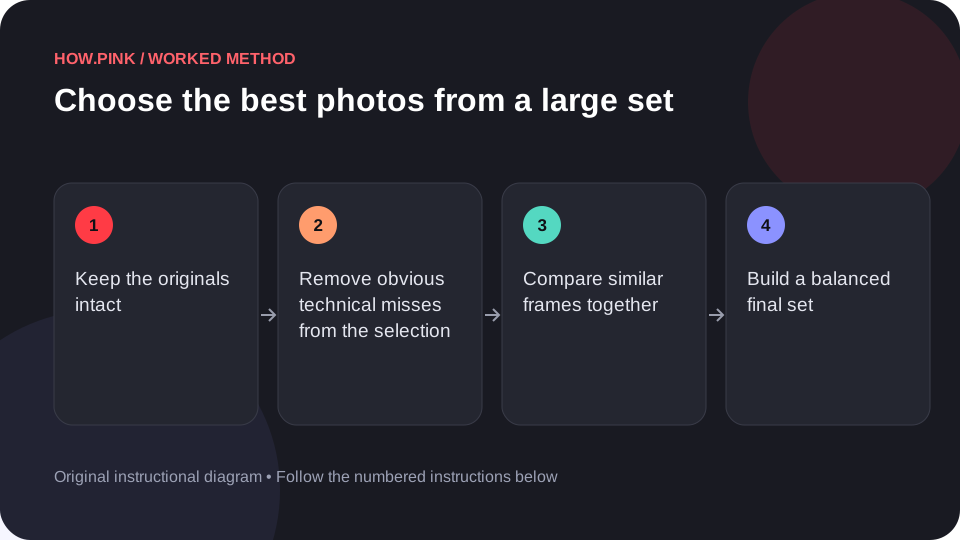
Keep the originals intact
Work from a copy or use non-destructive ratings. Confirm that the original set is available before removing or moving anything.

Remove obvious technical misses from the selection
Mark frames that are unintentionally blurred, blocked or badly mistimed. Do not permanently delete them during the first pass.
Compare similar frames together
Choose one or two strongest versions from each repeated scene. Look at expression, sharpness and composition rather than tiny differences alone.
Build a balanced final set
Select wide scenes, medium views and details that tell the story. Avoid many nearly identical images crowding out a useful different view.
Review after a short break
Look at the smaller set again in order. Export or copy the chosen images to a clearly named folder while keeping the original archive separate.
Dicas e solução de problemas
- Selection and permanent deletion are different decisions.
- A small consistent set is often easier to share than every frame.
Perguntas frequentes
How should I adapt this guide to my situation?
Begin with the small example, use the instructions for your actual materials or equipment, and change one thing at a time so the result can be checked.
What should I check before finishing?
Look at the smaller set again in order. Export or copy the chosen images to a clearly named folder while keeping the original archive separate.