THE KNOW-HOW COLLECTIONAnswers for “photo”
Small questions, big projects, and everything in between. Pick a guide and take the first step.
261 tutorialsSomething useful is just a step away.
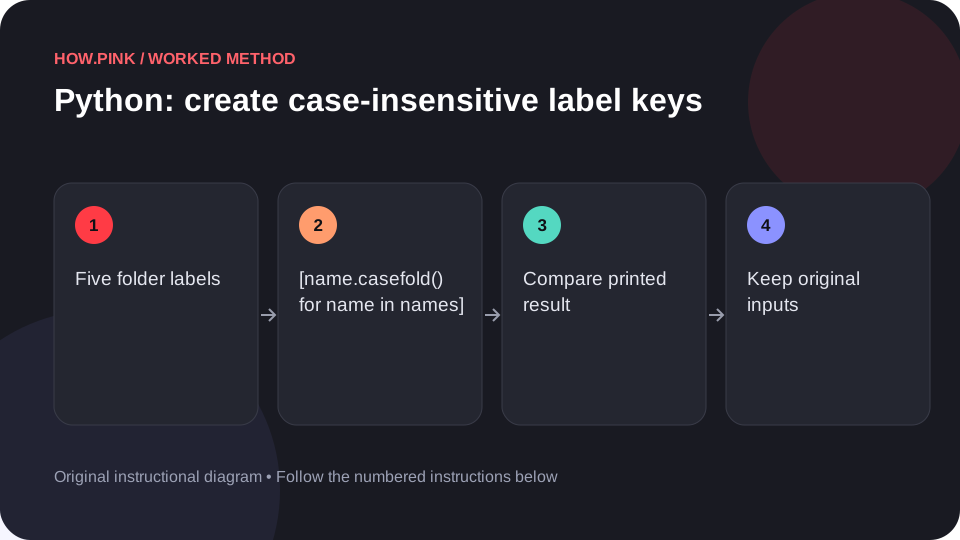 Python & automation
Use Python’s standard library to create case-insensitive label keys in a small photo folders dataset, with runnable code and an exact output check.
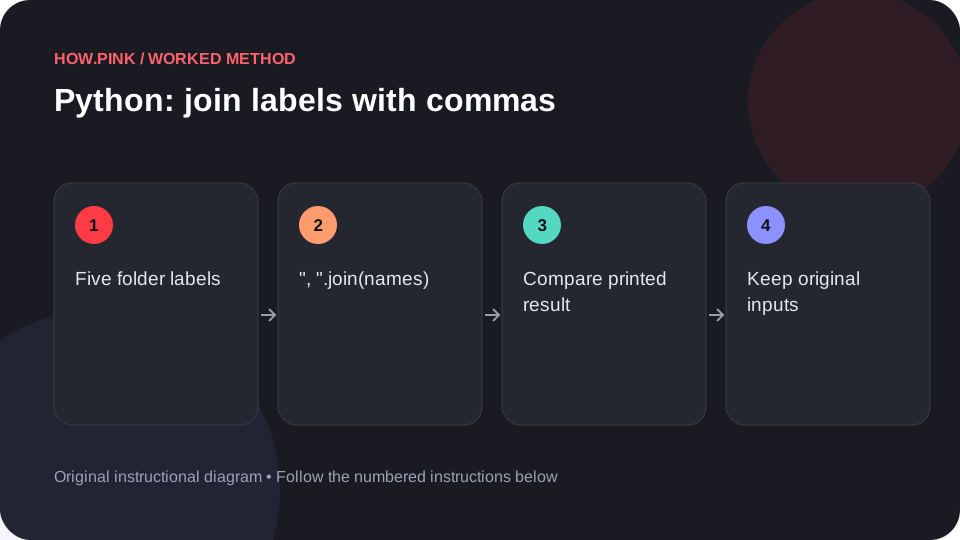 Python & automation
Use Python’s standard library to join labels with commas in a small photo folders dataset, with runnable code and an exact output check.
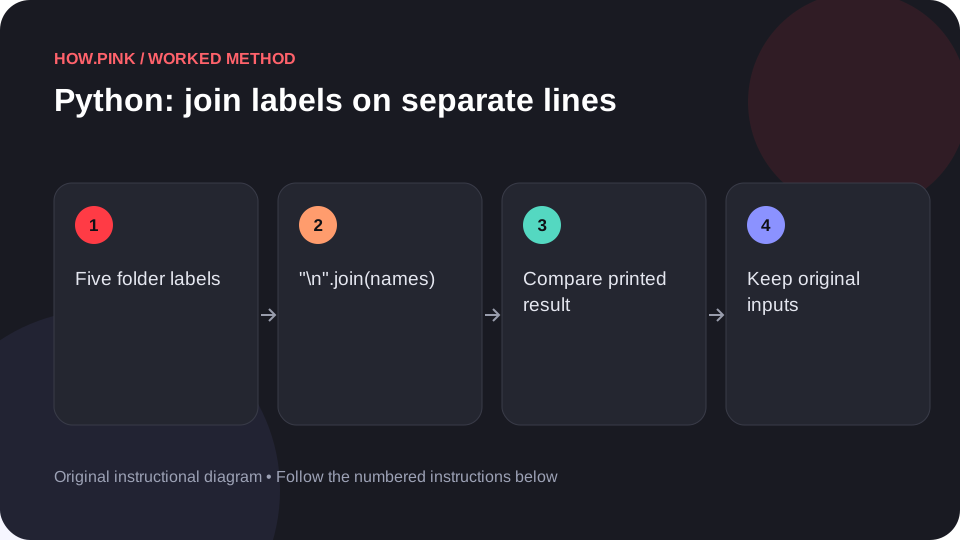 Python & automation
Use Python’s standard library to join labels on separate lines in a small photo folders dataset, with runnable code and an exact output check.
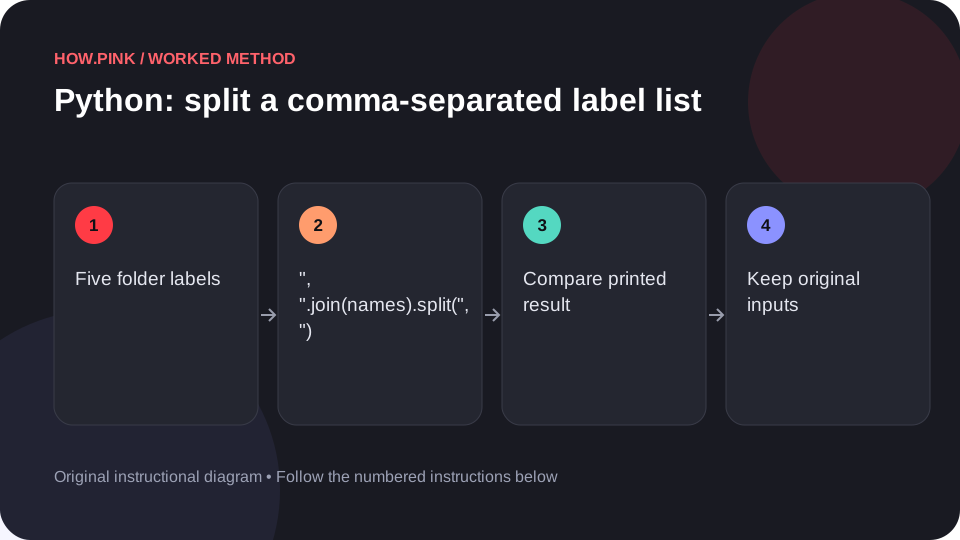 Python & automation
Use Python’s standard library to split a comma-separated label list in a small photo folders dataset, with runnable code and an exact output check.
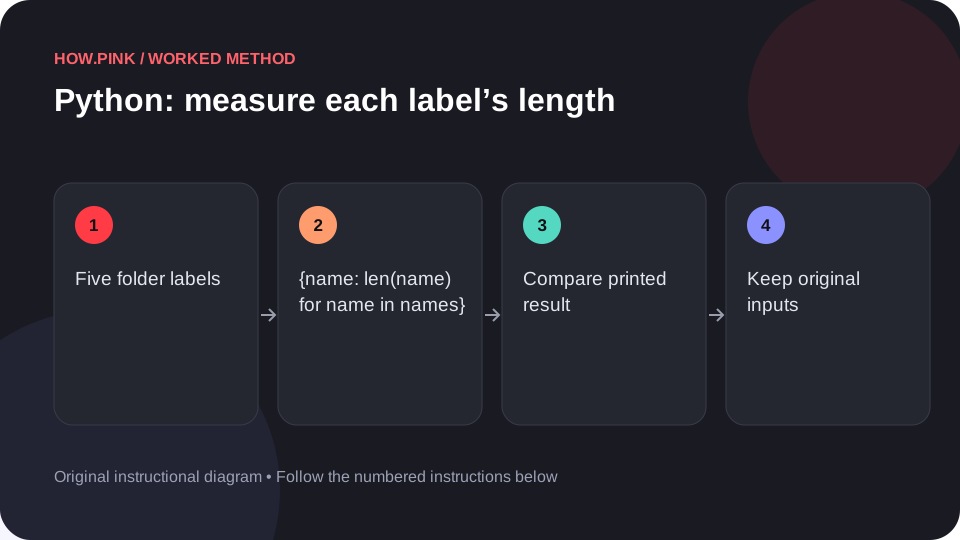 Python & automation
Use Python’s standard library to measure each label’s length in a small photo folders dataset, with runnable code and an exact output check.
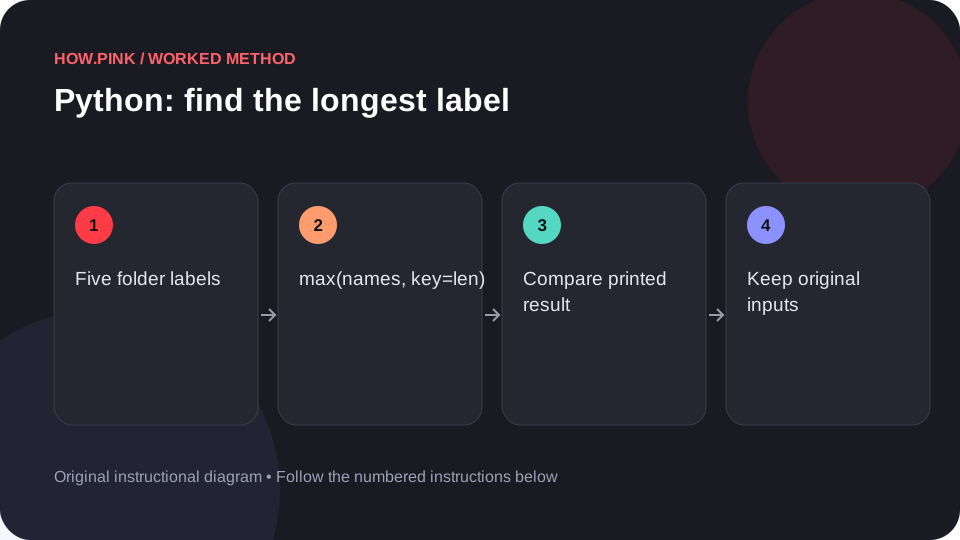 Python & automation
Use Python’s standard library to find the longest label in a small photo folders dataset, with runnable code and an exact output check.
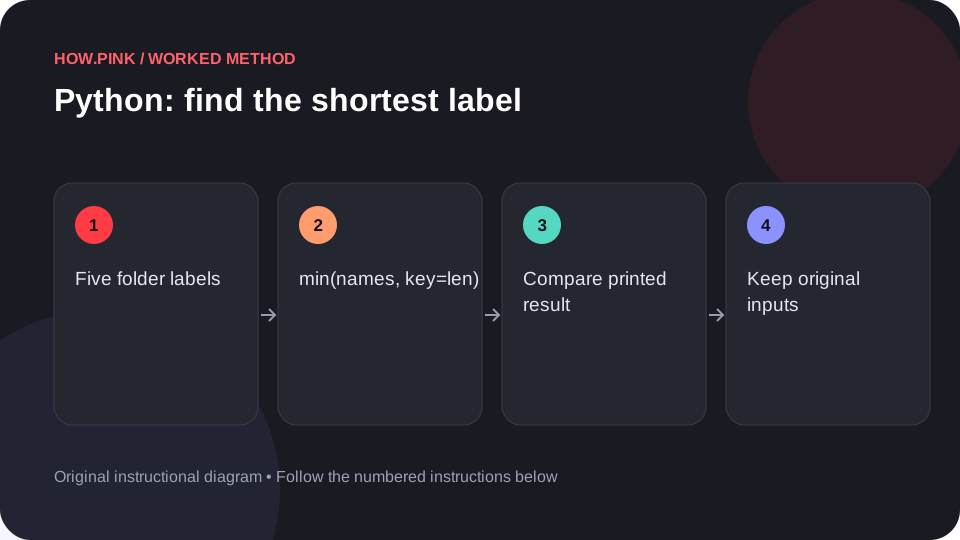 Python & automation
Use Python’s standard library to find the shortest label in a small photo folders dataset, with runnable code and an exact output check.
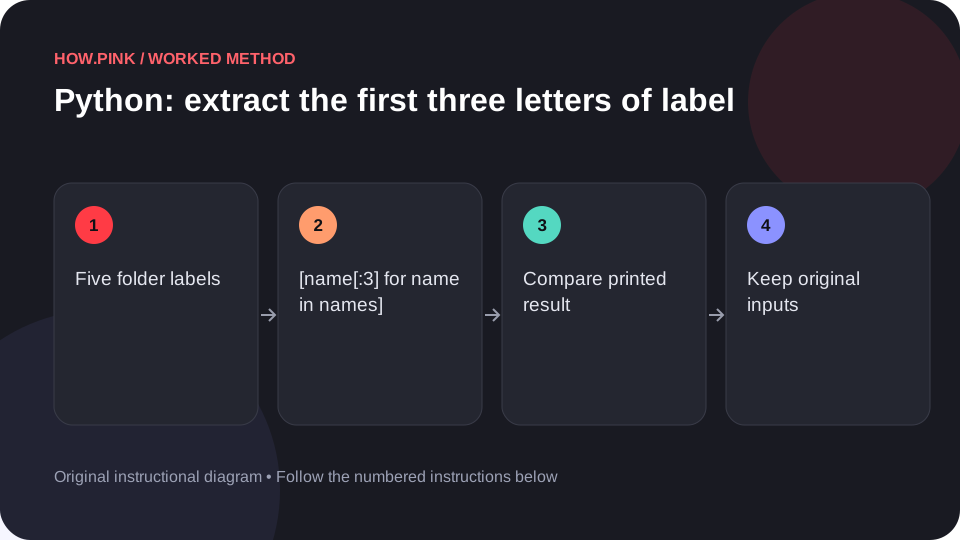 Python & automation
Use Python’s standard library to extract the first three letters of labels in a small photo folders dataset, with runnable code and an exact output check.
 Python & automation
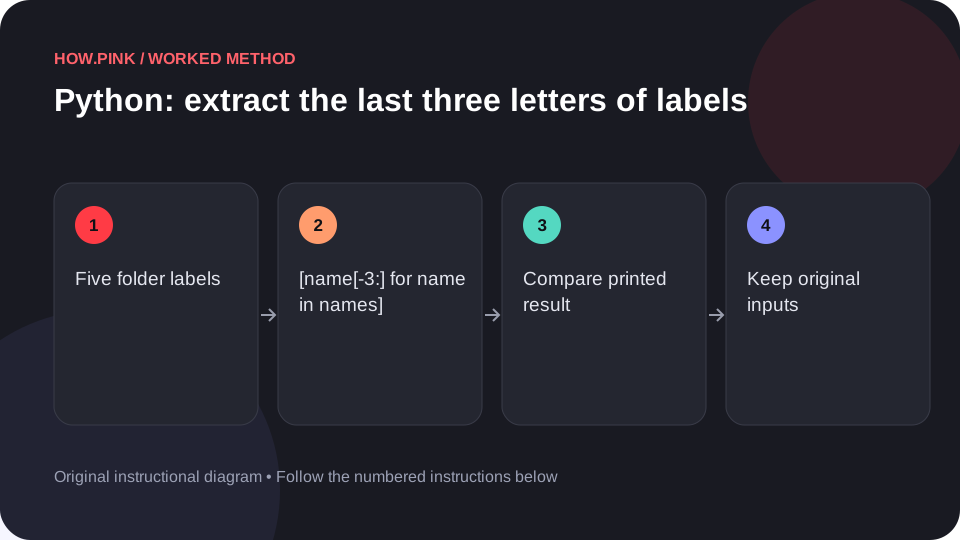
Use Python’s standard library to extract the last three letters of labels in a small photo folders dataset, with runnable code and an exact output check.
 Python & automation
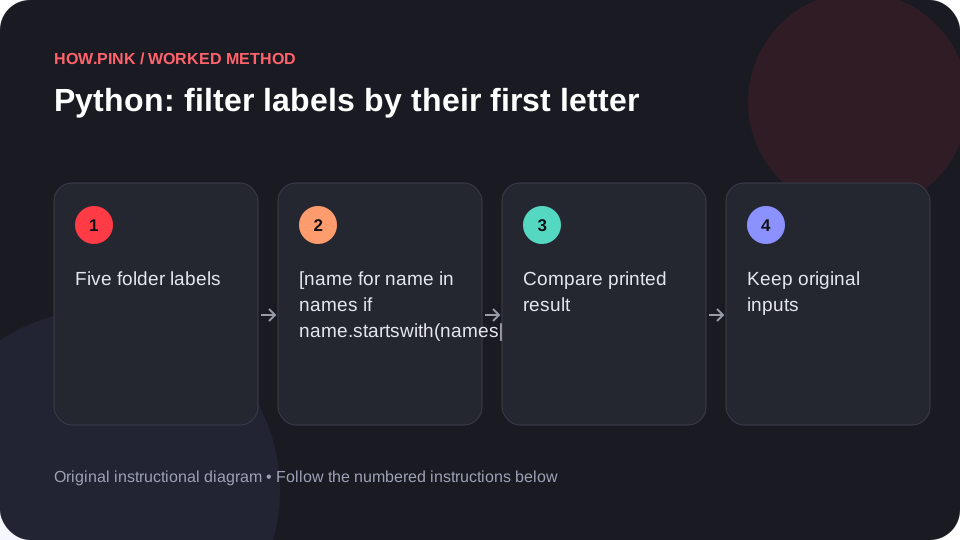
Use Python’s standard library to filter labels by their first letter in a small photo folders dataset, with runnable code and an exact output check.
 Python & automation
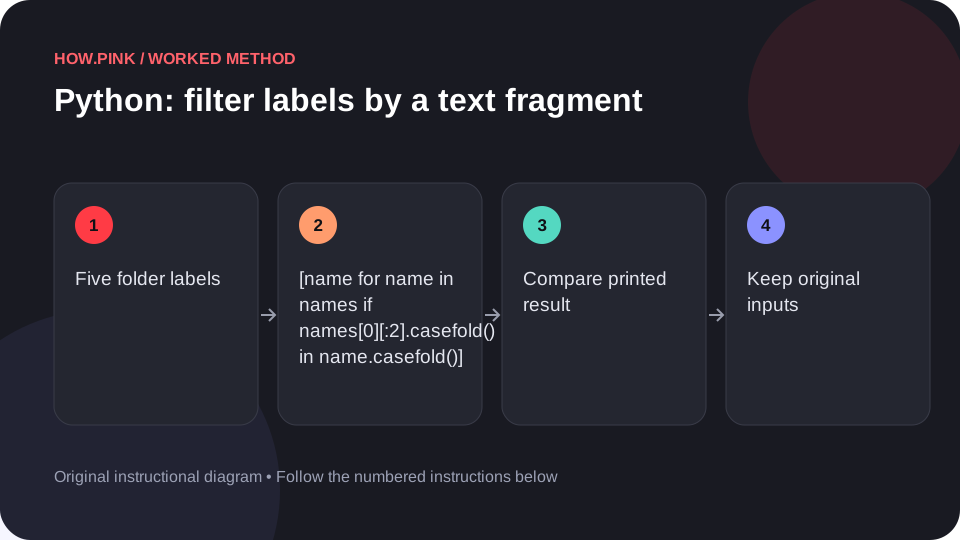
Use Python’s standard library to filter labels by a text fragment in a small photo folders dataset, with runnable code and an exact output check.
 Python & automation
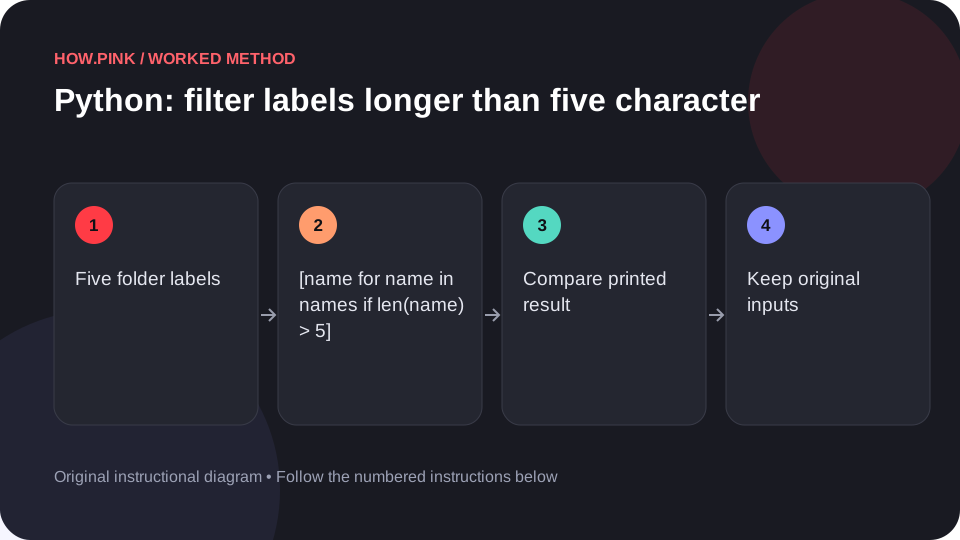
Use Python’s standard library to filter labels longer than five characters in a small photo folders dataset, with runnable code and an exact output check.
 Python & automation
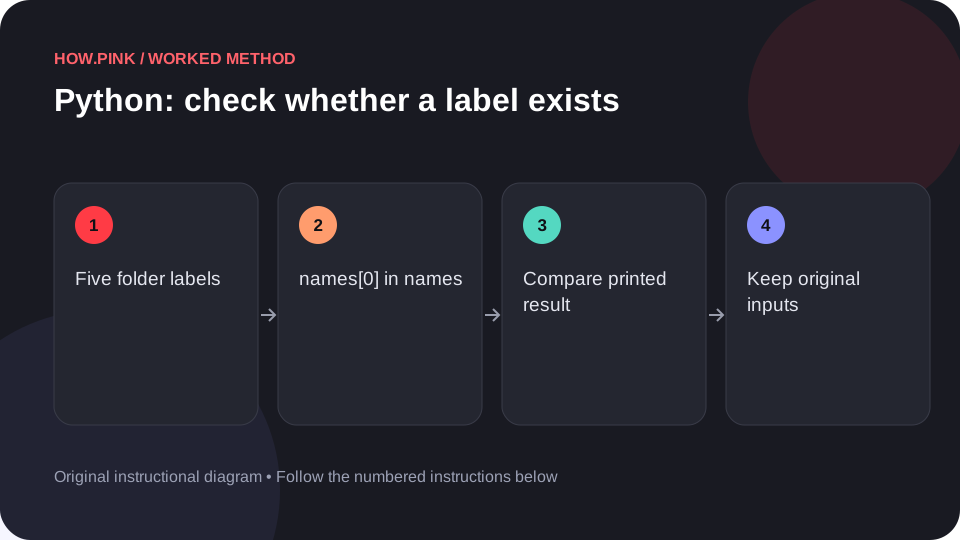
Use Python’s standard library to check whether a label exists in a small photo folders dataset, with runnable code and an exact output check.
 Python & automation
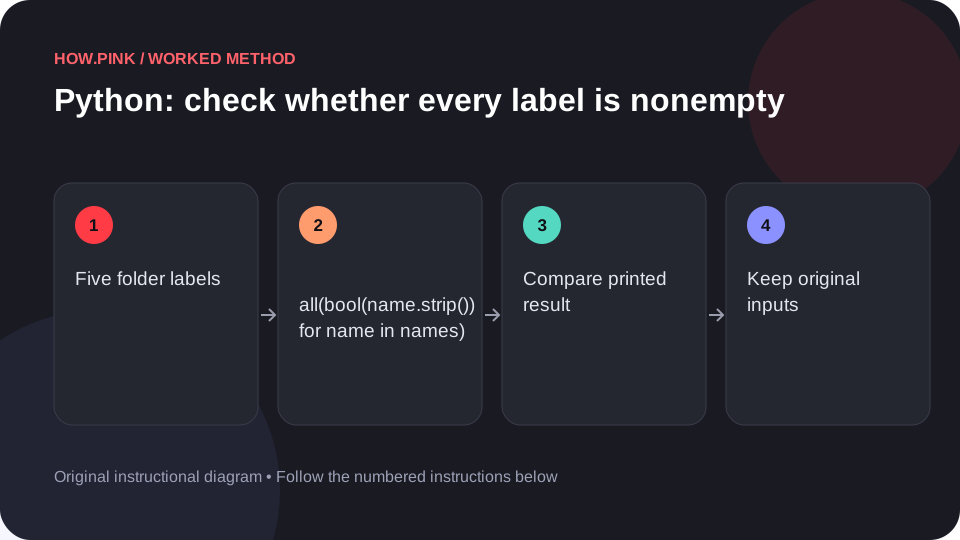
Use Python’s standard library to check whether every label is nonempty in a small photo folders dataset, with runnable code and an exact output check.
 Python & automation
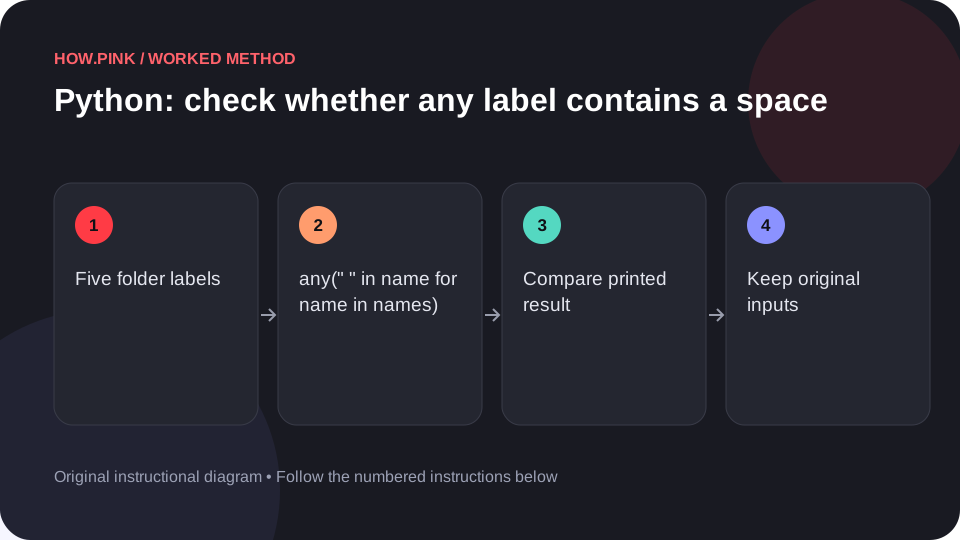
Use Python’s standard library to check whether any label contains a space in a small photo folders dataset, with runnable code and an exact output check.
 Python & automation
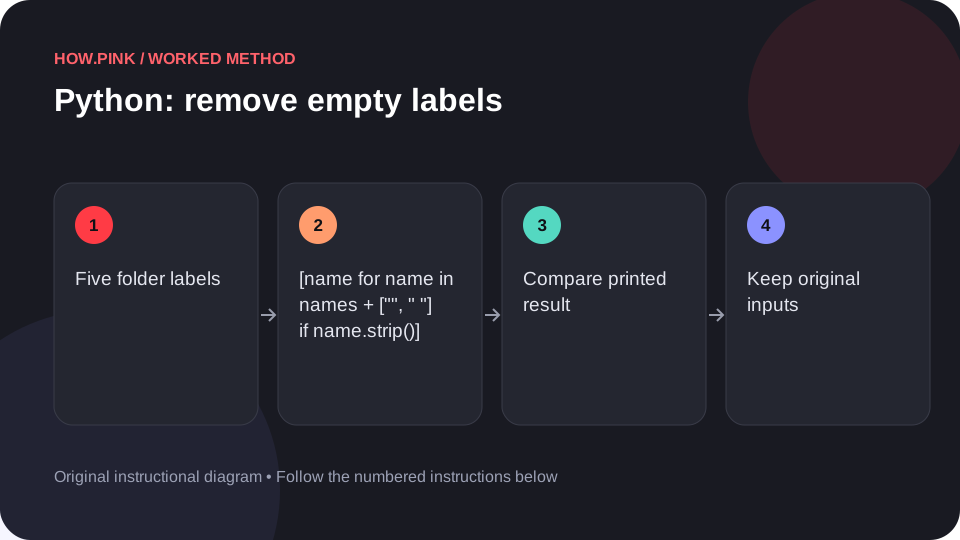
Use Python’s standard library to remove empty labels in a small photo folders dataset, with runnable code and an exact output check.
 Python & automation
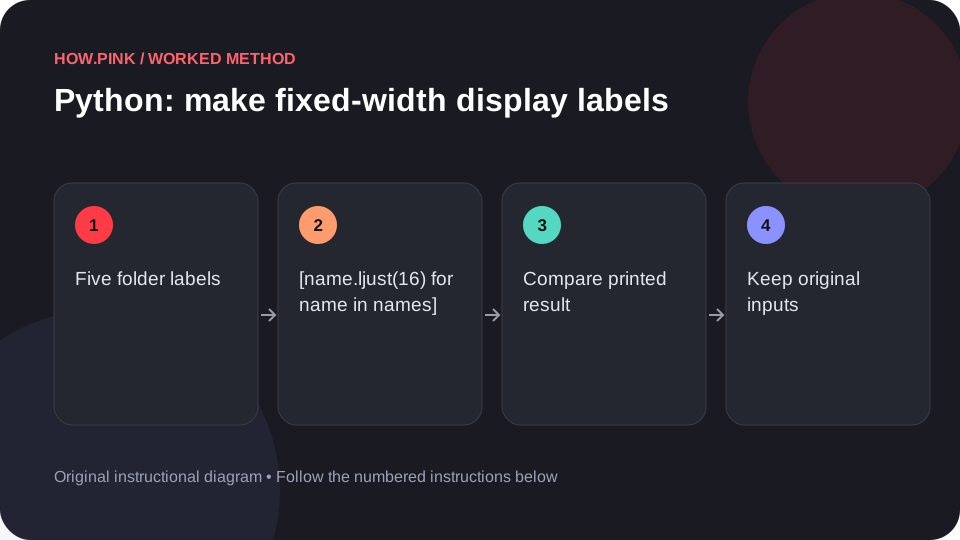
Use Python’s standard library to make fixed-width display labels in a small photo folders dataset, with runnable code and an exact output check.
 Python & automation
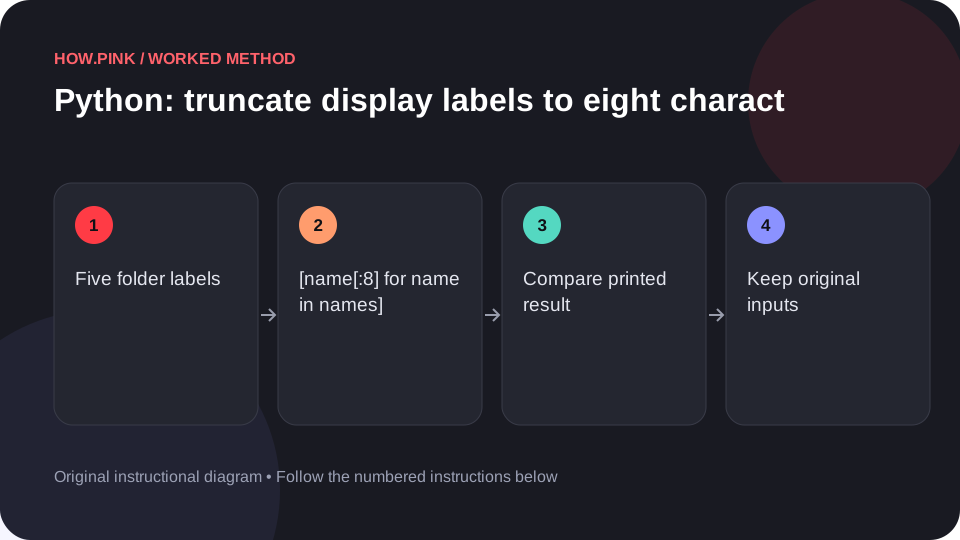
Use Python’s standard library to truncate display labels to eight characters in a small photo folders dataset, with runnable code and an exact output check.