Identify cables, coil them loosely and keep active cables easy to find. This worked guide uses a small reproducible example so you can check the result before adapting it to your own task.
Zanim zaczniesz
- Loose cables
- Reusable hook-and-loop ties or soft bands
- Small labels
Poradnik krok po kroku
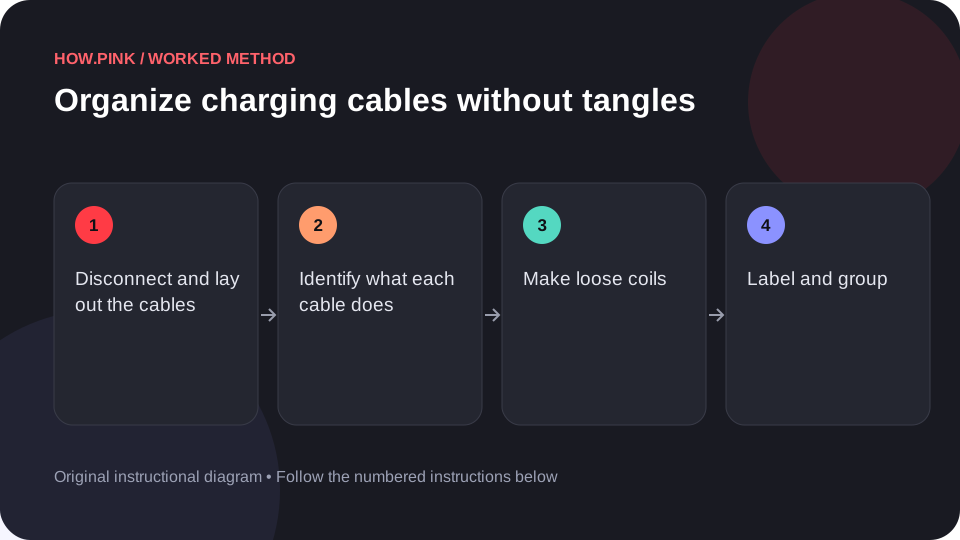
Disconnect and lay out the cables
Unplug removable cables and separate them on a table. Keep power adapters with their matching cables while you identify each one.

Identify what each cable does
Read connector labels or compare the cable with its known device. Put uncertain cables in a separate labeled group rather than guessing that they support a particular charging speed.
Make loose coils
Form a gentle loop following the cable’s natural curve. Avoid tight bends at the connector or pulling the cable taut, then secure the loop with a soft reusable tie.
Label and group
Write the device or purpose on a small label. Keep daily-use cables in one accessible place and less-used spares in a separate box.
Check the next retrieval
Choose a device, find its cable and put it back. If several labels are unclear, rename them using the device name rather than a vague label such as spare.
Wskazówki i rozwiązywanie problemów
- Do not use damaged cables with exposed conductors or broken connectors.
- Avoid wrapping cables tightly around a power adapter.
Częste pytania
How should I adapt this guide to my situation?
Begin with the small example, use the instructions for your actual materials or equipment, and change one thing at a time so the result can be checked.
What should I check before finishing?
Choose a device, find its cable and put it back. If several labels are unclear, rename them using the device name rather than a vague label such as spare.