THE KNOW-HOW COLLECTIONAnswers for “photo”
Small questions, big projects, and everything in between. Pick a guide and take the first step.
261 tutorialsSomething useful is just a step away.
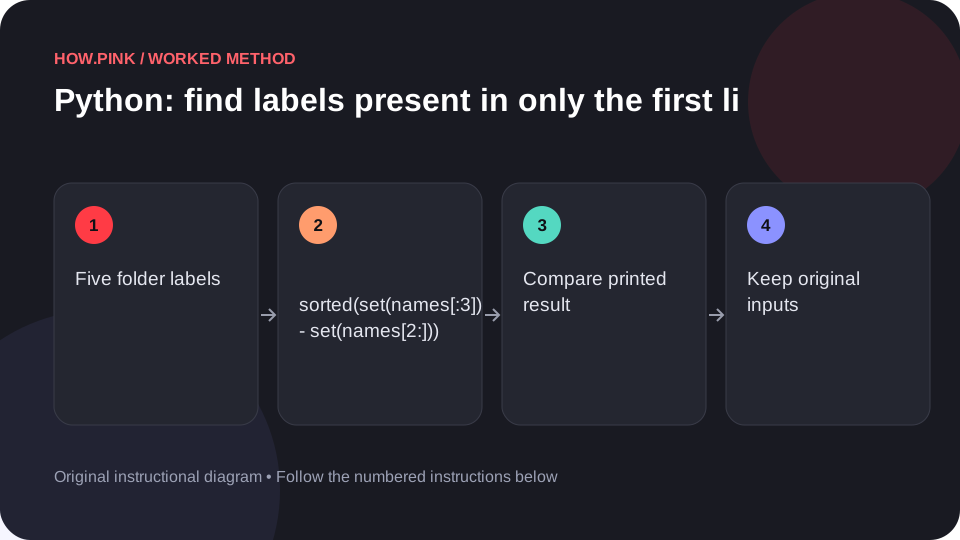 Python & automation
Use Python’s standard library to find labels present in only the first list in a small photo folders dataset, with runnable code and an exact output check.
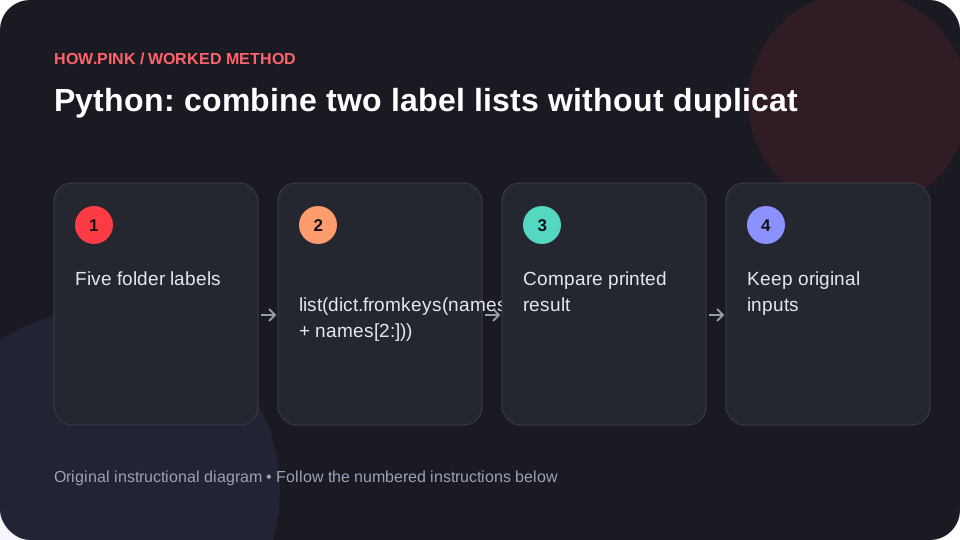 Python & automation
Use Python’s standard library to combine two label lists without duplicates in a small photo folders dataset, with runnable code and an exact output check.
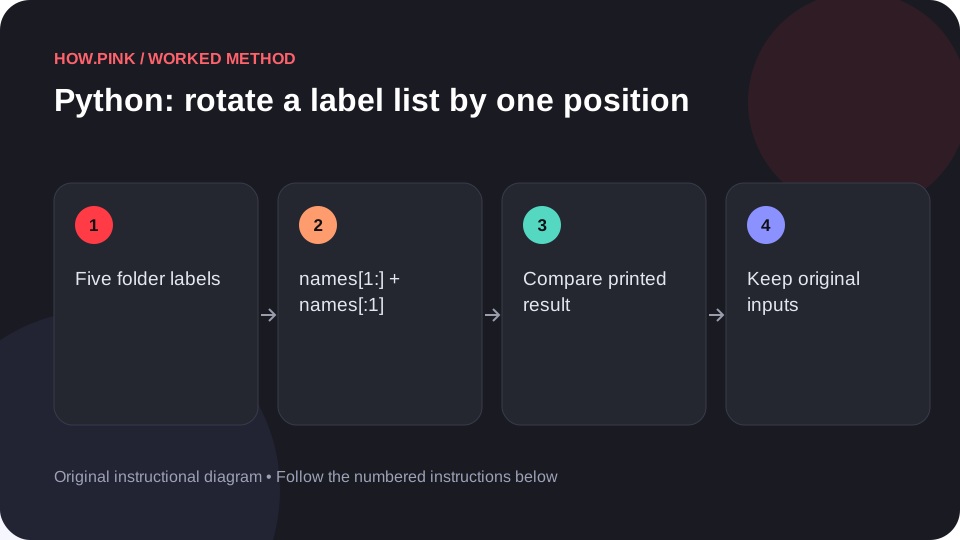 Python & automation
Use Python’s standard library to rotate a label list by one position in a small photo folders dataset, with runnable code and an exact output check.
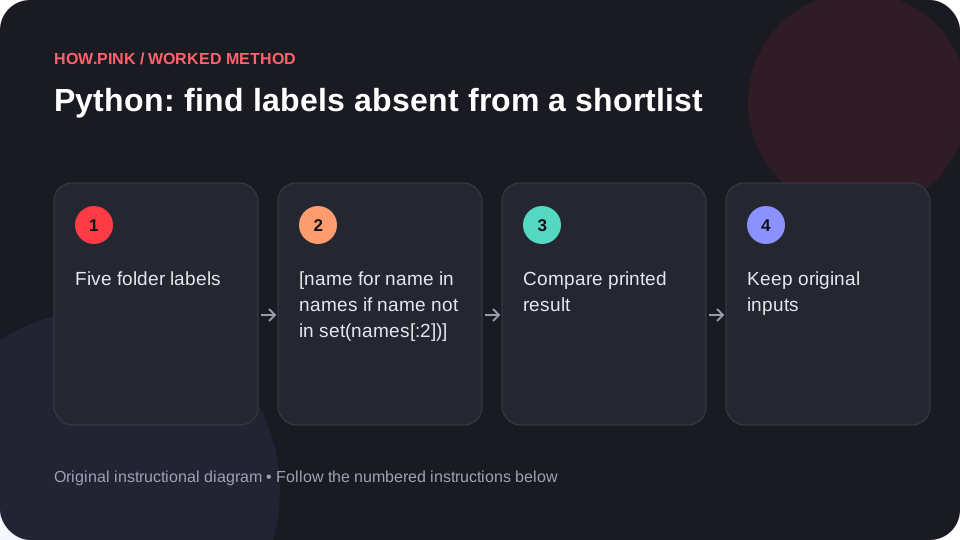 Python & automation
Use Python’s standard library to find labels absent from a shortlist in a small photo folders dataset, with runnable code and an exact output check.
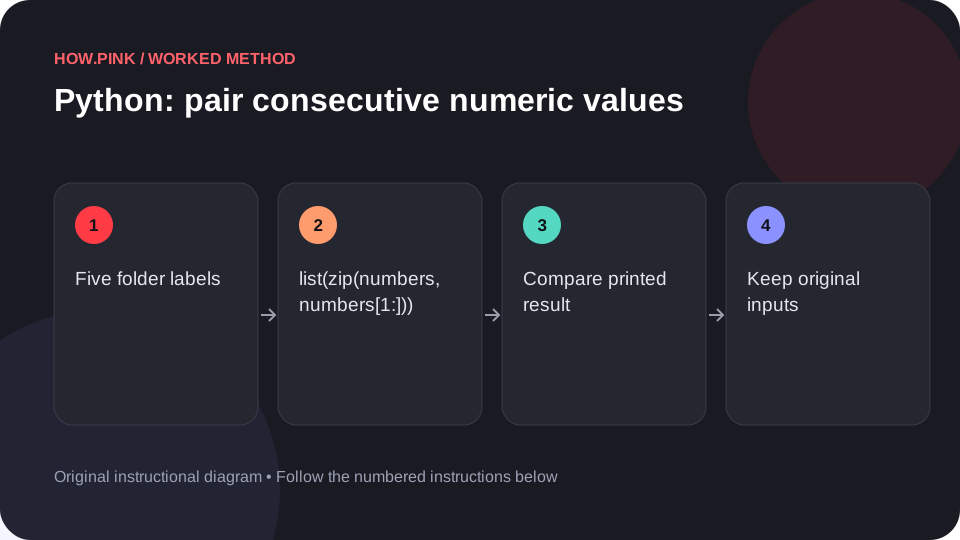 Python & automation
Use Python’s standard library to pair consecutive numeric values in a small photo folders dataset, with runnable code and an exact output check.
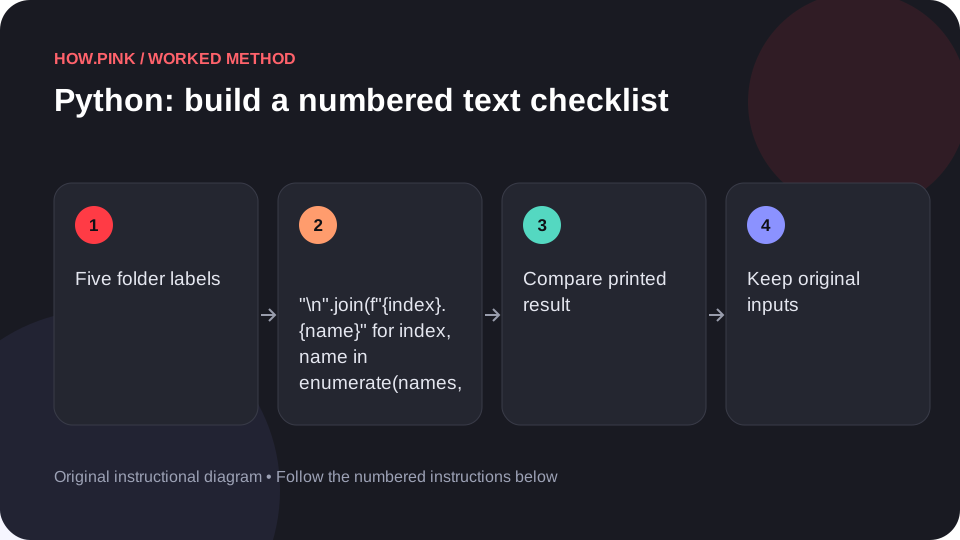 Python & automation
Use Python’s standard library to build a numbered text checklist in a small photo folders dataset, with runnable code and an exact output check.
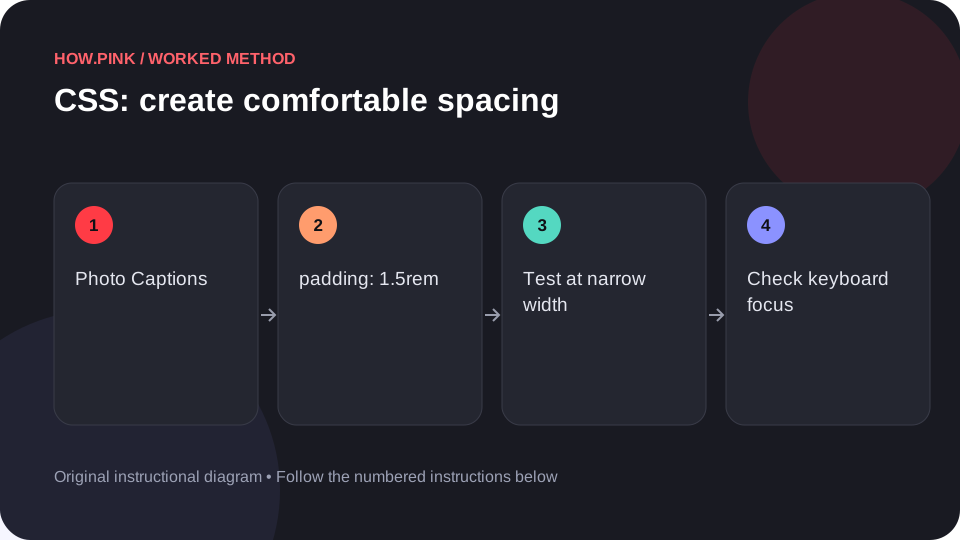 Web design & CSS
Build a small standalone HTML example to create comfortable spacing for photo captions, then check the behavior at narrow and wide viewport sizes.
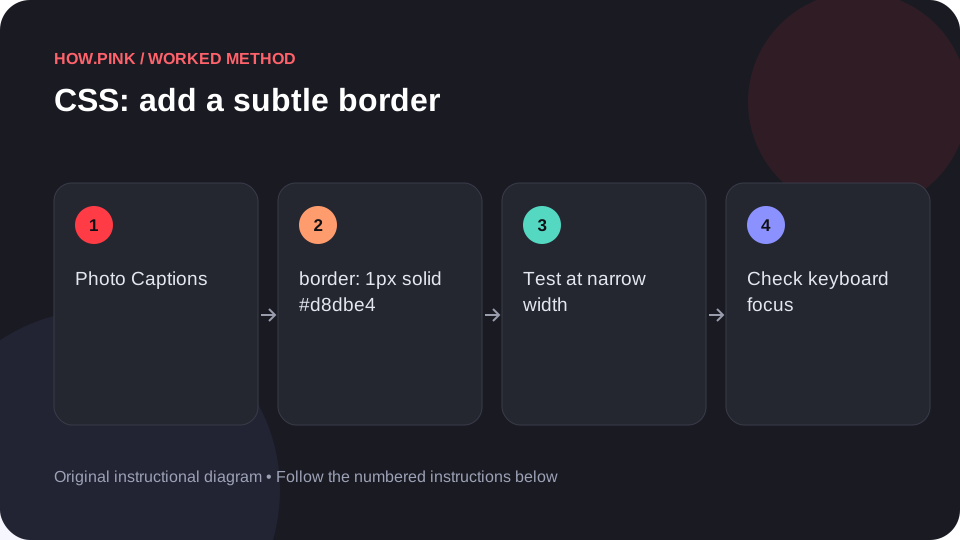 Web design & CSS
Build a small standalone HTML example to add a subtle border for photo captions, then check the behavior at narrow and wide viewport sizes.
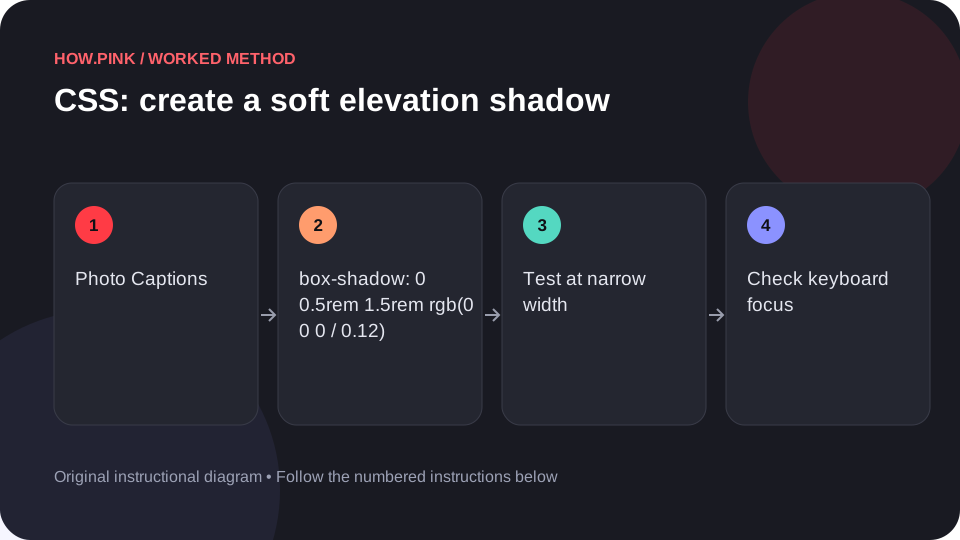 Web design & CSS
Build a small standalone HTML example to create a soft elevation shadow for photo captions, then check the behavior at narrow and wide viewport sizes.
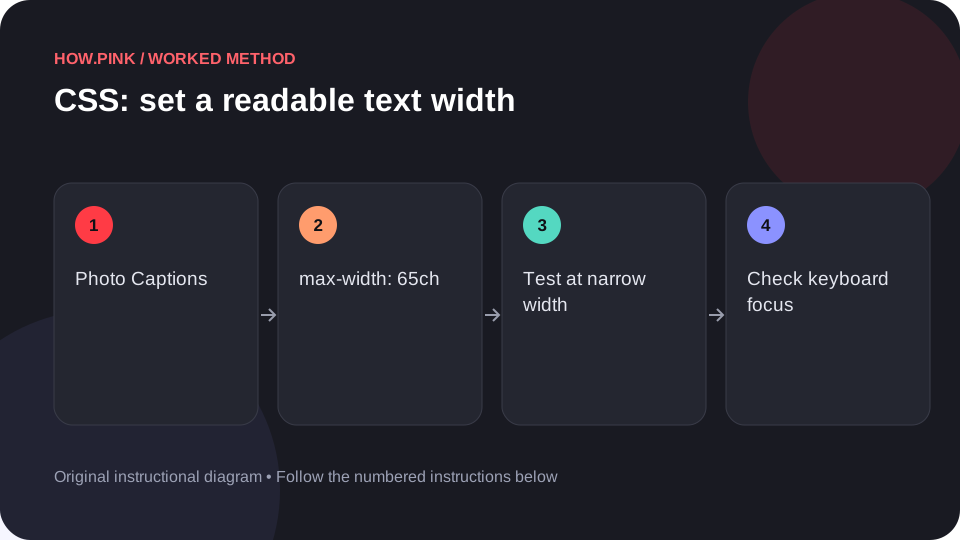 Web design & CSS
Build a small standalone HTML example to set a readable text width for photo captions, then check the behavior at narrow and wide viewport sizes.
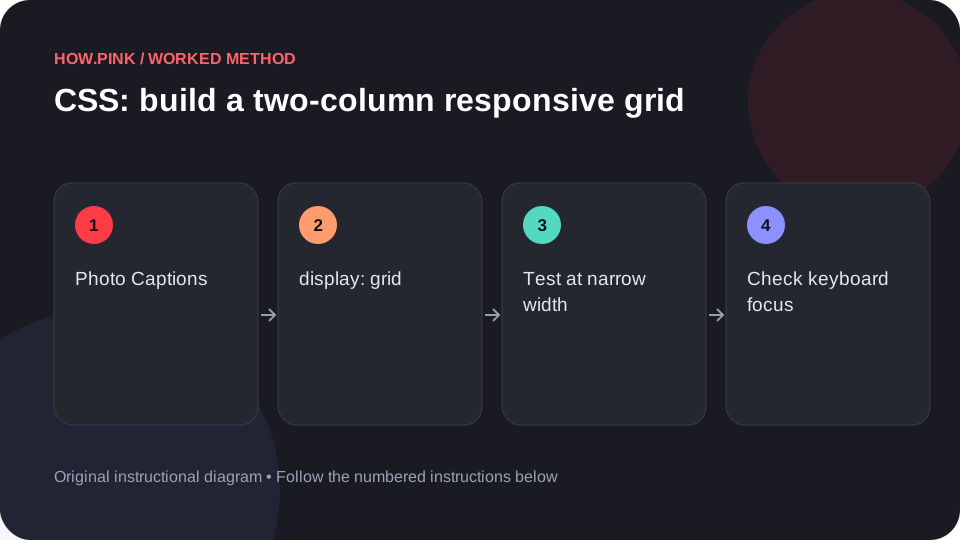 Web design & CSS
Build a small standalone HTML example to build a two-column responsive grid for photo captions, then check the behavior at narrow and wide viewport sizes.
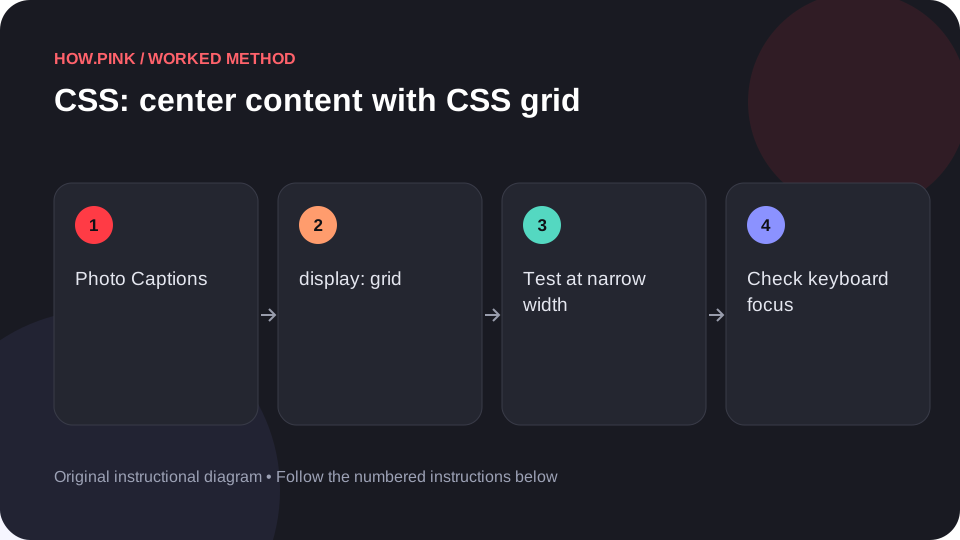 Web design & CSS
Build a small standalone HTML example to center content with CSS grid for photo captions, then check the behavior at narrow and wide viewport sizes.
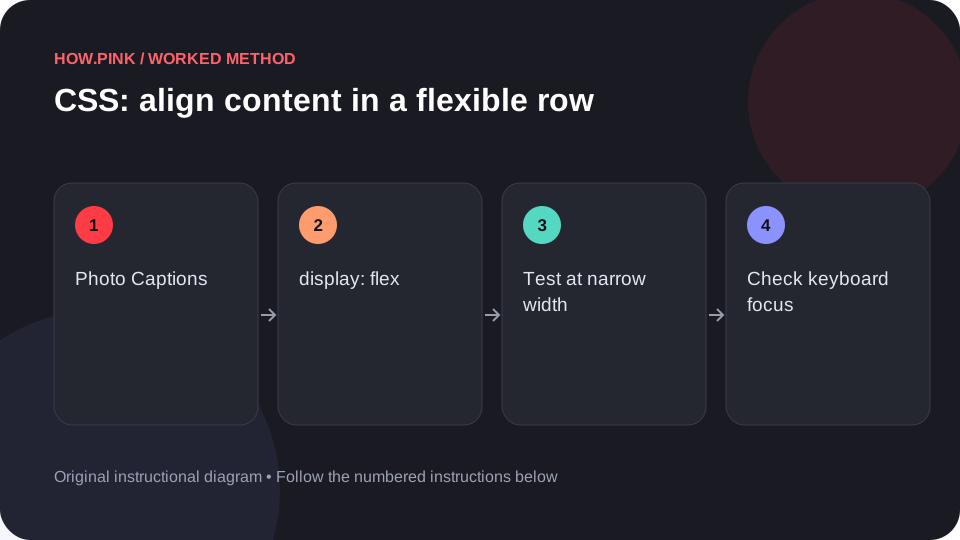 Web design & CSS
Build a small standalone HTML example to align content in a flexible row for photo captions, then check the behavior at narrow and wide viewport sizes.
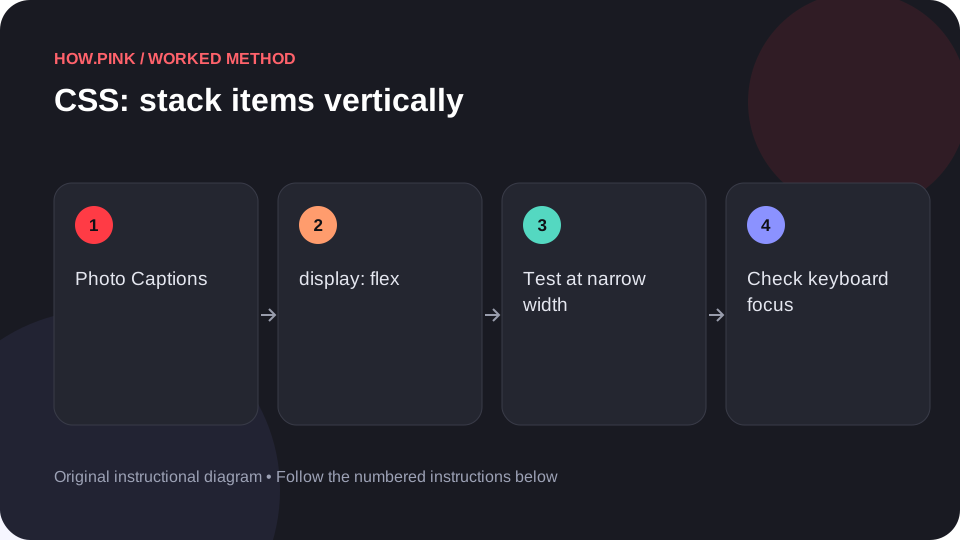 Web design & CSS
Build a small standalone HTML example to stack items vertically for photo captions, then check the behavior at narrow and wide viewport sizes.
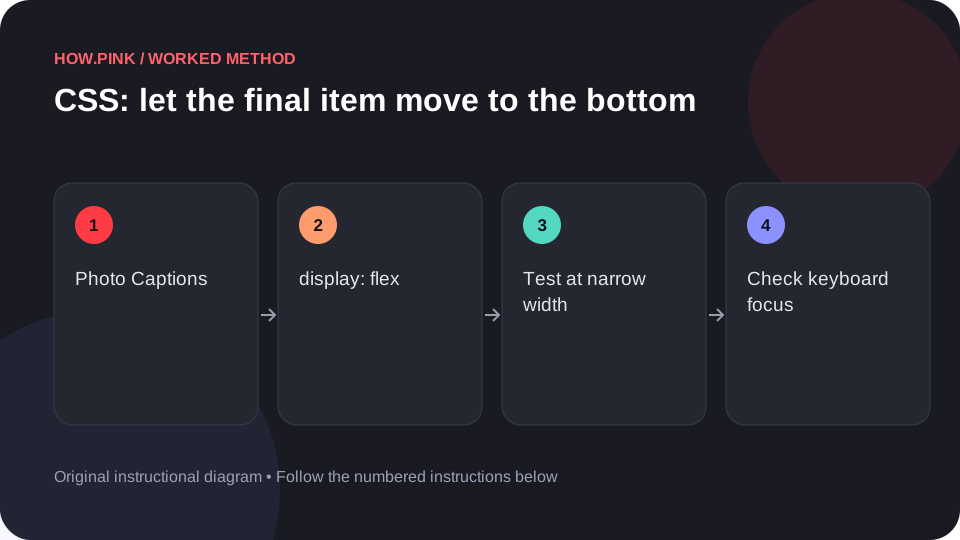 Web design & CSS
Build a small standalone HTML example to let the final item move to the bottom for photo captions, then check the behavior at narrow and wide viewport sizes.
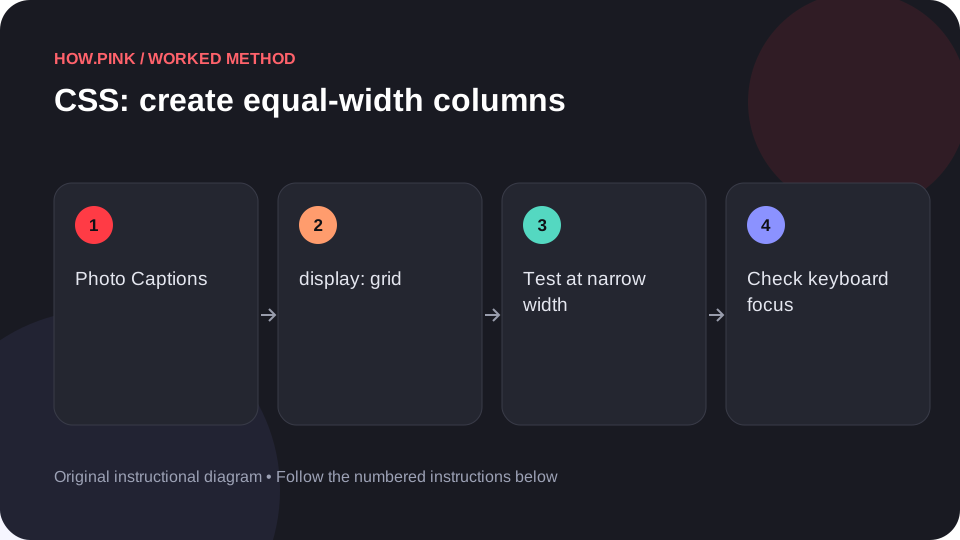 Web design & CSS
Build a small standalone HTML example to create equal-width columns for photo captions, then check the behavior at narrow and wide viewport sizes.
 Web design & CSS
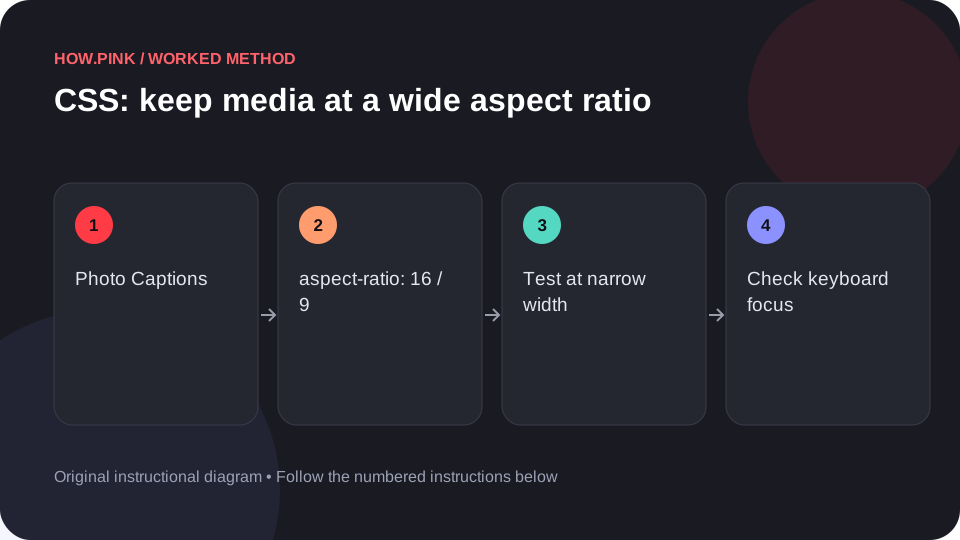
Build a small standalone HTML example to keep media at a wide aspect ratio for photo captions, then check the behavior at narrow and wide viewport sizes.
 Web design & CSS
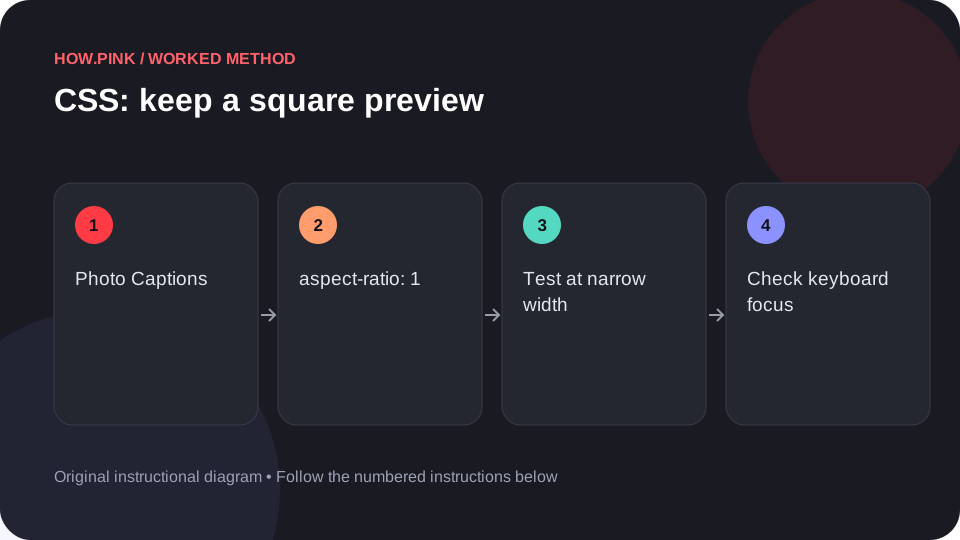
Build a small standalone HTML example to keep a square preview for photo captions, then check the behavior at narrow and wide viewport sizes.