Use the intended display shape while preserving important details. This worked guide uses a small reproducible example so you can check the result before adapting it to your own task.
始める前に
- A copy of the image
- An image editor with a crop tool
- The intended display size or aspect ratio
ステップごとの手順
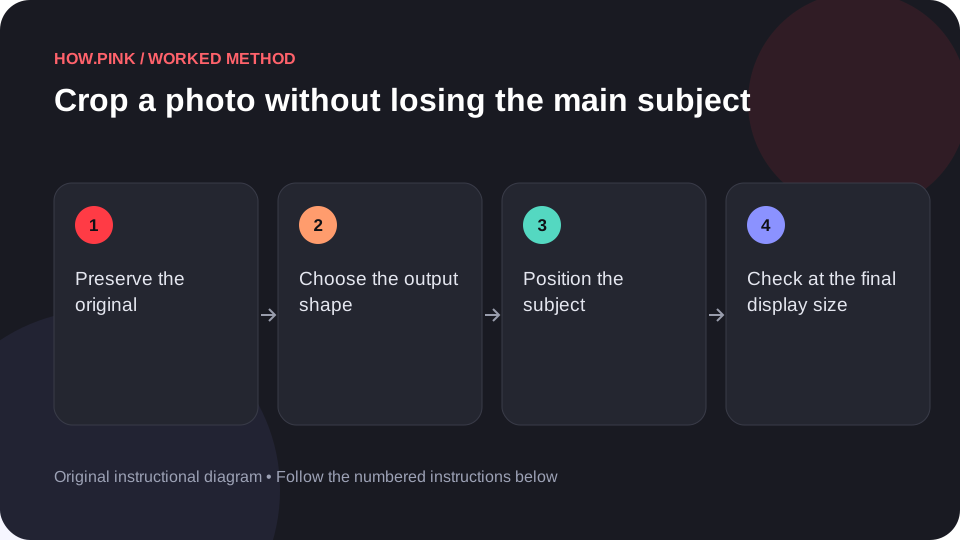
Preserve the original
Duplicate the image or use a non-destructive editing copy. Keep the uncropped version available for other uses.

Choose the output shape
Set the crop aspect ratio required by the destination if one is specified. Decide whether the image is meant for a square card, wide banner or portrait view.
Position the subject
Move the crop boundary while keeping important features inside it. Avoid cutting through a product’s key detail or a person’s face accidentally.
Check at the final display size
Preview the crop at a small card size as well as a larger view. Confirm the subject is still recognizable and any useful context remains.
Export a separate copy
Save the cropped version with a descriptive filename. Check the exported dimensions and leave the original unchanged.
ヒントとトラブル対処
- A crop cannot recover detail that was never captured.
- Allow space for text overlays only when the destination needs them.
よくある質問
How should I adapt this guide to my situation?
Begin with the small example, use the instructions for your actual materials or equipment, and change one thing at a time so the result can be checked.
What should I check before finishing?
Save the cropped version with a descriptive filename. Check the exported dimensions and leave the original unchanged.