Resize a copy to the display need and inspect the exported result. This worked guide uses a small reproducible example so you can check the result before adapting it to your own task.
Prima di iniziare
- The original image
- An image editor
- The intended display dimensions
Guida passo passo
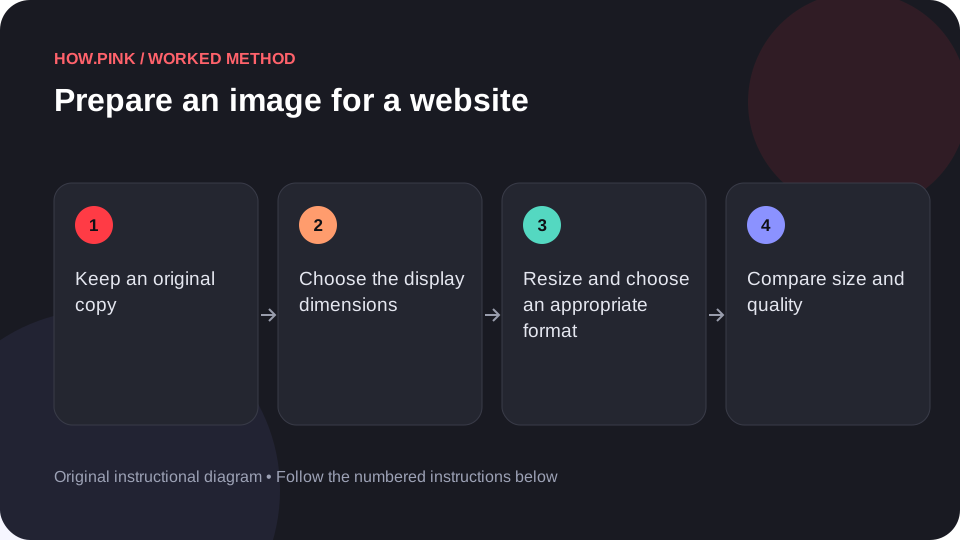
Keep an original copy
Save the source image separately. Work on an export copy so later crops or larger displays remain possible.

Choose the display dimensions
Check how large the image will appear in the layout. Preserve the aspect ratio unless a deliberate crop is required.
Resize and choose an appropriate format
Resize using the editor’s image-size control. Choose a format supported by the destination, such as JPEG or WebP for many photographs and PNG when its features are needed.
Compare size and quality
Export a sample and inspect it at the intended display size. Reduce unnecessary dimensions or compression quality gradually while watching important detail.
Check the final file
Confirm the dimensions, filename and file size. Add useful alternative text in the website when the image conveys information.
Consigli e risoluzione dei problemi
- Smaller dimensions often save more space than repeatedly recompressing a large image.
- Do not claim that one quality setting is ideal for every image.
Domande frequenti
How should I adapt this guide to my situation?
Begin with the small example, use the instructions for your actual materials or equipment, and change one thing at a time so the result can be checked.
What should I check before finishing?
Confirm the dimensions, filename and file size. Add useful alternative text in the website when the image conveys information.