STEP-BY-STEP 3 min
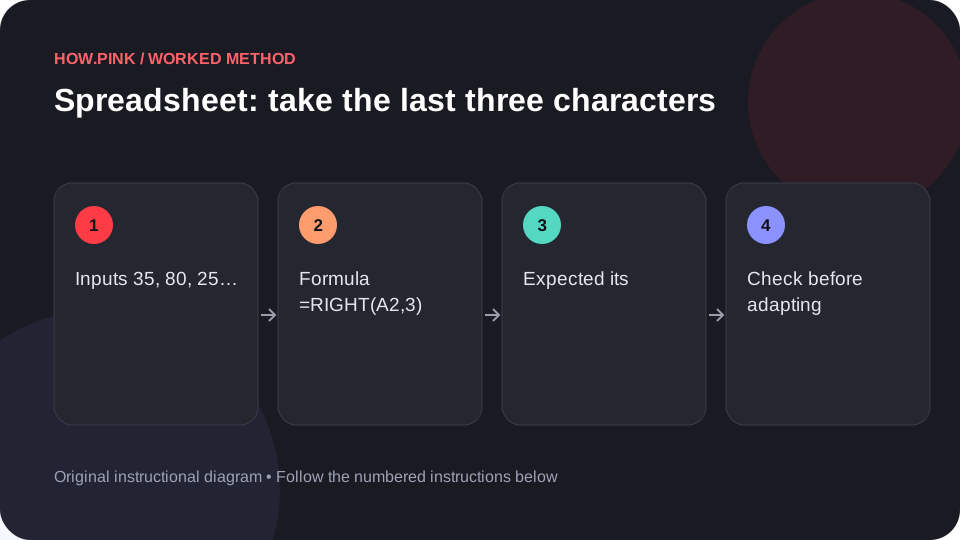
How to take the last three characters for photo folders in a spreadsheet
Extract a text suffix. Follow a five-row photo folders example with the exact formula and an expected result.
How Pink Editorial
Small questions, big projects, and everything in between. Pick a guide and take the first step.
Extract a text suffix. Follow a five-row photo folders example with the exact formula and an expected result.
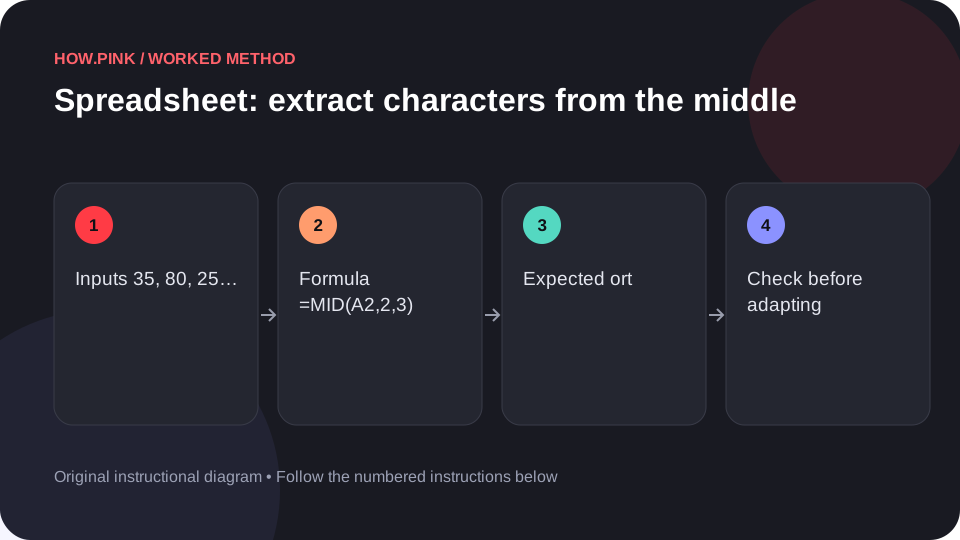
Take three characters starting at the second character. Follow a five-row photo folders example with the exact formula and an expected result.
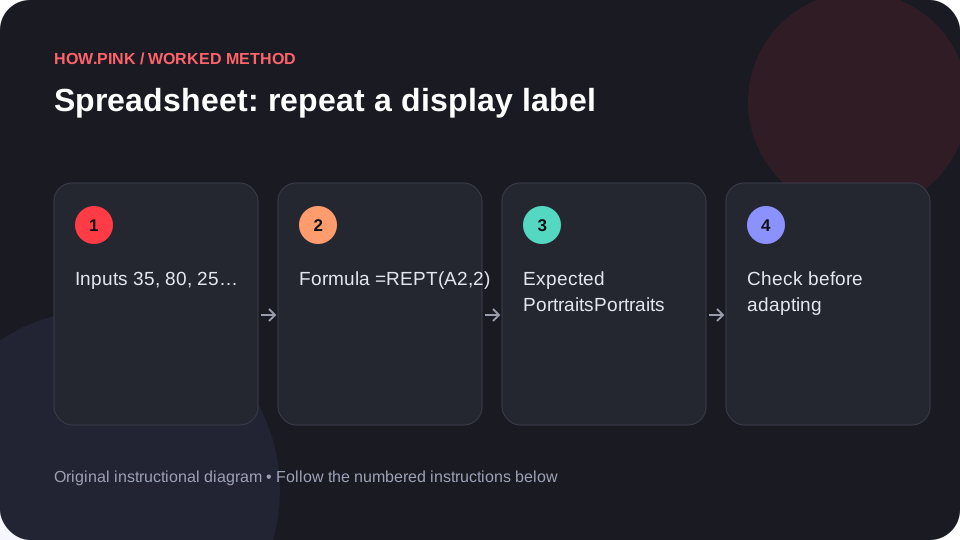
Repeat a text value twice to understand a text-building formula. Follow a five-row photo folders example with the exact formula and an expected result.
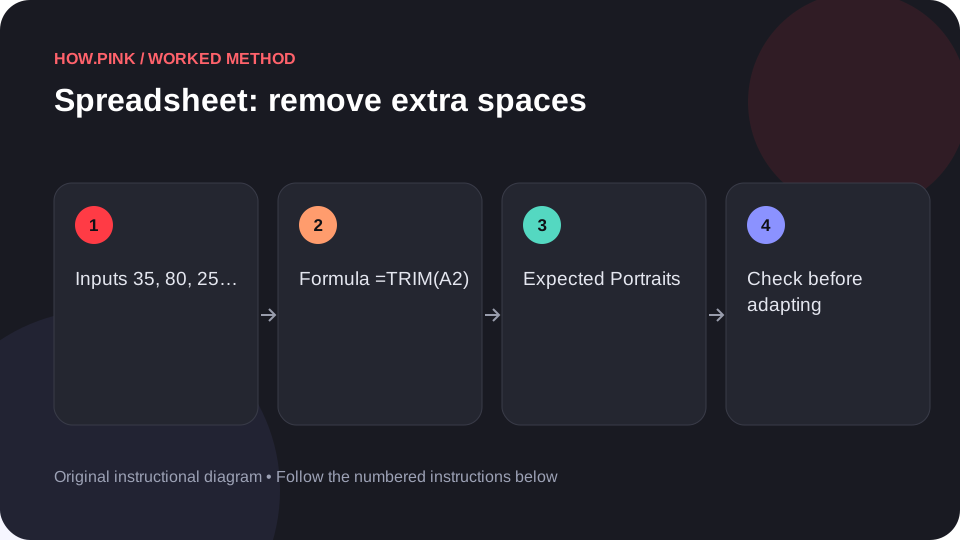
Remove leading, trailing and repeated ordinary spaces. Follow a five-row photo folders example with the exact formula and an expected result.
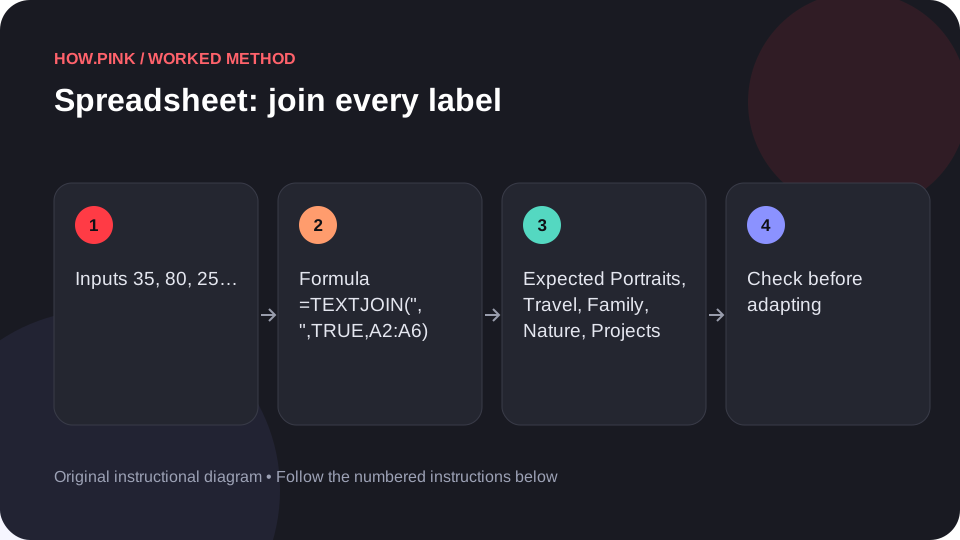
Create a comma-separated list while skipping empty cells. Follow a five-row photo folders example with the exact formula and an expected result.
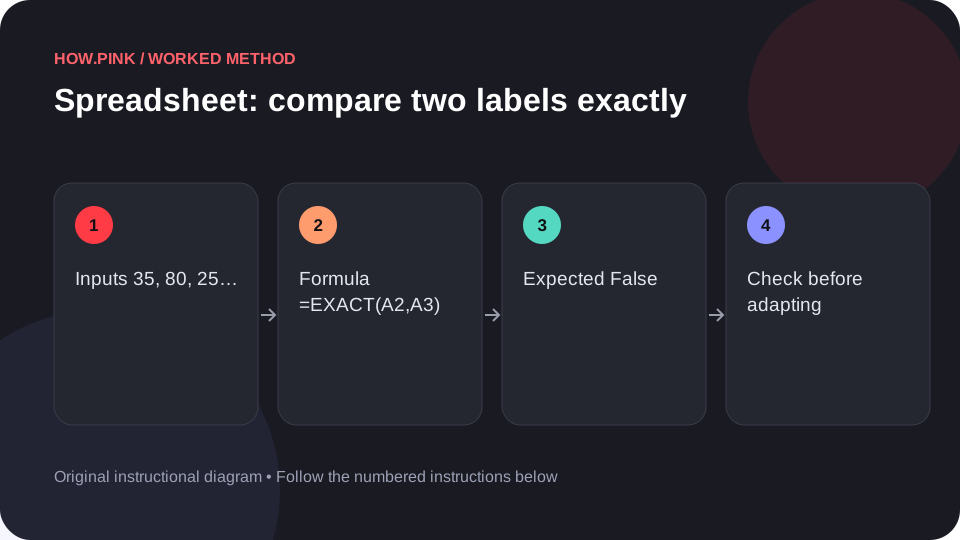
Check whether two text values match with case sensitivity. Follow a five-row photo folders example with the exact formula and an expected result.
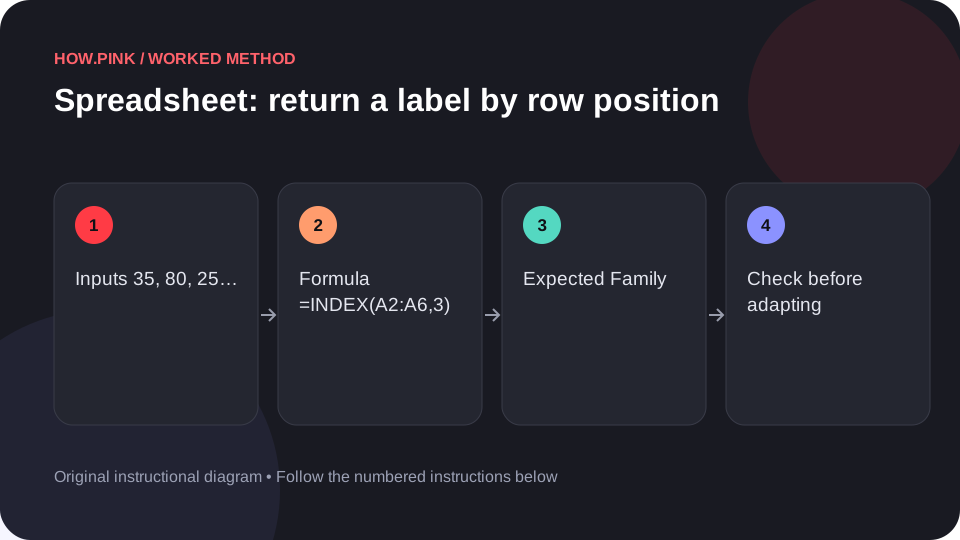
Retrieve the third label from a known range. Follow a five-row photo folders example with the exact formula and an expected result.
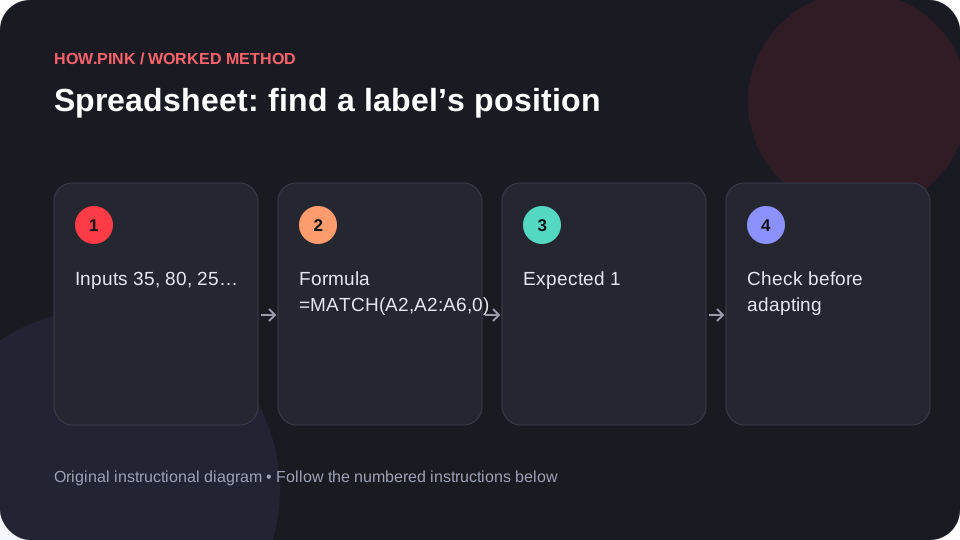
Find the exact position of a label in a range. Follow a five-row photo folders example with the exact formula and an expected result.
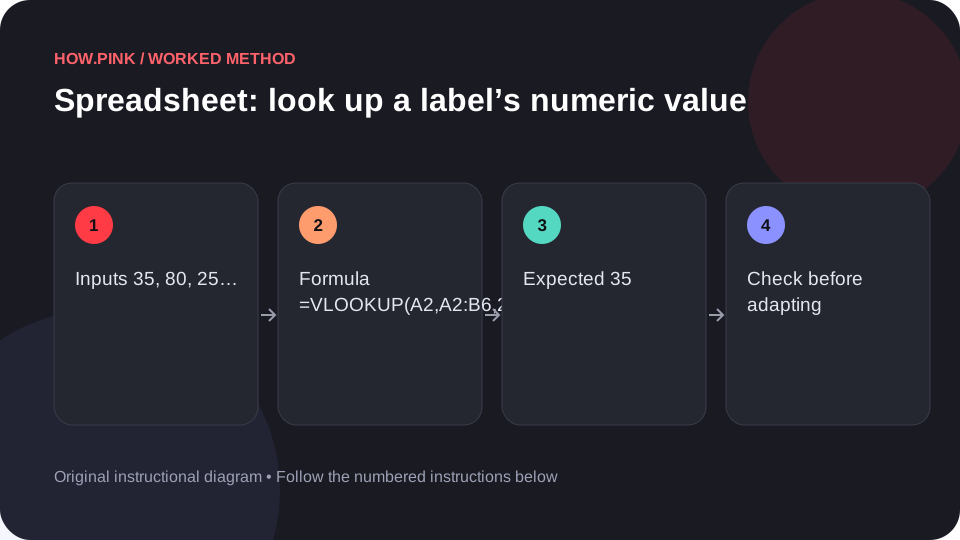
Retrieve a matching value using an exact lookup. Follow a five-row photo folders example with the exact formula and an expected result.
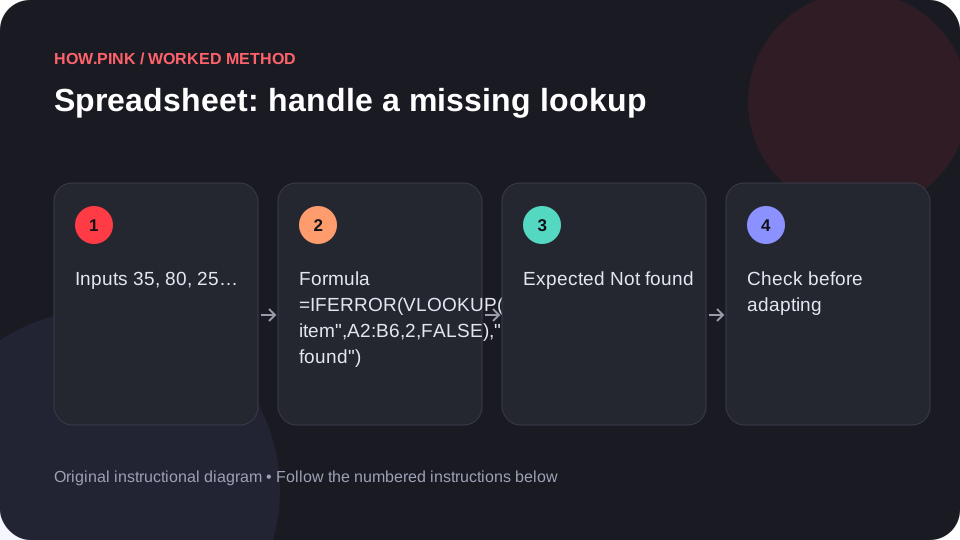
Replace an expected missing-match error with an explicit message. Follow a five-row photo folders example with the exact formula and an expected result.
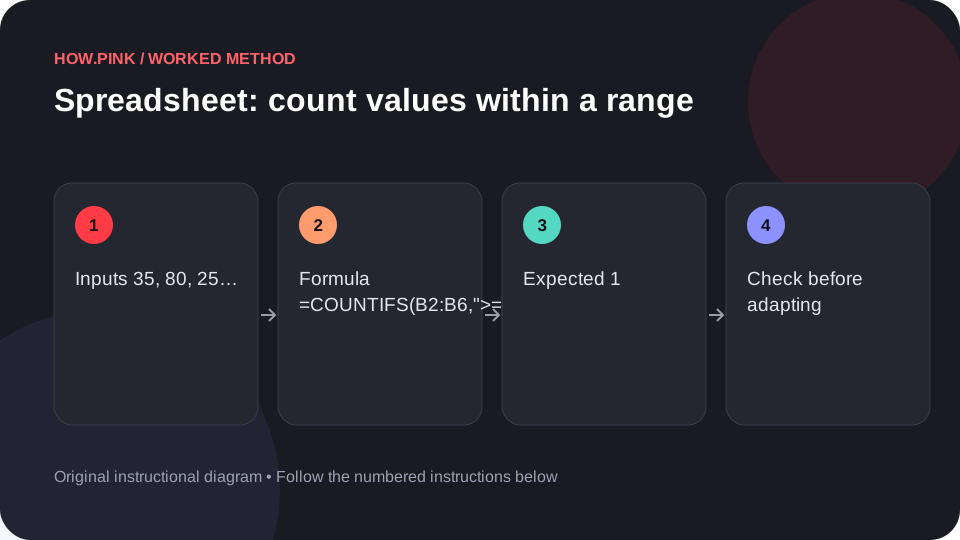
Count observations that satisfy both a lower and upper bound. Follow a five-row photo folders example with the exact formula and an expected result.
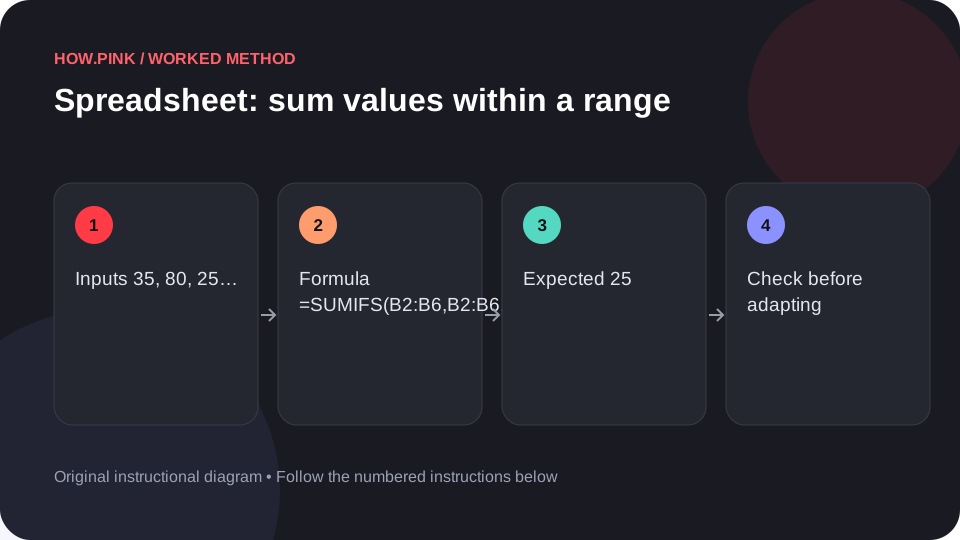
Add values only when both range conditions are true. Follow a five-row photo folders example with the exact formula and an expected result.
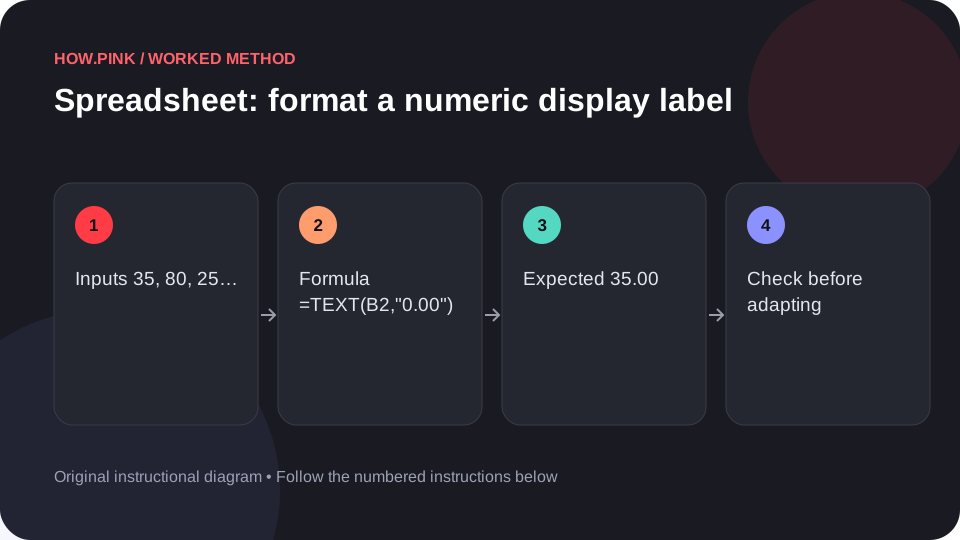
Produce a text version with two decimal places for a display label. Follow a five-row photo folders example with the exact formula and an expected result.
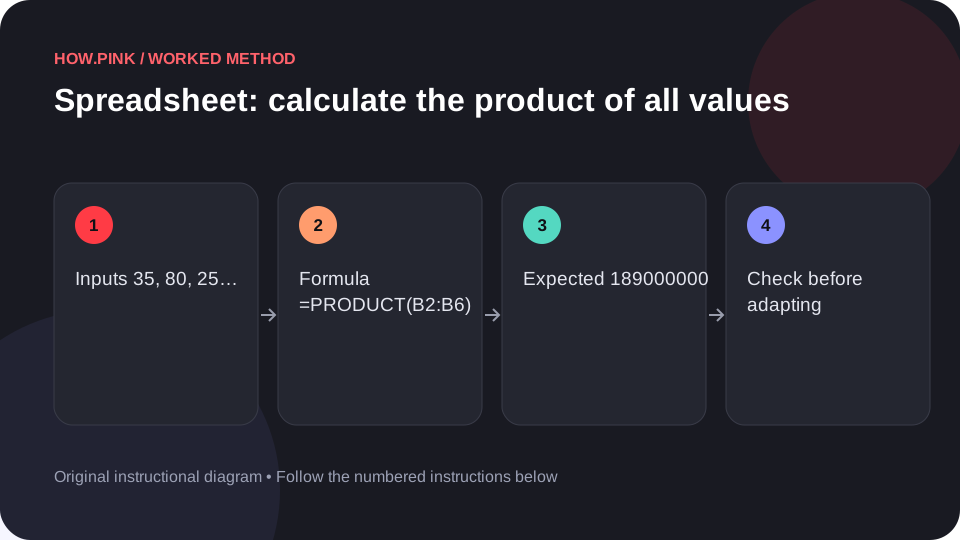
Multiply the five positive input values together. Follow a five-row photo folders example with the exact formula and an expected result.
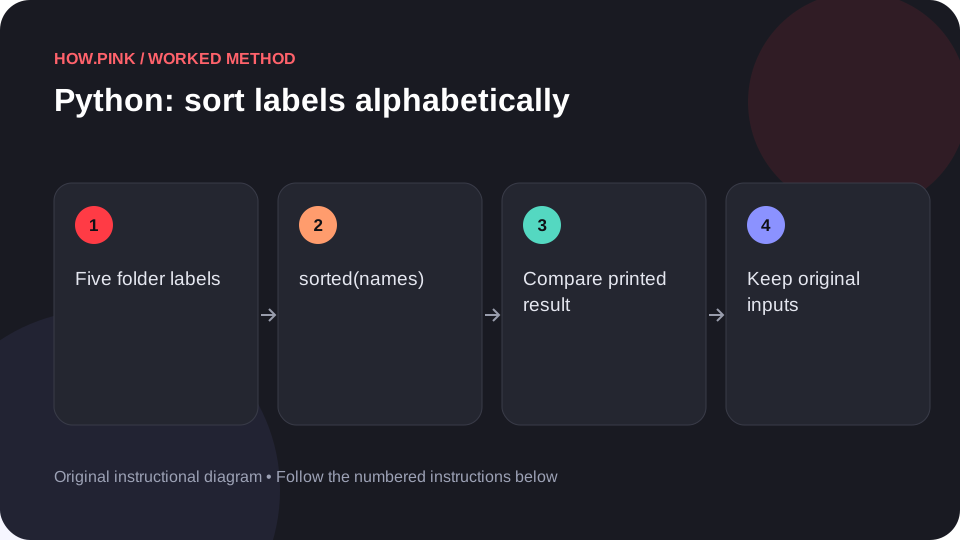
Use Python’s standard library to sort labels alphabetically in a small photo folders dataset, with runnable code and an exact output check.
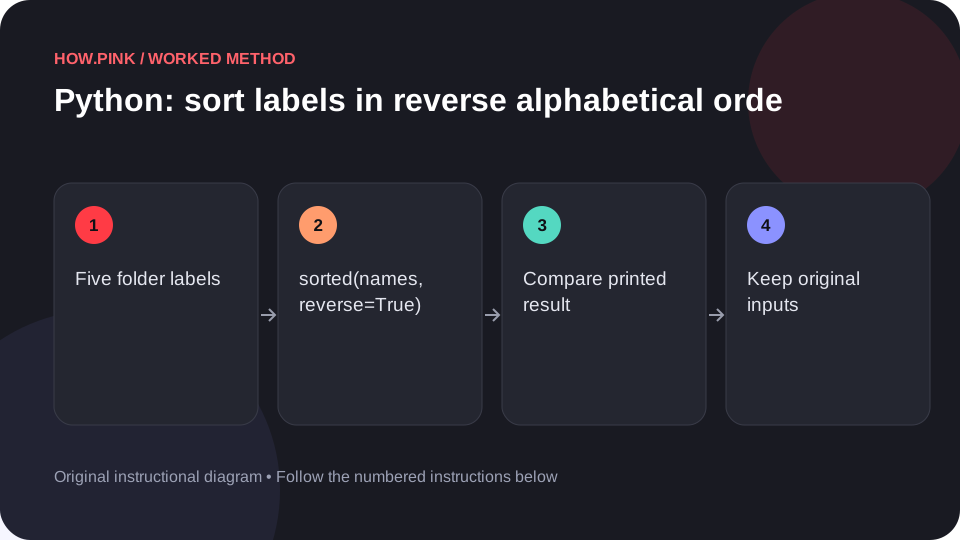
Use Python’s standard library to sort labels in reverse alphabetical order in a small photo folders dataset, with runnable code and an exact output check.
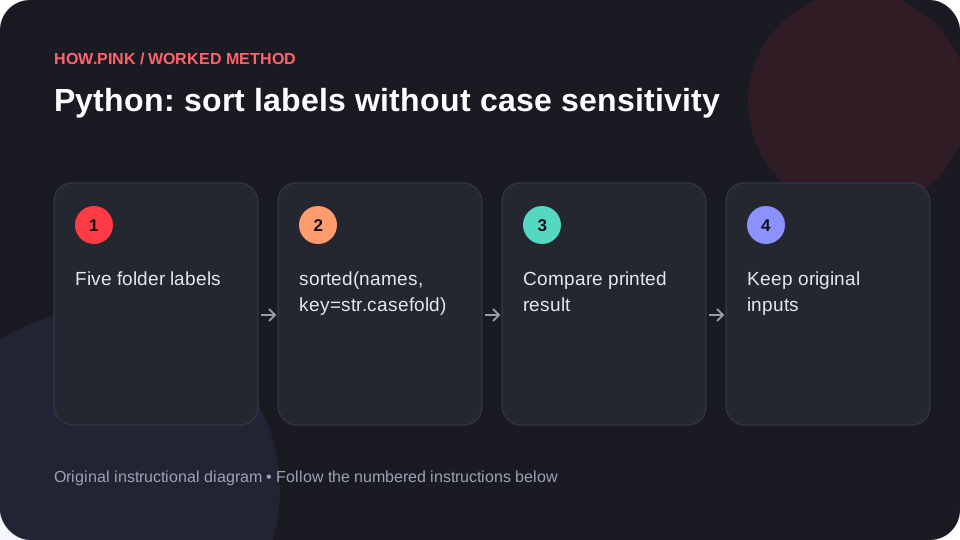
Use Python’s standard library to sort labels without case sensitivity in a small photo folders dataset, with runnable code and an exact output check.
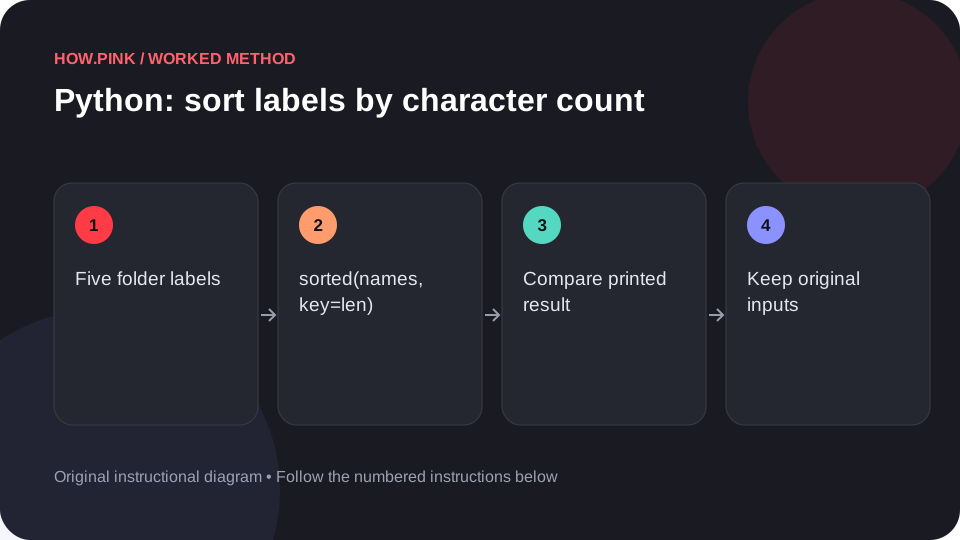
Use Python’s standard library to sort labels by character count in a small photo folders dataset, with runnable code and an exact output check.