Create filenames that explain the content and sort predictably. This worked guide uses a small reproducible example so you can check the result before adapting it to your own task.
Bevor Sie beginnen
- A small set of copied files
- A file manager
Schritt-für-Schritt-Anleitung
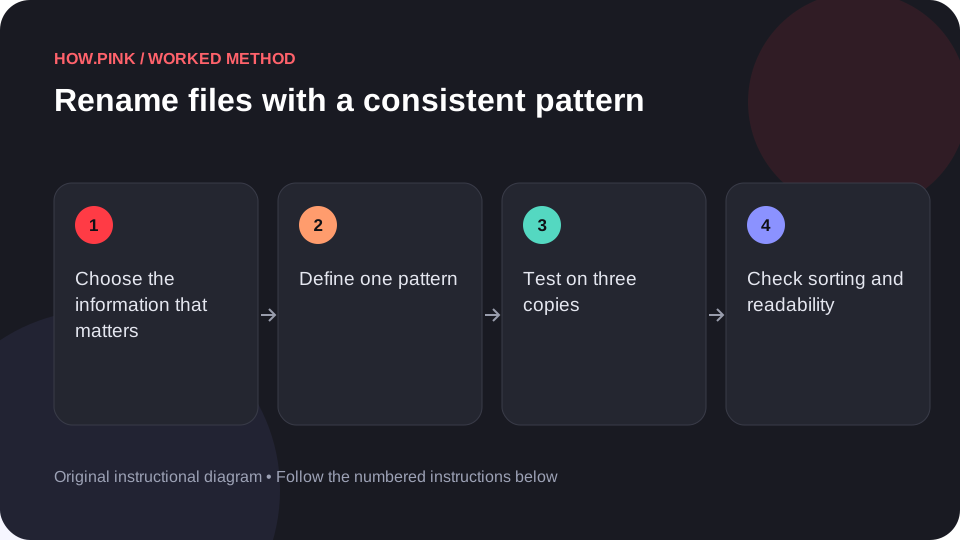
Choose the information that matters
Decide whether the name needs a date, topic, sequence or version. Avoid adding details that are already clear from the folder.

Define one pattern
For example, use YYYY-MM-DD_topic_01 for dated photographs or project_section_v01 for working drafts. Write the pattern down before renaming many files.
Test on three copies
Rename a small sample using your file manager. Preserve the file extension so the operating system can still identify the file type.
Check sorting and readability
Sort the folder by name and inspect the sequence. Use consistent zero padding such as 01 and 02 when numbered files should sort together.
Apply the pattern carefully
Rename the remaining selected files and open a sample afterward. Keep an original copy or reversible record if other documents link to the old names.
Tipps und Fehlerbehebung
- Avoid characters that your target operating system or service does not support.
- Do not rename linked project assets without checking the project references.
Häufige Fragen
How should I adapt this guide to my situation?
Begin with the small example, use the instructions for your actual materials or equipment, and change one thing at a time so the result can be checked.
What should I check before finishing?
Rename the remaining selected files and open a sample afterward. Keep an original copy or reversible record if other documents link to the old names.